
Document Auto Title
Auto-populate the Title column with the file name when a document is uploaded to a library.
- Dec 2020
- v1.1.0.0
- Supported Languages
- 2
Document Auto Title is an extension for SharePoint Server that automatically populates the Title field with the file name when a document is uploaded to a document library. It simplifies organizing and finding documents, keeps metadata consistent, and saves your users time — a fully integrated solution that needs no additional workflows.
- Automatic Title population on upload, update, and check-in
- Seamless integration — no workflows or event receivers required
- Simple configuration, enabled in a single click
- Include or exclude file extensions in the title
- Time savings and fewer errors thanks to consistent metadata
- Optimized performance for large document volumes
Overview
An empty Title column is one of the most common annoyances in SharePoint document libraries: views, search results, and workflows all rely on it, yet hardly anyone fills it in by hand. Document Auto Title removes the problem at the source — the moment a document lands in the library, its Title is populated automatically from the file name.
The extension runs entirely inside your on-premises SharePoint Server farm and works out of the box: no workflows to build, no event receivers to code, and no third-party services involved.
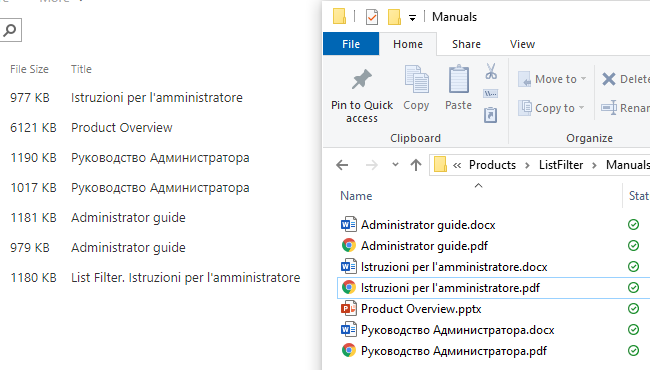
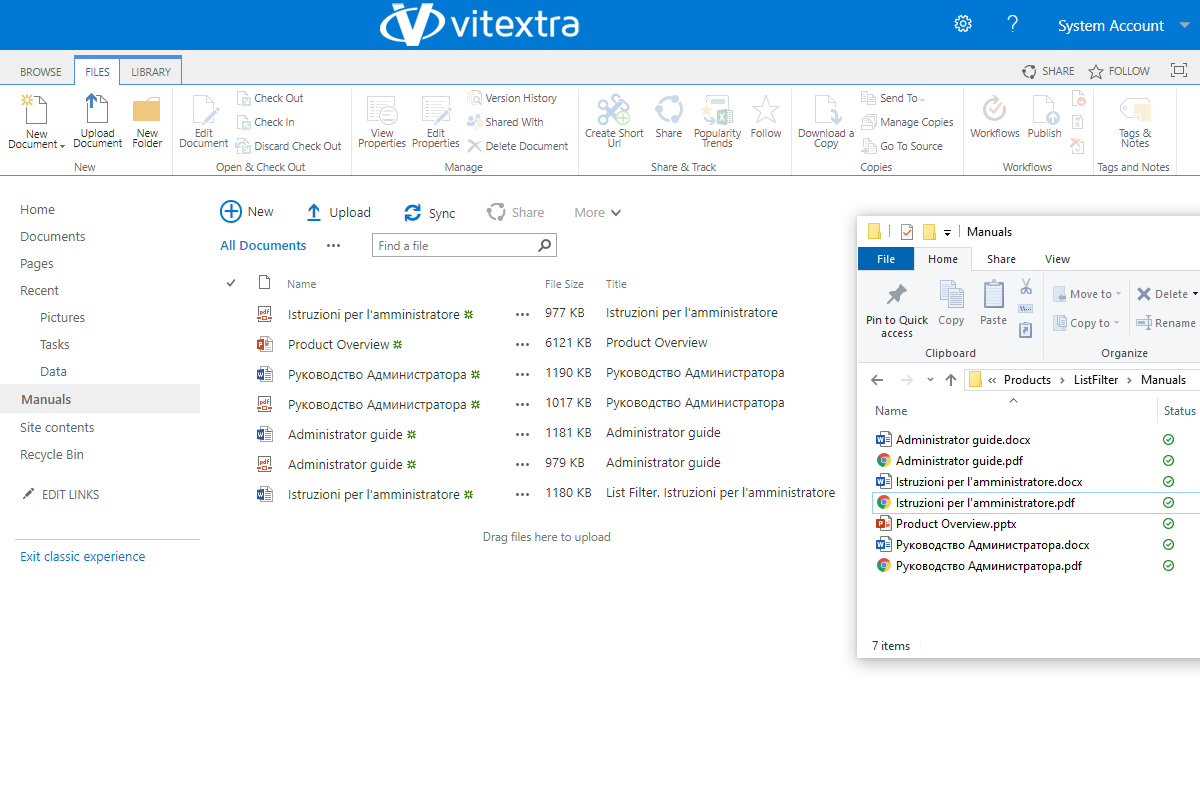
Autofill the Title Field with the File Name
When you upload, modify, or check in a document, Document Auto Title automatically fills the Title field with the file name. This eliminates manual entry and the risk of errors and omissions — titles stay consistent with file names across the whole library.
Autofill Settings
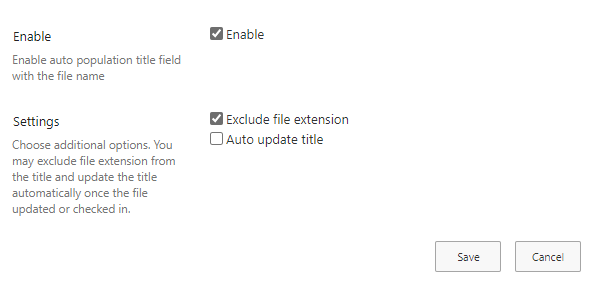
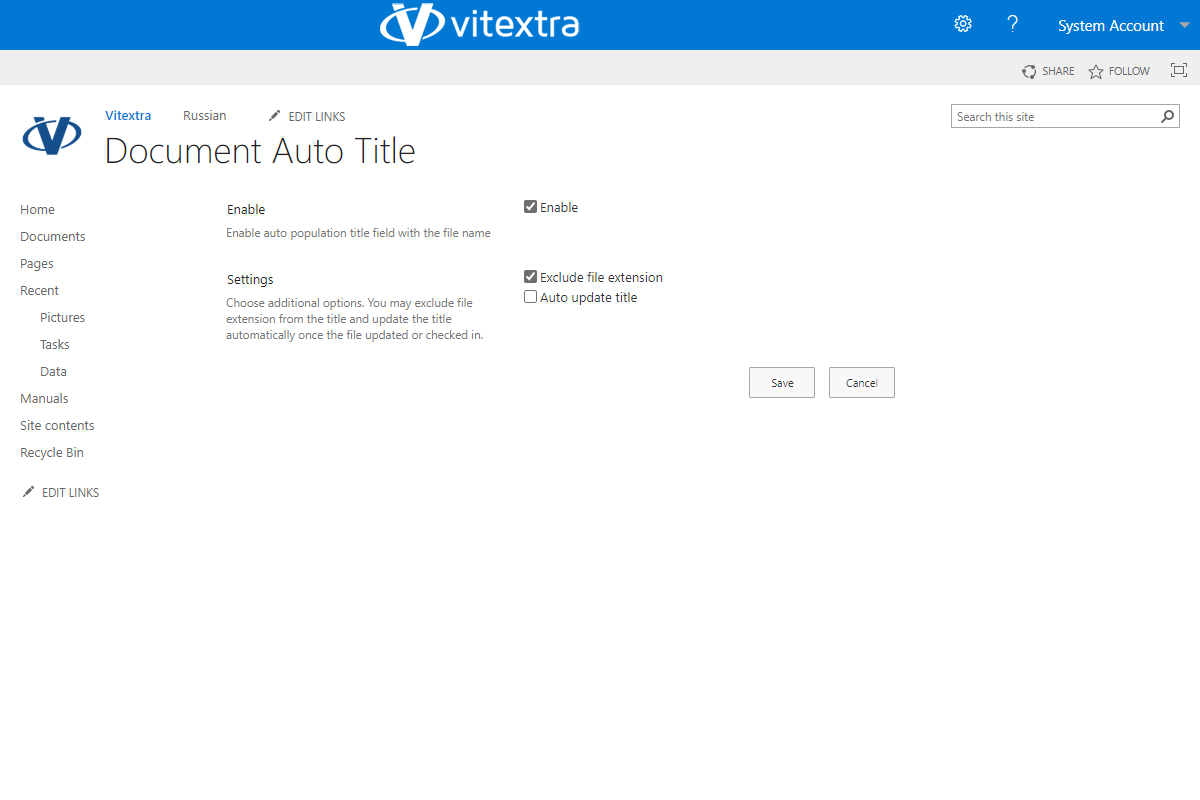
You stay in control of how titles are generated. You can enable or disable the feature for a library and fine-tune its behavior:
- Update the title when the document is updated or checked in
- Show or hide the file extension in the title
Performance and Reliability
Document Auto Title is optimized for performance and has minimal impact on upload times. It is built to handle large volumes of documents, which makes it suitable for enterprise environments.
Enhanced Document Management
By standardizing the Title field, Document Auto Title improves the searchability and organization of documents in the library. Users can easily locate documents by title, and metadata accuracy improves across views, search, and workflows — resulting in a more organized and efficient library where titles always match file names.
Screenshots
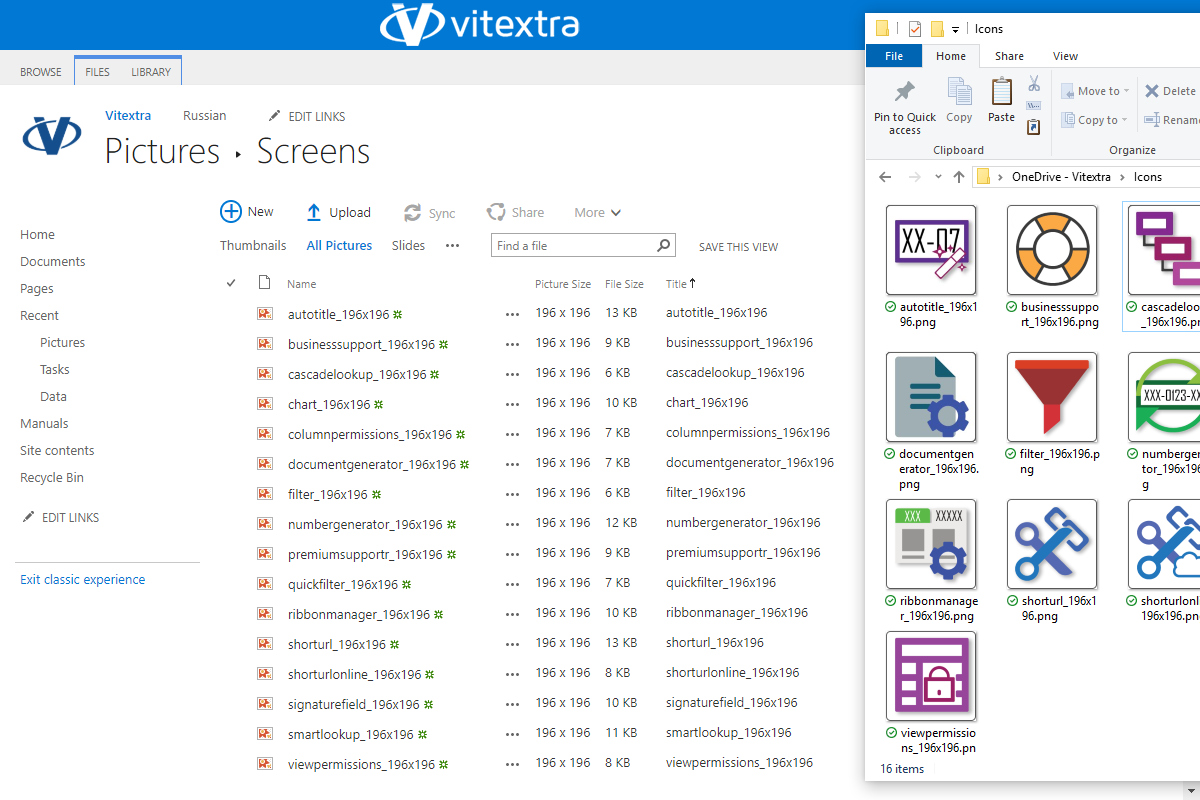
Customer Questions
Some common questions about Document Auto Title
What does Document Auto Title do?
Document Auto Title automatically fills the Title column of a document with its file name when the file is uploaded to a SharePoint Server document library. It runs on SharePoint event receivers, so no workflows are needed, and it helps standardize titles, improve search and reduce manual metadata entry. See the product page and Auto-Populate the Title Column with the File Name.
How do I enable it for a library?
First activate the site feature Vitextra: Document Auto Title (Site Settings → Manage site features). Then open the library's settings → General Settings → Document Auto Title and enable it. The feature works only in document libraries and is configured per library. Details are in KB-10024 and the User Guide.
Which options can I configure?
For each library you can choose whether to update the Title when a document is edited or checked in, whether to include or exclude the file extension, and how special characters in file names are handled (they are removed by default). Rules for specific file types and naming conventions are also available.
Which SharePoint versions are supported?
Document Auto Title is a farm solution for SharePoint Server 2013 (Foundation and Server), 2016 and 2019. It is not available for SharePoint Online. The interface is available in English and Russian. Installation requirements are described in Install a Vitextra Product on SharePoint Server and the Technical Overview.
Does it affect upload performance?
The title is set synchronously during the upload event, which may add a negligible delay for an individual file but is not expected to slow down bulk uploads noticeably. Keep your SharePoint farm updated and activate a new farm license only if the farm ID changes; offline activation is available — see Activate a Vitextra Product Offline.
Reviews
No reviews yet
Supported Languages
Supported languages
Platforms
Supported platforms
Recent Changes
🏁 First Release
Discover more apps
Suggested apps
Share
Send feedback
We would love to hear from you! Please take a moment to let us know about your experience.