List Filter Online - Knowledge Base

List Filter Online Query Builder: Conditions, Groups and the CAML Query Behind Them
Reference for the Query Builder of the Vitextra List Filter Online web part: where to find it, how conditions and AND/OR groups work, which operators are available for each column type, how dynamic conditions such as Current User and Last X Years are resolved, how the predefined filter combines with user filters, and how to view the generated CAML query.
List Filter Online vs. the Built-in List Web Part: What's the Difference?
A practical comparison of the Vitextra List Filter Online web part and the built-in List and Document library web parts of SharePoint Online: filtering, predefined queries, paging, columns, grouping and totals, Excel export, cross-site data, large lists and web part connections - and when the built-in web part is enough.
Cascading Filters: Narrowing Drop-Down Options by Other Selected Filters
How the Cascading filters option of the Vitextra List Filter Online web part limits the options of drop-down filter controls to values that exist in the items matching the other selected filters: enabling the option, an example scenario, behaviour details, performance considerations and limitations.
Configuring Columns in List Filter Online: Captions, Formats and Display Options
How to pick the columns of a List Filter Online view, rename and reorder them, set the Resizable, Collapsible, Filterable, Can be sorted and Linked to item options, and choose a display format for date, lookup, person, thumbnail and image columns.
Filter Pane Controls and Supported Column Types in List Filter Online
Reference for the filter pane of the Vitextra List Filter Online web part: how to pick the columns and filter controls in the configurator, how each control (Text, Text with options, Dropdown, Date picker, Date Range, Relative Date, Person or Group, Term, Numeric range, Yes/No) behaves and which CAML comparison it produces, and a matrix of SharePoint column types and the controls available for them.
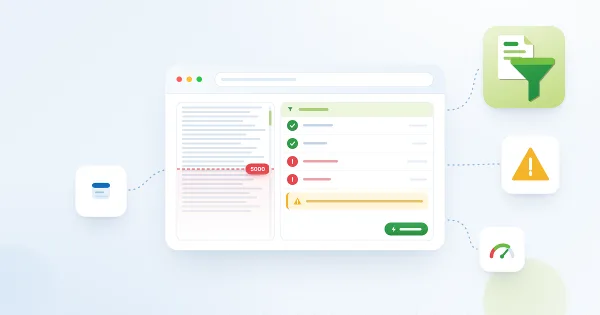
Filtering Large Lists: Indexed Columns and the 5,000-Item Threshold
Why filtering a SharePoint Online list with more than 5,000 items can fail, how the Vitextra List Filter Online web part warns about non-indexed filter columns and creates the index in place, how to add an index in list settings, and how to design filters, sorting and grouping so that large lists keep working.
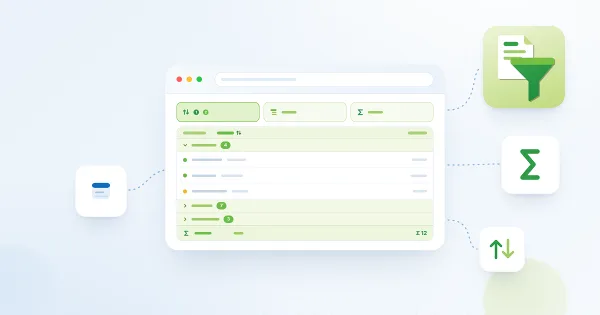
Grouping, Sorting and Totals in List Filter Online
Reference for the Sort, Group By and Totals settings of the Vitextra List Filter Online web part: two-level sorting, user sorting from the column header, grouping by up to two columns, the Count, Average, Maximum, Minimum, Sum, Standard Deviation and Variance functions, where totals appear and how they are exported to Excel.

How to Install List Filter Online and Add It to a Page
Step-by-step: upload the Vitextra List Filter Online package to the SharePoint app catalog, add the List Filter web part to a modern page, complete the minimal configuration (site, list or library, columns), publish the page and update the web part to a new version.
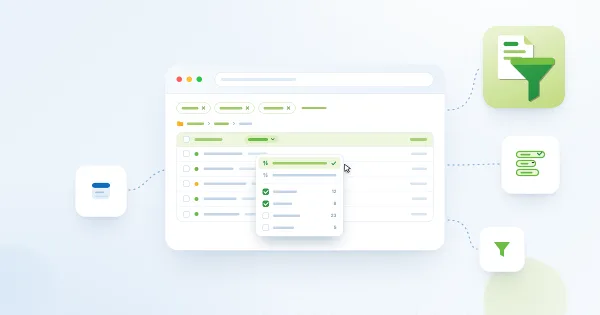
List Filter Online: A Quick Guide for End Users
How to work with the Vitextra List Filter Online web part on a SharePoint Online page: filter with the filter pane and column headers, clear filter chips, browse folders, open, preview, download and manage items from the context menu, select items, page through results, save filters and export to Excel.

List Filter Online: Solution Overview
What the Vitextra List Filter Online web part is and what it offers: a filterable view of any SharePoint Online list or library with a configurable filter pane, administrator's Query Builder, column formats, grouping and totals, folders, saved filters and filter links, cascading filters, export to Excel and the Open in List Filter command.
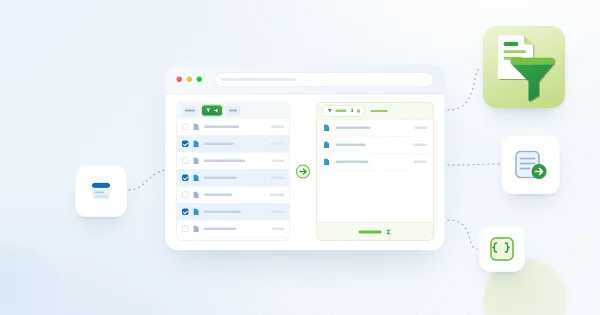
Opening Selected Items in List Filter Online from a Native SharePoint List
How to enable and use the Open in List Filter command that the Vitextra List Filter Online package adds to native SharePoint lists and libraries: configure the Tenant Wide Extensions entry, set the target page, scope the command, and open selected items in a page with the List Filter Online web part.

Saving Filters and Sharing a Link to a Filtered View in List Filter Online
How to save a filter preset in the Vitextra List Filter Online web part, apply and delete presets, copy a link that opens the page with the filter applied, and how the "Remember the user's last filter" option restores your filter on the next visit. Explains where presets are stored and the limits of browser storage.