
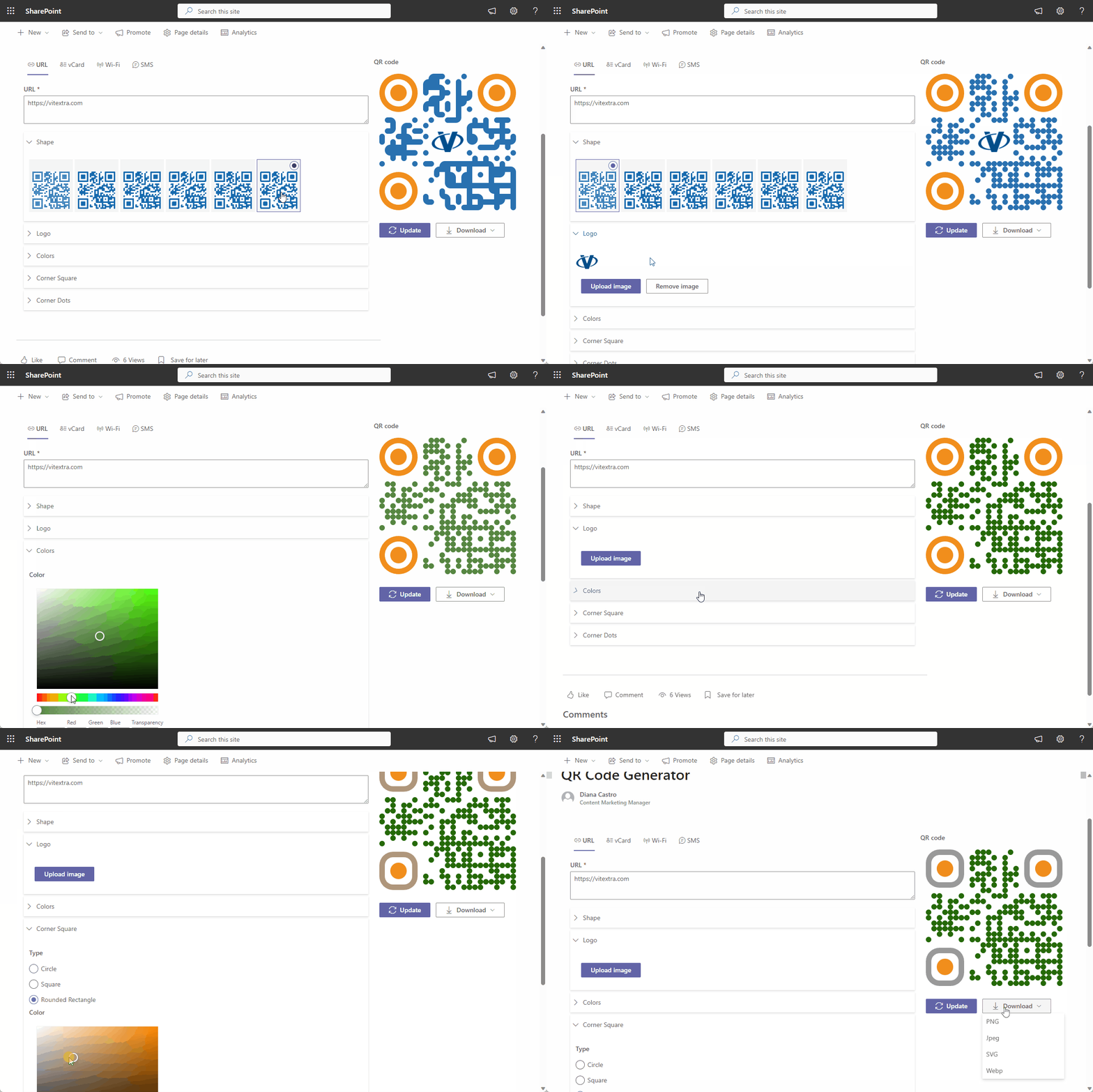
Powerful and versatile web part that allows you to easily create QR codes for a variety of purposes (websites, contact information, Wi-Fi access). With this generator, you can quickly generate custom QR codes that can be scanned by smartphones or other devices equipped with QR code scanning capabilities.
- Easy-to-use interface to generate QR codes in seconds
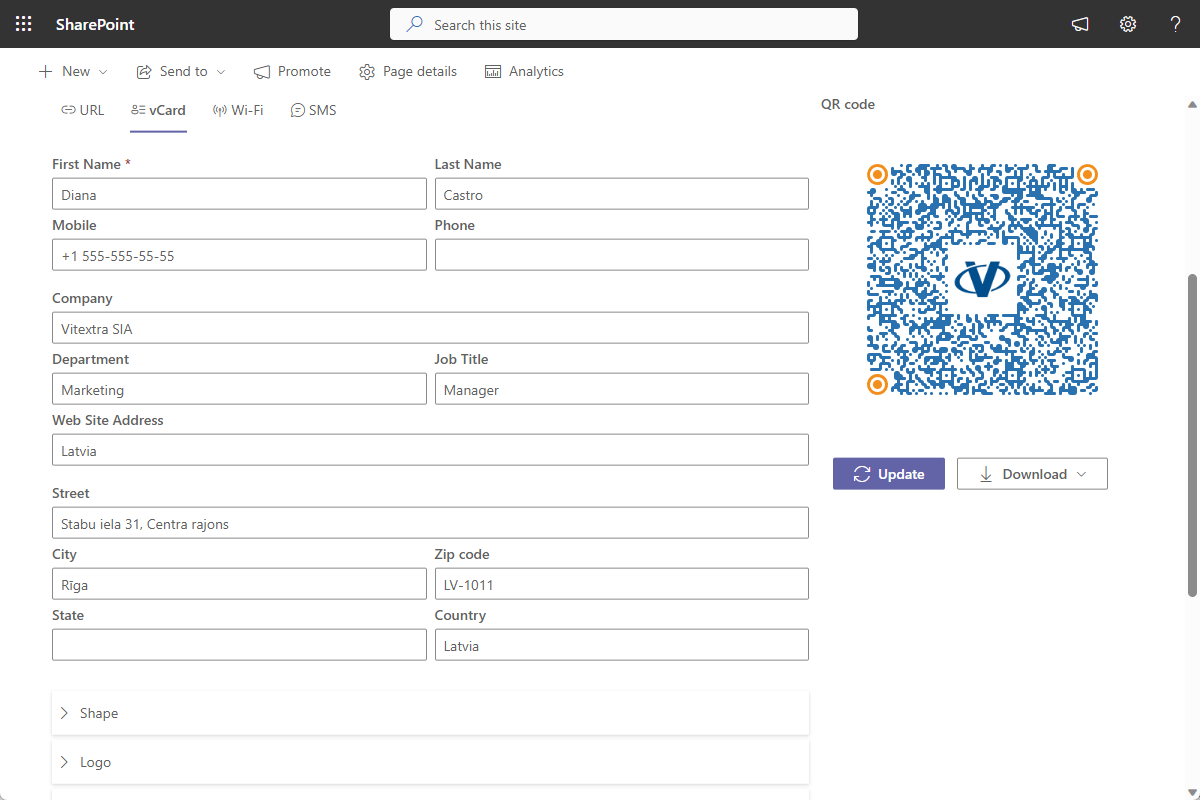
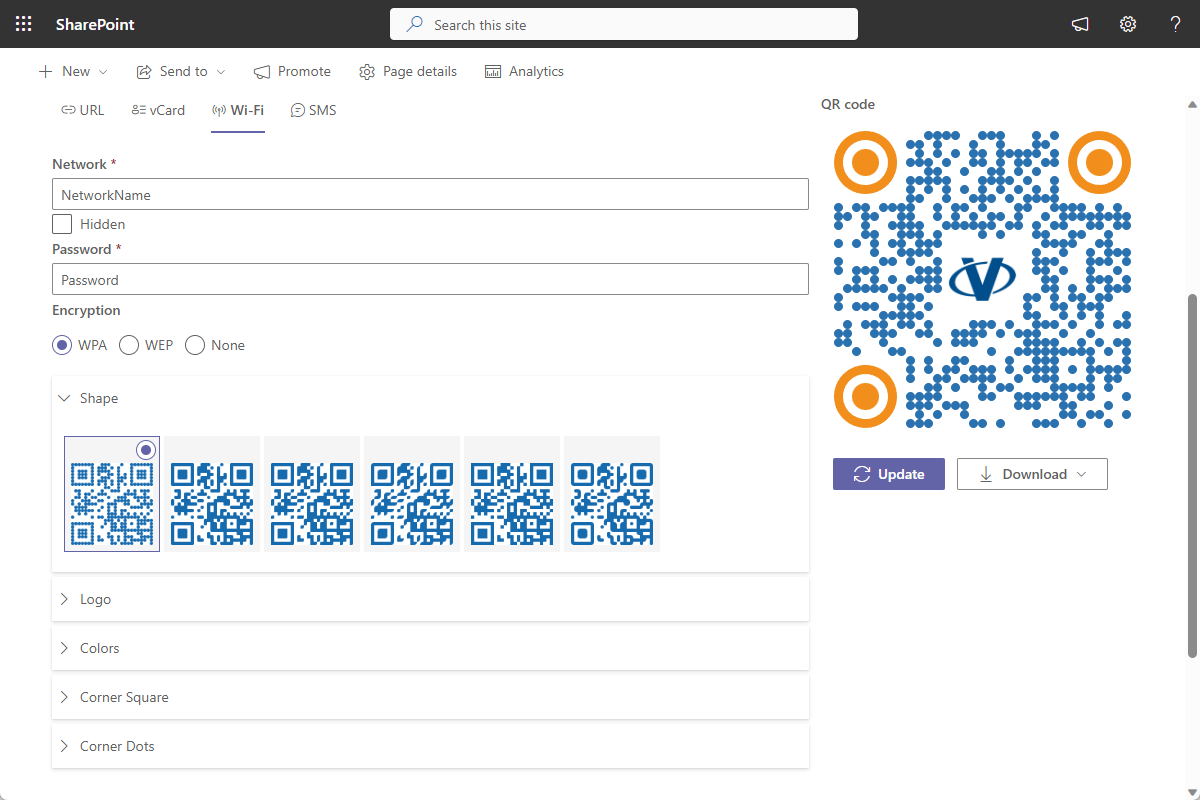
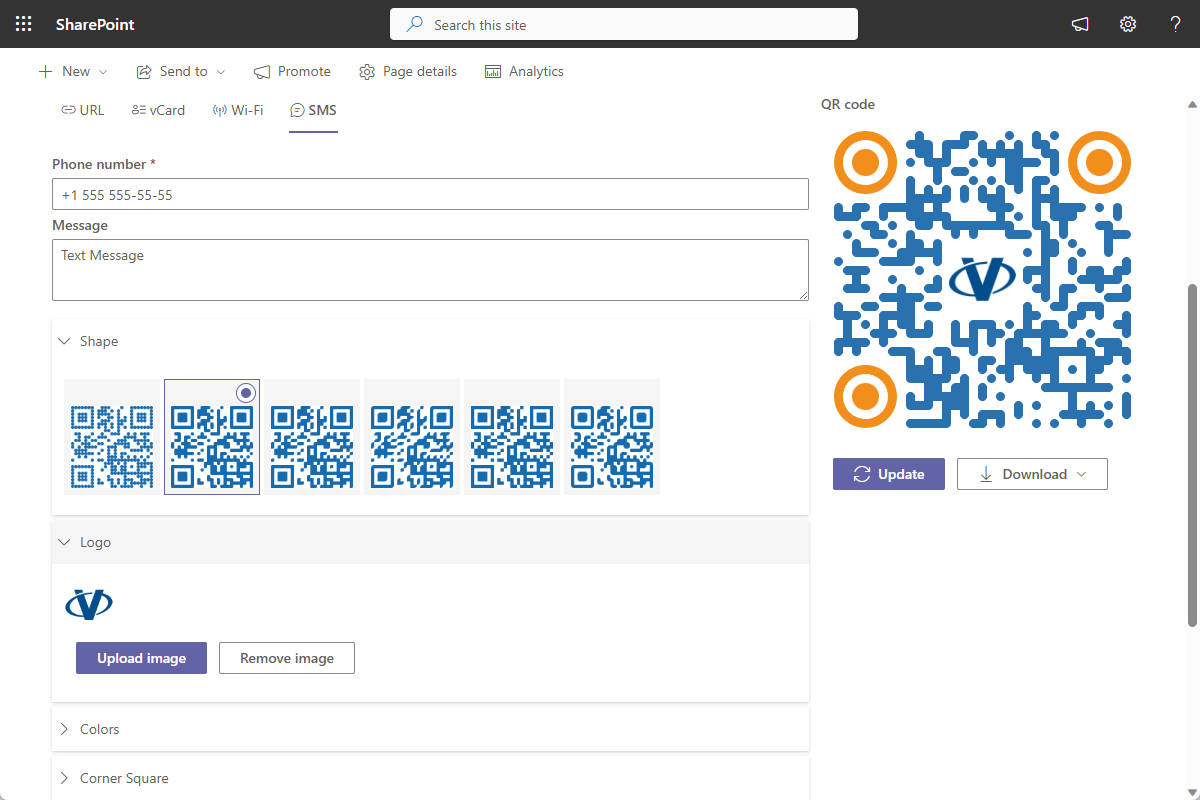
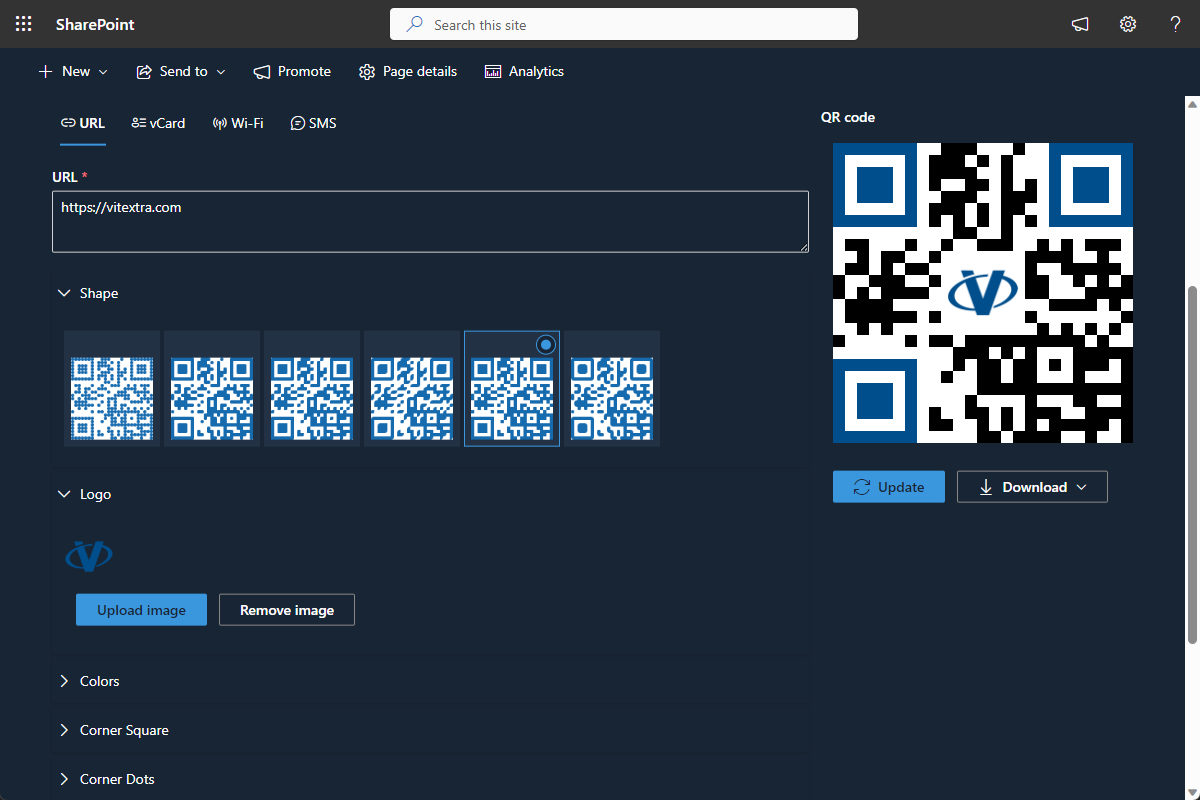
- Four types of QR codes: website, vCard, Wi-Fi, and SMS
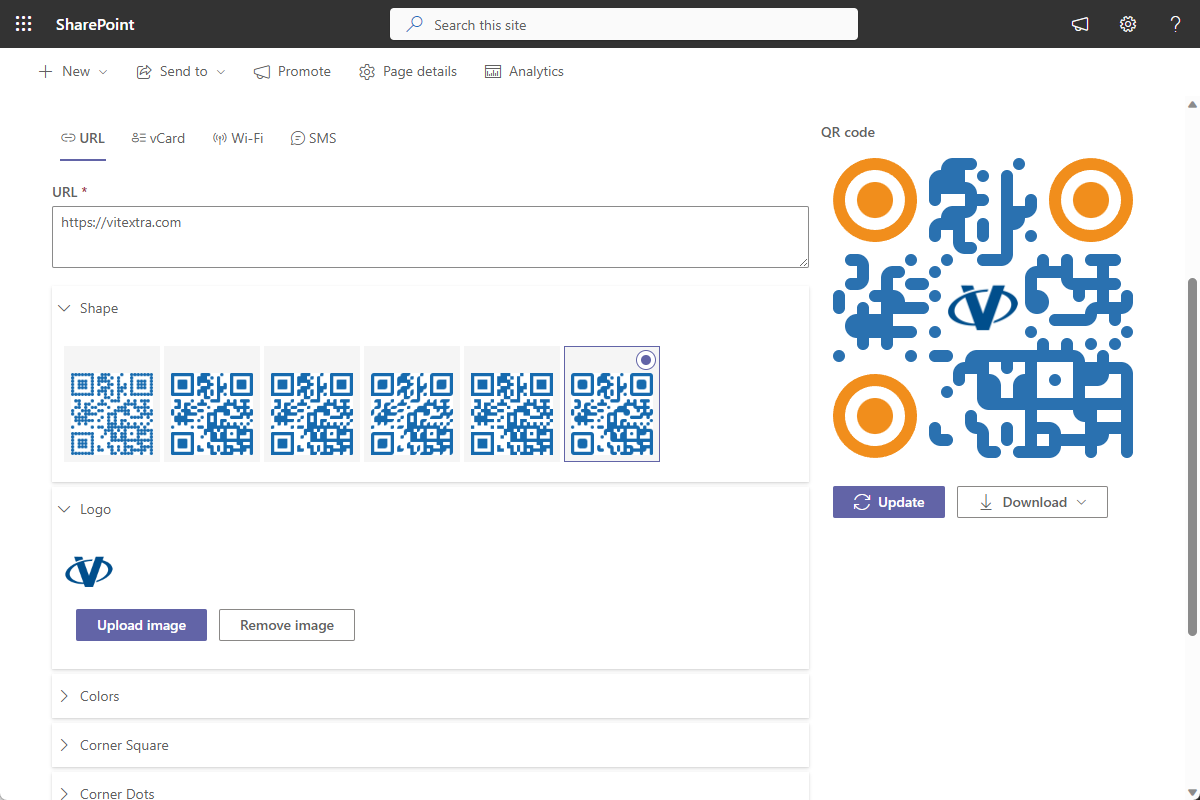
- Customizable design, color scheme, size, and resolution
- Compatible with popular QR code scanning apps and devices
- Works on SharePoint Online pages and in Microsoft Teams
Overview
QR Code Generator is a powerful and versatile tool that allows you to easily create QR codes for a variety of purposes. With this generator, you can quickly generate custom QR codes that can be scanned by smartphones or other devices equipped with QR code scanning capabilities. Whether you need to create QR codes for websites, contact information, Wi-Fi access, or any other type of data, this generator has you covered. Simply input the desired information, customize the design and color scheme if desired, and generate your unique QR code in seconds.
Not only does this QR Code Generator provide a user-friendly interface, but it also offers a range of features to enhance your creation process. You can choose from different QR code types and adjust the size and resolution to suit your needs. The generator ensures that the generated QR codes are compatible with popular QR code scanning apps and devices. Whether you are a business owner, marketer, or someone who simply wants to share information in a convenient and accessible way, the QR Code Generator is an indispensable tool. With its ease of use and extensive functionality, it makes creating and sharing QR codes a breeze.
Knowledge Base
Read articles related to QR Code Generator
Customer Questions
Some common questions about QR Code Generator
What types of QR codes can I create?
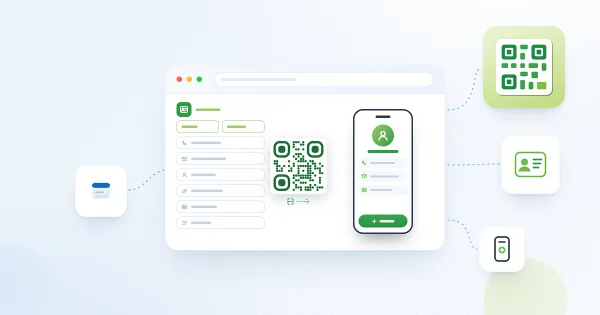
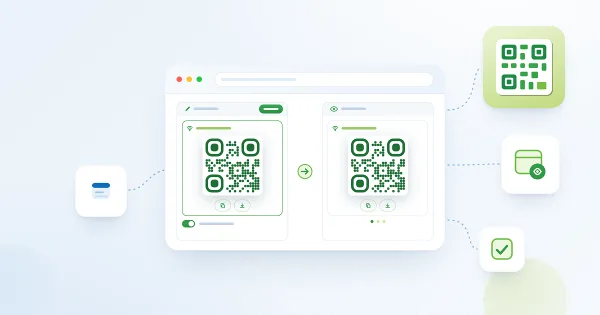
QR Code Generator creates four types of codes directly on a SharePoint Online page or in Microsoft Teams: Website (URL), vCard (contact details), Wi-Fi access and SMS. The codes can be scanned by any smartphone or QR-capable device. A short walkthrough is in the Quick Start Guide.
Can I customize the look of the QR code?
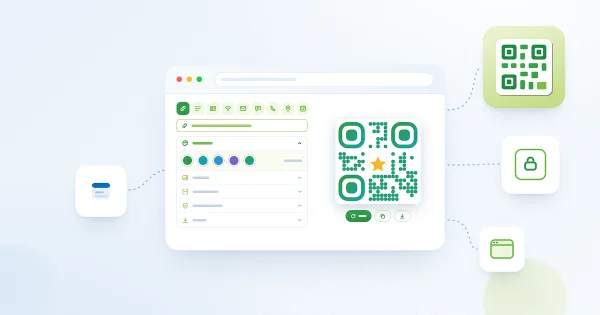
Yes. You can change the design, color scheme, size and resolution of the generated code so that it matches your branding or print requirements. Codes can be exported as SVG, which scales to any size without losing quality.
Who is QR Code Generator for?
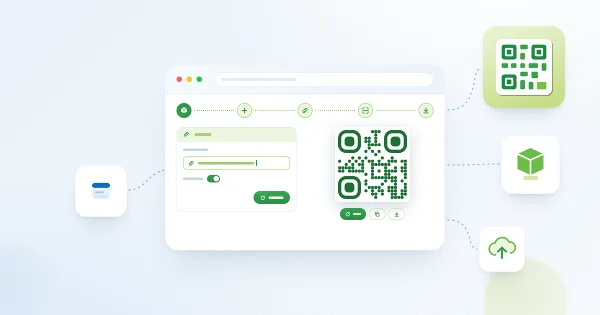
It is useful for anyone who needs to share information in a scannable form: marketers printing links on posters, office managers sharing guest Wi-Fi access, HR teams publishing contact cards, or event organizers adding codes to intranet pages. No technical skills are required — add the web part to a page, pick the code type and fill in the fields.
Which platforms and languages are supported?
QR Code Generator supports SharePoint Online and Microsoft Teams and is localized into many interface languages, including Arabic variants. It is not available for SharePoint Server on-premises. Installation follows the standard steps in Installing a Cloud-based Product.
How much does it cost and is there a trial?
QR Code Generator is one of the most affordable Vitextra web parts — the current price is shown on the product page and is charged per tenant, not per user. Like all Vitextra products it comes with a free, fully functional 14-day trial.
Documents
Reviews
No reviews yet
Supported Languages
Supported languages
Platforms
Supported platforms
Recent Changes
- v1.2.7 #
🌐 Added Support for Multiple Languages:
- Arabic (Bahrain)
- Arabic (Egypt)
- Arabic (Kuwait)
- Arabic (Oman)
- Arabic (Qatar)
- v1.2.1 #
Minor bug fixes and improvements
- v1.1.8 #
🚀 New Features:
#22145 Support SVG format for exporting QR code🐞 Fixed Bugs:
#22142 Generated QR code is too small (300x300px) - v1.1.6 #
🏁 First Release
Discover more apps
Suggested apps
Share
Send feedback
We would love to hear from you! Please take a moment to let us know about your experience.