Questions & Answers - Knowledge Base
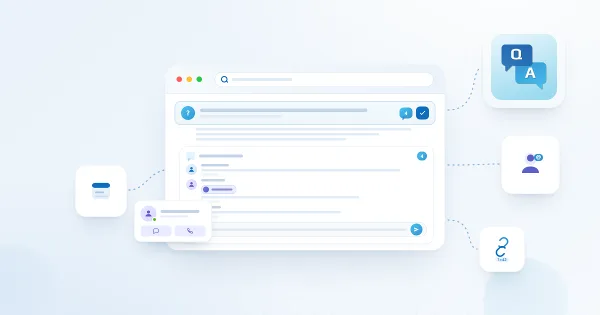
Comments, @Mentions and Deep Links in Questions and Answers
Reference for the collaboration features of the Vitextra Questions and Answers web part: comments on questions as standard SharePoint list comments, the comment counter and the folding of long discussions, @mentions shown as live profile cards, who can comment and how to turn commenting off, and deep links — the Copy Link button, the ?questionId=N address, how the linked question is opened, highlighted and fetched, and how to use links in support work.
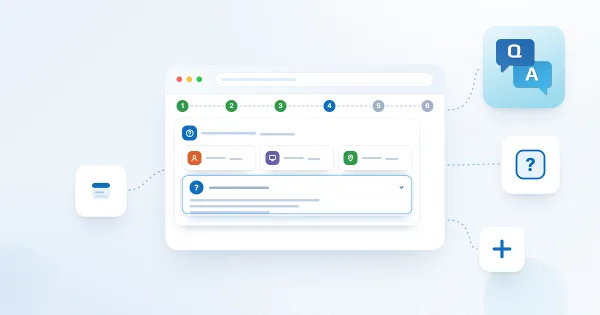
How to Build an Internal FAQ Page for Your Intranet with Questions and Answers
A step-by-step scenario for an intranet help center built with the Vitextra Questions and Answers web part: planning the categories and owners, creating the page and the list, loading the first questions from an Excel sheet, setting permissions so that everybody can ask and only editors publish, configuring search, categories and paging, adding the page to Microsoft Teams, promoting it with deep links and keeping it alive with a review routine.
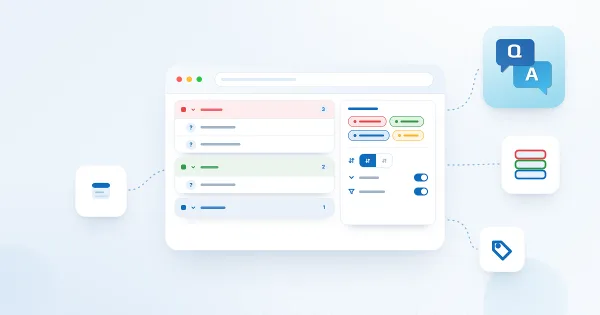
Organizing Questions: Categories, Grouping, Category Filter, Sorting and Collapsing
How to structure a Vitextra Questions and Answers knowledge base: defining categories in the Category choice column, grouping questions under category headers, turning on the category filter tabs, sorting by name, question order or creation date in either direction, collapsing or expanding answers by default, and which combination suits small, medium and large knowledge bases.
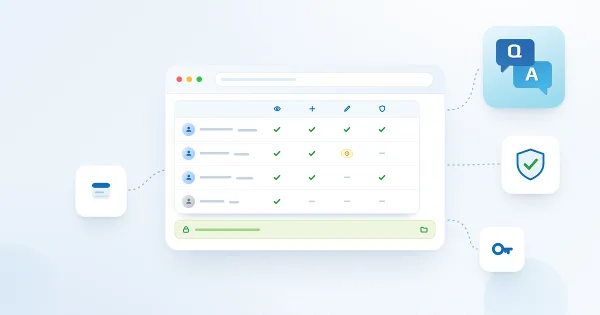
Permissions, Data Storage and Privacy in Questions and Answers
Reference for administrators and security officers on the Vitextra Questions and Answers web part: no API permissions, every call made as the signed-in user, the SharePoint list that holds questions, answers, attachments and comments, which SharePoint permission levels readers, askers and editors need, how to let employees ask without letting them publish, what is not indexed by search, what the web part sends to Vitextra, third-party video embeds, retention and reporting with Excel and Power BI
Questions and Answers vs. a SharePoint FAQ Page vs. Viva Engage: Which Knowledge Base to Choose
A practical comparison of the ways to run an internal FAQ in Microsoft 365: a modern SharePoint page with collapsible sections, a SharePoint list shown with the List web part, the classic wiki, Answers in Viva Engage, and the Vitextra Questions and Answers web part — editing, search, categories, employee questions, moderation, licensing, Teams and where each one fits.
Questions and Answers Web Part Settings Reference
Complete reference of the property pane of the Vitextra Questions and Answers web part, group by group: the Not Configured screen and the Data Source link, the Behavior switches (Allow Users to Ask a Question, Enable search box, Copy Link), the Show/Hide switches for Attachments, Contact, Detail Link, Video and Show Comments, the Appearance options (Collapse by default, Category Filter, Group By, Sort by, Sorting, Page Size), the About group, default values and the required list columns.
Questions and Answers: A Quick Guide for End Users
How to use the Vitextra Questions and Answers knowledge base on a SharePoint page or in Microsoft Teams as a reader: expanding answers, searching, switching categories, opening attachments, videos and detail links, contacting the expert, commenting with @mentions, copying a link to a question and asking your own question.
Questions and Answers: Frequently Asked Questions
Short answers to the common questions about the Vitextra Questions and Answers web part for SharePoint Online and Microsoft Teams: where the content is stored, how to connect an existing list, Markdown and rich answers, search and categories, employee questions and moderation, comments and deep links, permissions, Teams, languages and themes, licensing and the trial.
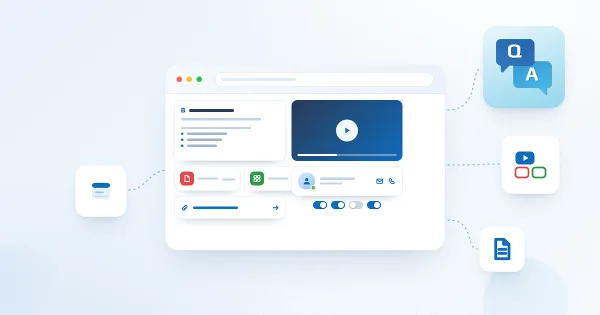
Rich Answers in Questions and Answers: Markdown, Video, Attachments, Detail Links and Contacts
How to make answers in the Vitextra Questions and Answers web part more useful than plain text: Markdown formatting in the Answer column, embedded YouTube, Vimeo and video-file answers through the Video URL column, file attachments shown as cards, the More Details link, the Contact person with a live profile card, the Show/Hide switches that control each block, and what readers see.
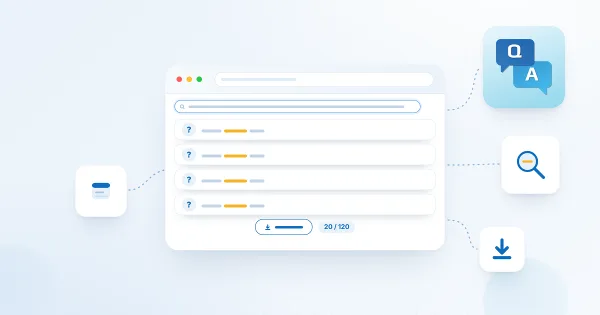
Searching the Knowledge Base and Paged Loading in Questions and Answers
Reference for how search and paging work in the Vitextra Questions and Answers web part: which columns the search box covers, how the query is run on the server, special characters and languages, the "nothing matches" state, the Page Size option (All, 10, 20, 50, 100), the Show more button, server-side sorting across pages, how search, categories and paging interact, and the 5,000-item considerations for large lists.
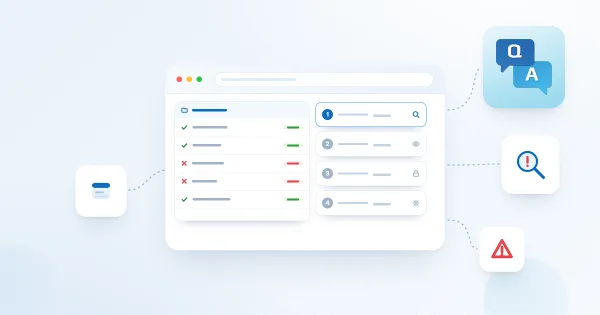
Troubleshooting Questions and Answers: Not Configured, Missing Columns, Hidden Questions and Permissions
Troubleshooting guide for the Vitextra Questions and Answers web part: the Not Configured screen, a list that is not offered under Existing List (required columns missing), questions that readers cannot see (Published = No), the missing Ask a Question button, search that finds nothing, comments that cannot be added, videos that do not play, Markdown that does not render, the category filter that does not appear, endless loading, and the license message — with the check and the fix for each.