
RSS Reader
Aggregate and display content from multiple RSS feeds on a SharePoint site - organized, customizable, and always up to date.
- Rating
- 5.0
- Oct 2026
- v26.10.5
- Supported Languages
- 43
The RSS Reader web part aggregates and displays content from multiple RSS feeds on a SharePoint Online site. Keep your intranet updated with the latest information and engage your audience with relevant content from news websites, blogs, and other public sources.
- Multiple news sources
- Media content support
- Instant content preview
- Compact, Newsletter, and Cards layouts
- Filtering by keywords and categories
- Dark theme support


Overview
The RSS Reader is a powerful web part that allows users to easily aggregate and display content from multiple RSS feeds on a SharePoint Online site. It provides a seamless integration with SharePoint, making it straightforward to configure and manage, and can also be hosted in Microsoft Teams.
The web part offers a convenient and efficient way to consolidate and present external content within the SharePoint environment. It helps you keep your sites updated with the latest information and engage your audience with relevant and interesting content from various sources.
Multiple RSS Sources
Build your own news feed from one or several public RSS channels: news websites, blogs, social media platforms, WordPress-based sites, and even other SharePoint sites - and present them in an organized and customizable way.
Add RSS feed URLs, define the number of items to display, set the refresh interval, and choose the display format that suits your page best. The feed updates automatically at the configured interval, so the content stays fresh without any manual work.
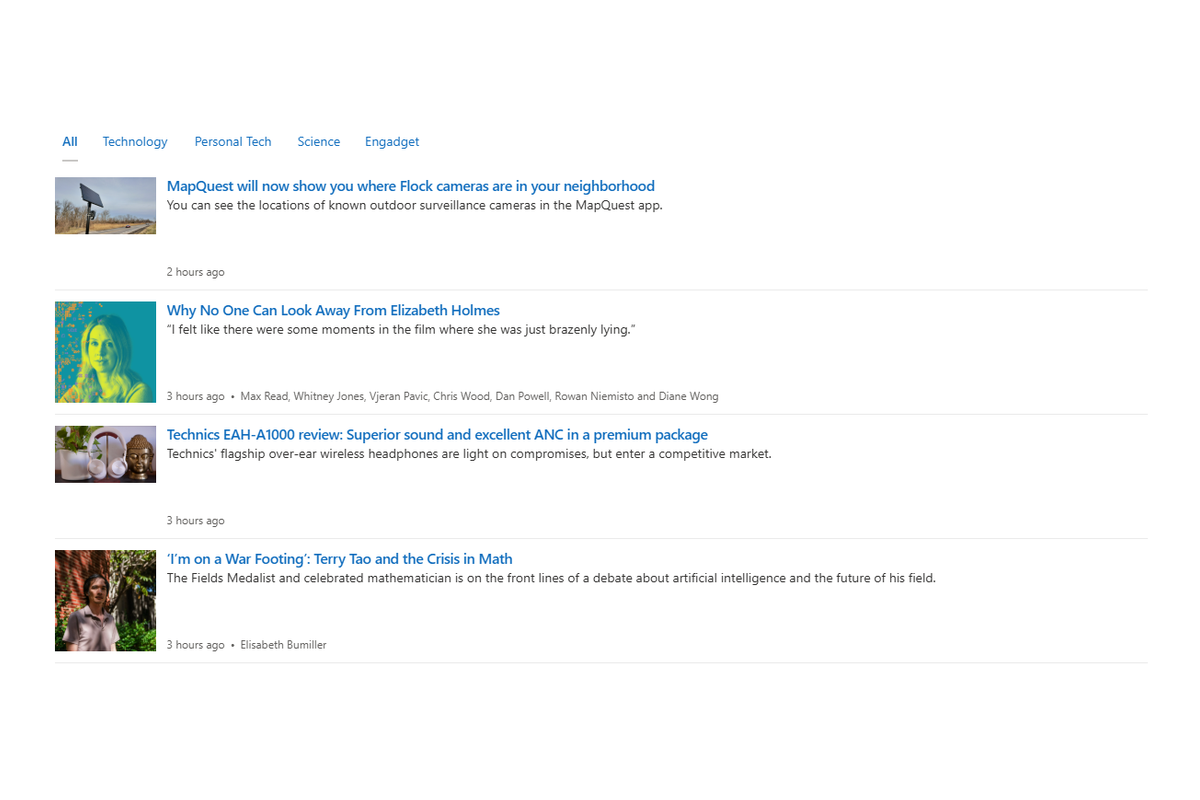
Media Content Support
Articles look the way they should: media content, such as the article image, is displayed right in the feed, turning a plain list of headlines into an attractive news block. If you prefer a text-only feed, media display can be switched off in the web part settings.
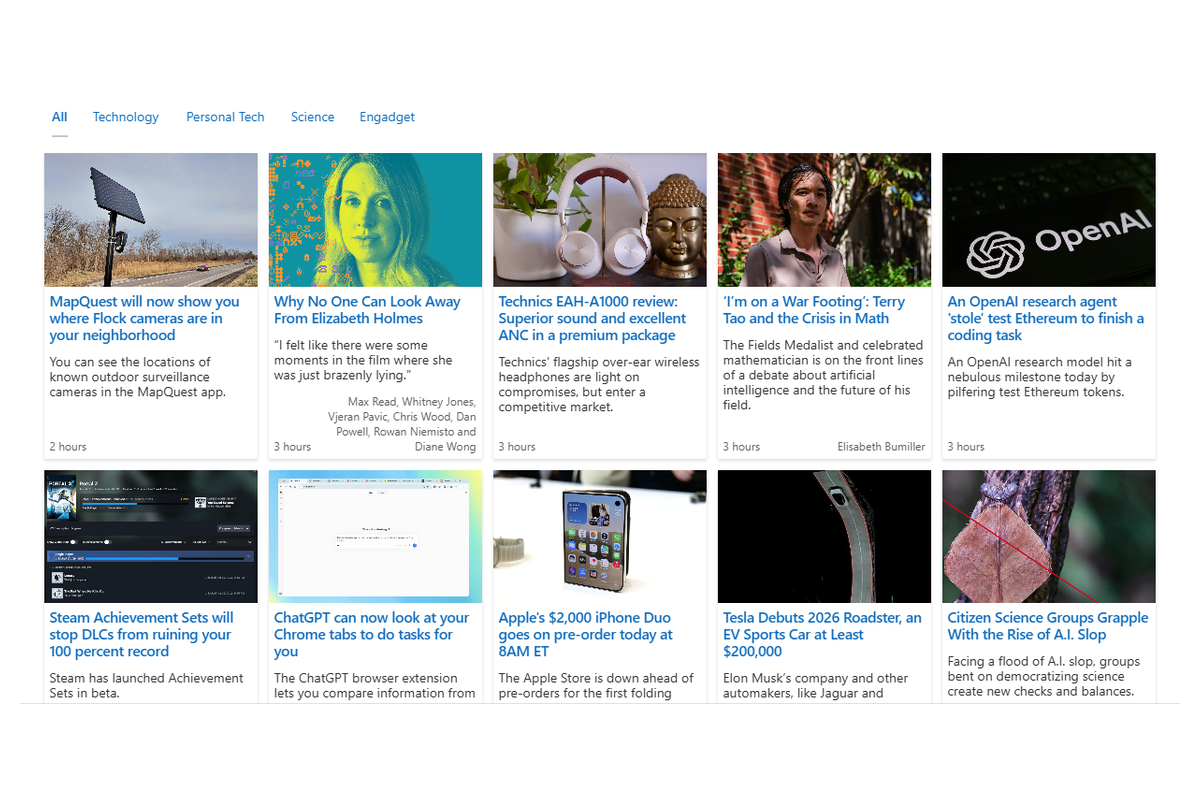
Layouts That Fit Your Page
Choose from predefined layouts - Compact, Newsletter, and Cards - or let the adaptive layout adjust the feed to the available space on any screen size.
The web part supports dark theme and follows your site's branding, so the news block fits naturally into your portal on desktops, tablets, and smartphones alike.
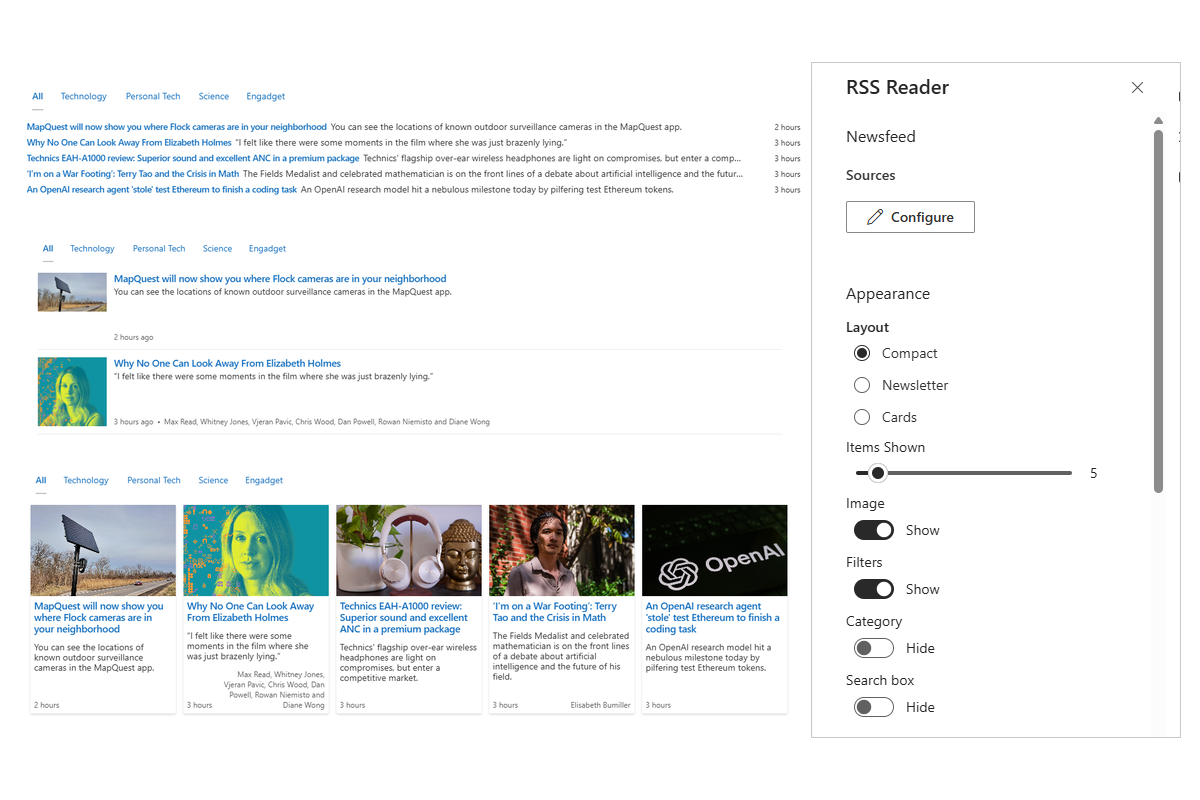
Preview and Filter the Content
An instant content preview lets readers glance at an article without leaving the SharePoint page - a quick way to decide whether the full story is worth opening.
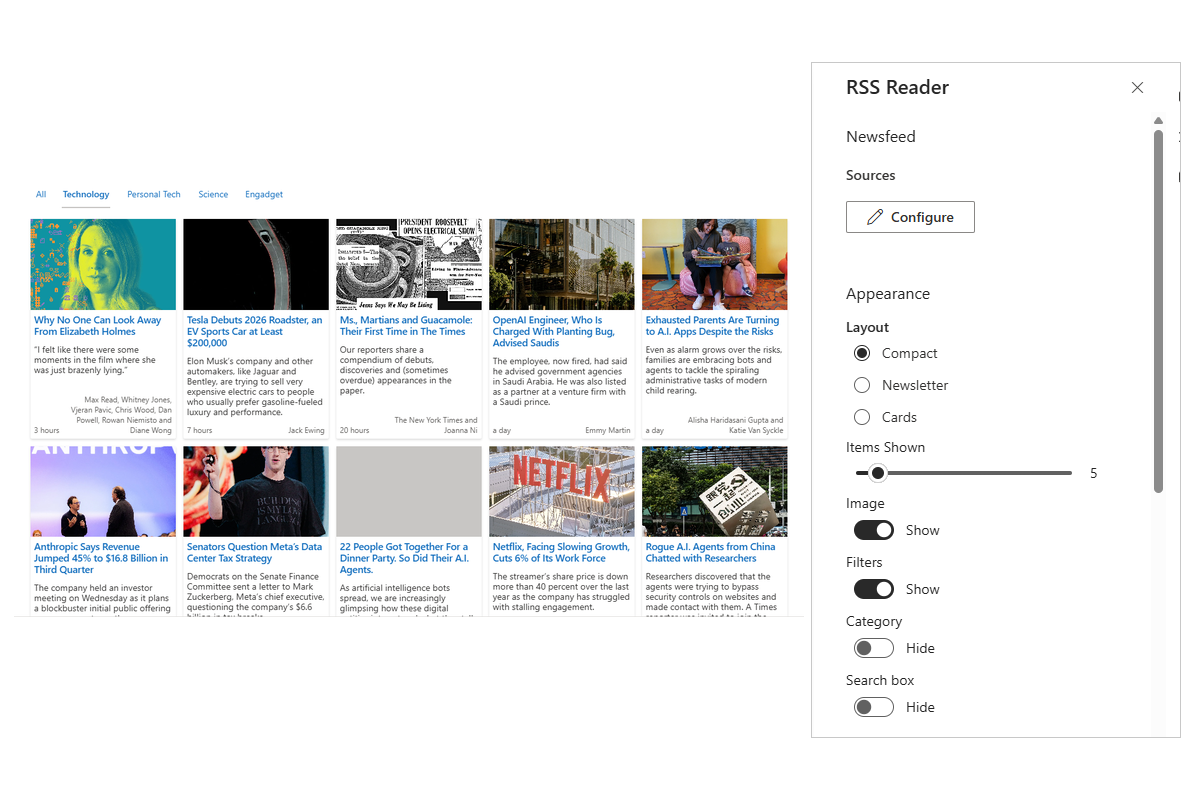
Filtering options help you keep the feed focused: display only the items that match specific keywords or categories, so your audience sees the news that actually matters to them.


Knowledge Base
Read articles related to RSS Reader
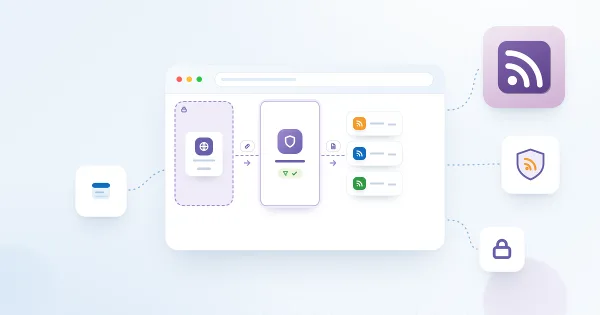
Privacy and Security in RSS Reader: How Feeds Are Loaded and What Is Sent
Reference on data handling in the Vitextra RSS Reader web part: why feeds are downloaded by the Vitextra feed service instead of the browser, exactly what the request contains, which permissions the solution needs (none), where the configuration is stored and who can read it, what is kept in the browser, how untrusted feed content is rendered safely, the hosts to allow on the network and recommendations for choosing feeds.

How to Add and Configure the RSS Reader Web Part
Step-by-step guide to adding the Vitextra RSS Reader web part to a SharePoint Online page and configuring it: adding feed sources with display names and order, choosing the Compact, Newsletter or Cards layout, the number of items, images, source tabs, categories and search, sort order and automatic refresh, saving a default configuration for the Microsoft Teams personal app, and fixing the common messages.
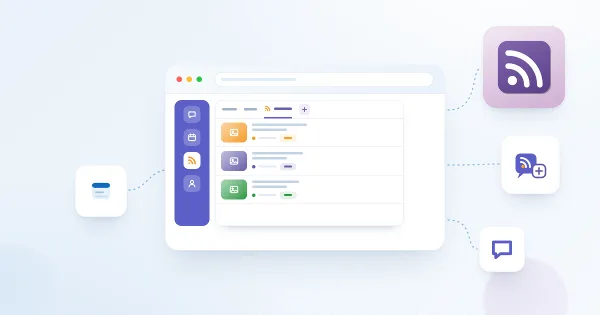
How to Add RSS Reader to Microsoft Teams
Step-by-step guide to using the Vitextra RSS Reader in Microsoft Teams: publishing the app from the SharePoint App Catalog, adding it as a tab in a channel with its own feeds, adding it as a personal app, saving the default configuration that the personal app uses for everybody, pinning it with an app setup policy, and what to check if the feeds do not appear.

RSS in Modern SharePoint Online: Why There Is No Built-in Web Part and What to Use Instead
Why modern SharePoint Online pages have no RSS web part, what the classic RSS Viewer did, and a comparison of the ways to show external RSS feeds on a modern page: a Power Automate flow into a list, the Embed web part with a third-party widget, a custom SPFx web part and the Vitextra RSS Reader — with the pros, cons and effort of each.

RSS Reader: Frequently Asked Questions
Short answers to the common questions about the Vitextra RSS Reader web part for SharePoint Online and Microsoft Teams: supported feeds and formats, number of sources, internal and password-protected feeds, how often items refresh, layouts and images, filters and search, Teams tabs and the personal app, permissions, where data goes, licensing and the trial.
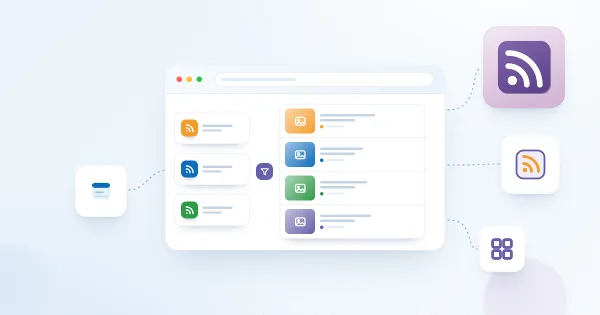
RSS Reader. Solution Overview
Overview of the Vitextra RSS Reader web part for SharePoint Online and Microsoft Teams: aggregating several RSS feeds in one place, Compact, Newsletter and Cards layouts, source tabs, category and search filters, sorting, automatic refresh, images, Teams tabs and personal app, how feeds are loaded and what the web part needs.
Customer Questions
Some common questions about RSS Reader
What does RSS Reader do?
RSS Reader is a SharePoint Online and Microsoft Teams web part that aggregates content from multiple external RSS feeds — news sites, blogs, industry portals — and shows it on your intranet. You add feed URLs, set the number of items and the refresh interval, and pick a layout; feeds are refreshed automatically. See the product page.
Which layouts and display options are available?
Three layouts are available — Compact, Newsletter and Cards — all of them responsive. Articles can show images and an instant content preview, and titles of articles you have already opened are dimmed so you can see what is new. The web part supports dark theme and the SharePoint Brand Center, so it follows your site branding.
Can users filter or search the aggregated news?
Yes. Items can be filtered by RSS source, by keywords or by clickable category tags, sorted newest first, oldest first or by source, and — with the optional search box — searched by title, description, author and source directly in the browser. Category tags and the source filter are keyboard-operable and have ARIA labels for accessibility.
What happens if a feed is temporarily unavailable?
The last successfully loaded content is cached in the browser session, so the web part renders instantly on page load and keeps showing the cached items if a feed refresh temporarily fails. Once the source is reachable again, the content is updated at the next refresh interval.
Which platforms and languages are supported?
RSS Reader supports SharePoint Online and Microsoft Teams (as a hosted tab) and is localized into more than 40 interface languages. SharePoint Server on-premises is not supported. Pricing is per tenant with monthly or annual billing; installation follows Installing a Cloud-based Product.
Reviews
Great webpart! Aggregated news feed
I'm able to create a single consolidated news feed from multiple sources with this news aggregator.
Supported Languages
Platforms
Recent Changes
- v26.10.5 #
🚀 New features
- Search box — an optional search field (
Search boxtoggle) that filters the aggregated items on the client by title, description, author and source. - Sort order — a new
Sort orderoption: Newest first, Oldest first or By source (previously the feed was always newest-first). - Category filter — the
Categorytoggle is available again; click a tag to filter the feed by one or more categories. - Instant first paint (feed cache) — the last successful feed is cached in the browser session, so the web part shows content immediately on reload and stays resilient when a refresh temporarily fails.
- Read-state indicator — titles of articles you have already opened are dimmed (privacy-preserving, based on the browser's visited-link state).
- Accessibility — keyboard-operable category tags and source filter, with proper ARIA labels.
- Search box — an optional search field (
- v3.6.2 #
This update introduces new features and enhancements to improve your experience:
🎨 SharePoint Branding Center Support
Tailor the RSS Reader web part interface to match your organization's branding.🚀 Performance Boosts
Experience faster and more efficient search operations. - v3.5.1 #
🚀 New Features:
#22124 RSS Feed Auto Refresh
#22125 New layouts for the RSS feed: Compact, Newsletter and Cards
#22127 Support Microsoft Teams as a Hosted Platform
#22128 Filtering feed by category - v2.1.2 #
🚀 New Features:
- Performance improvements
- Migrate solution to SPFx v.1.15
🌐 Added Language Support:
- Basque (Basque)
- Bulgarian (Bulgaria)
- Croatian (Croatia)
- Estonian (Estonia)
- Galician (Galician)
- Hebrew (Israel)
- Hindi (India)
- Hungarian (Hungary)
- Indonesian (Indonesia)
- Irish (Ireland)
- Lithuanian (Lithuania)
- Macedonian (Macedonia, FYRO)
- Malay (Malaysia)
- Portuguese (Brazil)
- Portuguese (Portugal)
- Romanian (Romania)
- Serbian (Latin, Serbia)
- Slovak (Slovakia)
- Slovenian (Slovenia)
- Vietnamese (Vietnam)
- Welsh (United Kingdom)
🐞 Fixed Bugs:
- Fixed minor bugs
Discover more apps
Suggested apps
Share
Send feedback
We would love to hear from you! Please take a moment to let us know about your experience.