RSS Reader - Knowledge Base
How to Add RSS Reader to Microsoft Teams
Step-by-step guide to using the Vitextra RSS Reader in Microsoft Teams: publishing the app from the SharePoint App Catalog, adding it as a tab in a channel with its own feeds, adding it as a personal app, saving the default configuration that the personal app uses for everybody, pinning it with an app setup policy, and what to check if the feeds do not appear.
Feed Sources, Sorting, Automatic Refresh and Caching in RSS Reader
Reference for how the Vitextra RSS Reader web part handles feeds: supported RSS and Atom formats and the elements it reads (images, authors, categories, dates), how several sources are merged and ordered, what happens to a feed that cannot be loaded, the Newest first, Oldest first and By source sort orders, the automatic refresh interval and the browser cache that makes the web part open instantly.

How to Add and Configure the RSS Reader Web Part
Step-by-step guide to adding the Vitextra RSS Reader web part to a SharePoint Online page and configuring it: adding feed sources with display names and order, choosing the Compact, Newsletter or Cards layout, the number of items, images, source tabs, categories and search, sort order and automatic refresh, saving a default configuration for the Microsoft Teams personal app, and fixing the common messages.
Privacy and Security in RSS Reader: How Feeds Are Loaded and What Is Sent
Reference on data handling in the Vitextra RSS Reader web part: why feeds are downloaded by the Vitextra feed service instead of the browser, exactly what the request contains, which permissions the solution needs (none), where the configuration is stored and who can read it, what is kept in the browser, how untrusted feed content is rendered safely, the hosts to allow on the network and recommendations for choosing feeds.
RSS in Modern SharePoint Online: Why There Is No Built-in Web Part and What to Use Instead
Why modern SharePoint Online pages have no RSS web part, what the classic RSS Viewer did, and a comparison of the ways to show external RSS feeds on a modern page: a Power Automate flow into a list, the Embed web part with a third-party widget, a custom SPFx web part and the Vitextra RSS Reader — with the pros, cons and effort of each.
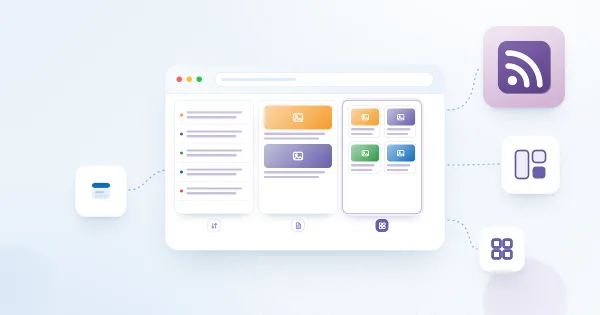
RSS Reader Layouts: Compact, Newsletter and Cards
Reference for the appearance options of the Vitextra RSS Reader web part: what the Compact, Newsletter and Cards layouts show and where each fits, images and how they are picked from a feed, the Items Shown limit, source tabs, category tags and the search box, the web part title, and how the web part follows the SharePoint theme, dark mode, the site font and full-width sections.

RSS Reader: Frequently Asked Questions
Short answers to the common questions about the Vitextra RSS Reader web part for SharePoint Online and Microsoft Teams: supported feeds and formats, number of sources, internal and password-protected feeds, how often items refresh, layouts and images, filters and search, Teams tabs and the personal app, permissions, where data goes, licensing and the trial.
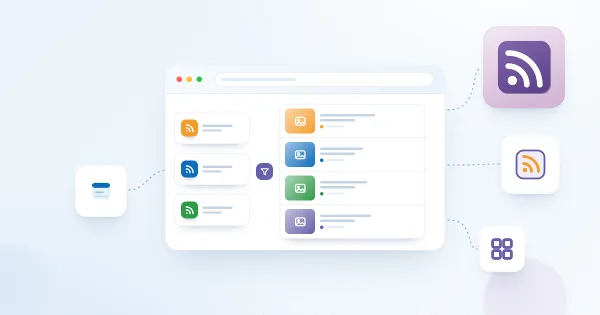
RSS Reader. Solution Overview
Overview of the Vitextra RSS Reader web part for SharePoint Online and Microsoft Teams: aggregating several RSS feeds in one place, Compact, Newsletter and Cards layouts, source tabs, category and search filters, sorting, automatic refresh, images, Teams tabs and personal app, how feeds are loaded and what the web part needs.
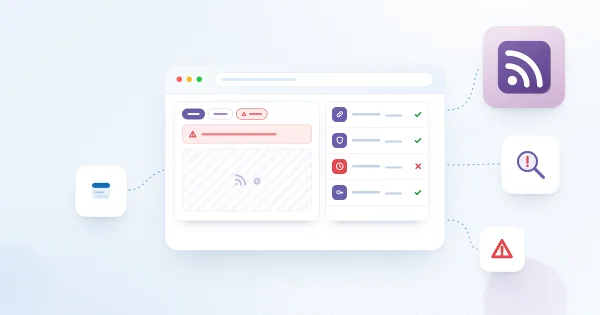
Why Doesn't My RSS Feed Load? Troubleshooting RSS Reader
Troubleshooting guide for the Vitextra RSS Reader web part in SharePoint Online and Microsoft Teams: a source tab that is missing, "No items found", "There are no items to show" and "Sorry, something went wrong", feeds that need a login or are internal only, website addresses instead of feed addresses, invalid XML, images that do not show, items that look stale, and the license message — with the check and the fix for each.