Knowledge Base
Featured Articles
The following articles are some of the most helpful ones. One of them may be the one you are looking for.
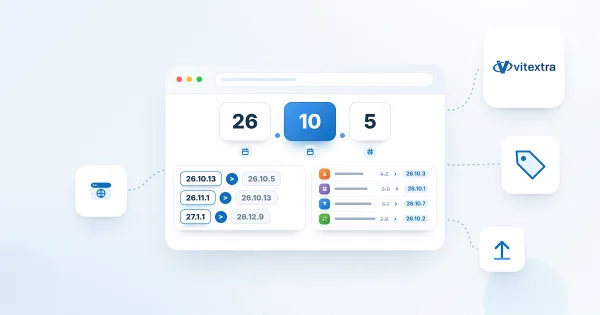
Vitextra Product Versioning: How to Read Version Numbers
Reference for the unified year.month.build versioning scheme used by Vitextra products for Microsoft 365 since October 2026, with a table of old and new version numbers for every product.
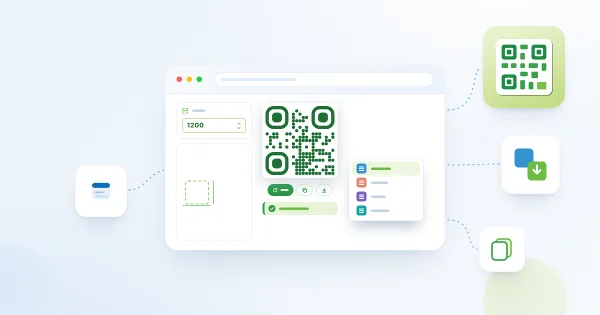
Downloading and Copying a QR Code: PNG, JPEG, SVG and WebP
How to take a QR code out of the Vitextra QR Code Generator web part: download it as PNG, JPEG, SVG or WebP, set the image size from 300 to 4000 pixels, copy the code to the clipboard and choose the right format for print, documents and the web.
How to Find Your Microsoft 365 Tenant ID for Vitextra Licensing
Find the unique identifier (Tenant ID) of your Microsoft 365 tenant from the About section of any Vitextra web part property pane. The Tenant ID is required to assign a license for Vitextra products.

Employee Directory: Local Time, Working Hours and Availability
Learn how the Vitextra Employee Directory details pane shows a colleague's local time, time difference, working hours and today's free/busy schedule next to your own, where the data comes from, which Microsoft Graph permissions it needs and how administrators turn it on or off.

Employee Actions in Employee Directory: Chat, Call, Email, Copy Email, Schedule a Meeting and vCard
Reference for the per-person actions in the Vitextra Employee Directory web parts: Chat in Teams, Call in Teams, Send E-mail, Copy e-mail address, Schedule a meeting and Download vCard. Learn where each action appears, what it opens, when it is hidden, how it behaves in Microsoft Teams, and how administrators enable it for Quick Actions and the Context Menu.
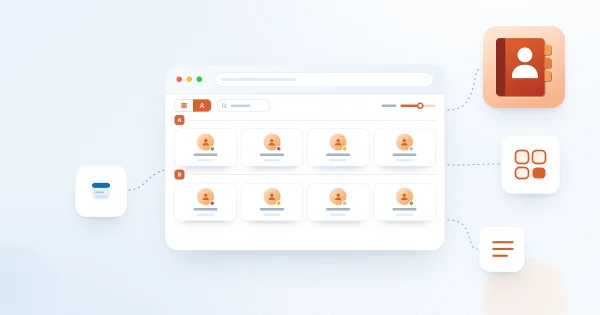
Employee Directory Layouts: Details and Cards, Card Size, Card Fields and Group By
How to choose between the Details (list) and Contact (cards) views in the Vitextra Employee Directory web parts, set the card size and card fields, configure columns and compact list, group people by a column, custom attribute or last-name letter, and show the search box and totals.
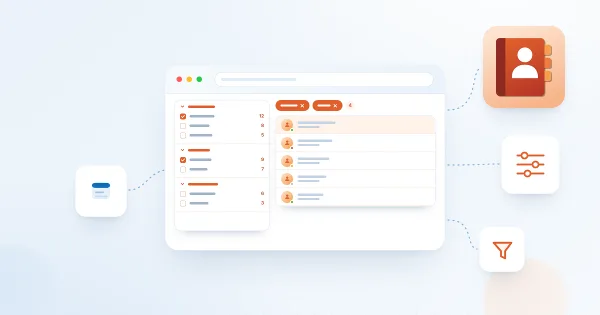
How to Set Up the Refinement Panel in Employee Directory
Step-by-step guide to enabling and configuring the refinement panel in the Vitextra Employee Directory web parts: supported data sources, panel position, refiner settings, refinable managed properties for custom profile properties, and how employees use refiners together with search and quick filters.
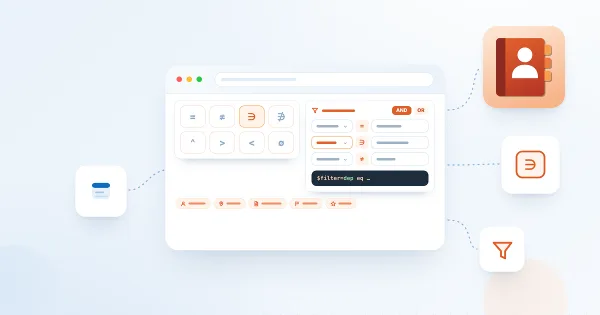
Employee Directory (Entra ID): Filter Editor Reference
Reference for the filter editor of the Vitextra Employee Directory (Entra ID) and New Employees web parts: available fields, operators, value types, groups and AND/OR logic, user roles, how the filter relates to Microsoft Graph, limitations and ready-to-use examples.

Employee Directory vs. Employee Directory (Entra ID): Which Web Part to Choose
Compare the two Vitextra directory web parts — Employee Directory (SharePoint search or Microsoft Graph) and Employee Directory (Entra ID) — by data source, search, refinement panel, filter editor, exclusions, A–Z navigation, skills search and export, and find out which one fits your scenario.
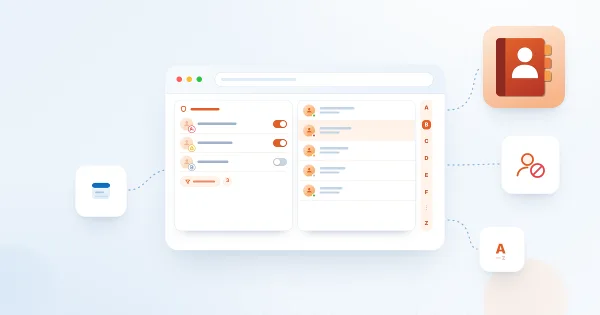
How to Configure the Employee Directory (Entra ID) Web Part: Filters, Exclusions and A–Z Navigation
Step-by-step guide to configuring the Vitextra Employee Directory (Entra ID) web part in SharePoint Online: columns and custom columns, the predefined filter, skills search, sorting and paging, excluding unlicensed users, blocked accounts and employees with a blank department or job title, and alphabetical (A–Z) navigation.

How to Add and Configure the Employee Directory Web Part
Step-by-step guide to adding the Vitextra Employee Directory web part to a SharePoint Online page and configuring its main settings: the data source (User Profiles or Microsoft Entra ID), columns, sorting, page size, search box and totals, plus an overview of every other property pane group.

How to Showcase New Hires with the New Employees Web Part
Learn how to spotlight recently hired employees on a SharePoint site with the New Employees web part from Employee Directory: add it to a page, set the look-back period (last 1–6 months) and the number of employees, filter users with the filter editor, and configure card size, card fields and actions.

Display Entra ID Custom Attributes in Employee Directory
How to retrieve Entra ID extension attributes with PowerShell and display them as custom columns in the Vitextra Employee Directory web part for SharePoint and Teams.
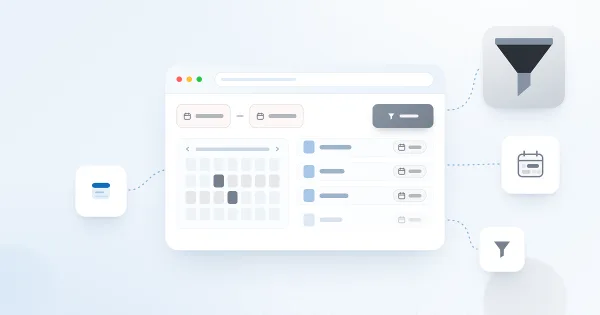
Filter a SharePoint List by Date Range with List Filter
How to filter a SharePoint list or document library by date range using the Vitextra List Filter web part — add a DateTime column with the Date range control and filter.
Auto-Generate Column Values with Number Generator
How to set up numbering schemes and formulas in the Vitextra Number Generator for SharePoint — reference columns and sequences, format numbers and dates, and use system fields.

Export the Employee List to an Excel Spreadsheet
How to enable and configure Excel export in the Vitextra Employee Directory — choose columns and export employee search results from User Profiles or Entra ID.

Deploy and Set Up Vitextra Short URL Online
Step-by-step guide to deploying Vitextra Short URL Online in a Microsoft 365 tenant — installing the .sppkg packages, the web part, and the command bar extension in SharePoint.

Employee Directory. Solution Overview
The Vitextra Employee Directory solution includes three web parts: Employee Directory, Employee Directory (Azure AD), and New Employees. Built on the SharePoint Framework (SPFx), it can be hosted on SharePoint Modern Pages, Classic Pages, and Microsoft Teams. This article will describe the main features of these web parts.
List Filter Controls and Supported Column Types
Reference for the Vitextra List Filter web part's 14 filtering controls — Text, Autocomplete, List, Date, Slider, People Picker, and more — and the SharePoint column types each supports.
Auto-Populate the Title Column with the File Name
How to automatically fill the Title column with a document's file name in a SharePoint library using Vitextra Document Auto Title — enable the site feature and configure options.

Let Read-Only Users Vote in Quick Poll
How to configure SharePoint list permissions so read-only users can participate in Quick Poll surveys — grant Contribute on the Responses list.

Export Filtered Data to Excel
Learn how to export SharePoint list or document library to Microsoft Excel
How to Add and Configure the Smart Tiles Web Part
Step-by-step guide to adding the Vitextra Smart Tiles web part to a SharePoint Online page: deploying the package, finding the web part in the toolbox, the sample tiles, the web part title, every setting of the Appearance group, the About group and placing the panel in a full-width section.

Create a Single App Page with Employee Directory
How to create a single app page in SharePoint Online using the Vitextra Employee Directory web part — a full-page employee search available only in the modern UI.
Employee Directory. Solution Overview
The Vitextra Employee Directory solution includes three web parts: Employee Directory, Employee Directory (Azure AD), and New Employees. Built on the SharePoint Framework (SPFx), it can be hosted on SharePoint Modern Pages, Classic Pages, and Microsoft Teams. This article will describe the main features of these web parts.
Display Entra ID Custom Attributes in Employee Directory
How to retrieve Entra ID extension attributes with PowerShell and display them as custom columns in the Vitextra Employee Directory web part for SharePoint and Teams.
Auto-Generate Column Values with Number Generator
How to set up numbering schemes and formulas in the Vitextra Number Generator for SharePoint — reference columns and sequences, format numbers and dates, and use system fields.
Employee Directory: Local Time, Working Hours and Availability
Learn how the Vitextra Employee Directory details pane shows a colleague's local time, time difference, working hours and today's free/busy schedule next to your own, where the data comes from, which Microsoft Graph permissions it needs and how administrators turn it on or off.

Why Is Someone Missing from the Organizational Chart?
A troubleshooting checklist for employees who do not appear in the Vitextra Organizational Chart: default exclusions for unlicensed accounts and blank job titles, disabled accounts, guest users, a missing manager in Microsoft Entra ID, filtered-out managers, collapsed levels and the 12-hour data cache.
How to Add and Configure the Smart Tiles Web Part
Step-by-step guide to adding the Vitextra Smart Tiles web part to a SharePoint Online page: deploying the package, finding the web part in the toolbox, the sample tiles, the web part title, every setting of the Appearance group, the About group and placing the panel in a full-width section.

Setting a Background Image for a Tile
How to use a picture as the background of a tile in the Vitextra Smart Tiles web part: the Background image option, entering a URL or picking an image from a site library, how the image is cropped and scaled, keeping the title readable, the color fallback, the YouTube thumbnail and removing the image.

Build a Custom Search Results Page with Smart Search
How to create a custom SharePoint Online search results page and configure the Vitextra Smart Search web part — data sources, appearance, filtering, sorting, and item layout.
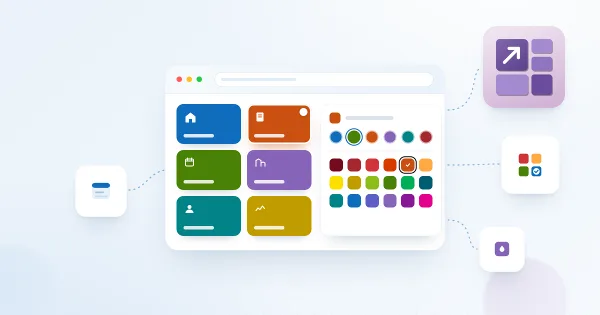
Tile Colors in Smart Tiles: Theme Accent and Predefined Colors
The background and font colors available for tiles in the Vitextra Smart Tiles web part: the six accent colors that follow the site theme, the palette of 31 predefined Fluent UI colors, black and white — with the exact values, how accent colors behave on sites whose theme does not define them, and advice on combining colors.
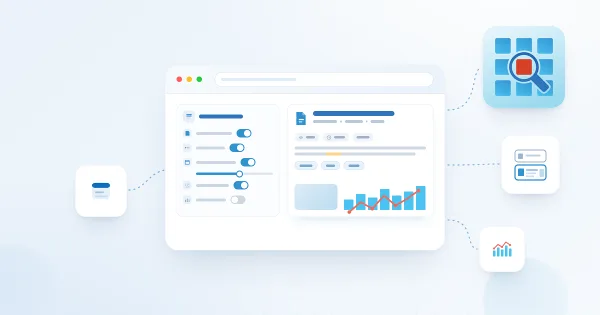
How to Customize the Look of Search Results in Smart Search
Learn how to configure what each search result shows in the Vitextra Smart Search web part for SharePoint Online: icon, path, last modified date, views, file size, summary, tags, thumbnail and view analytics — from a compact list to a rich result card.
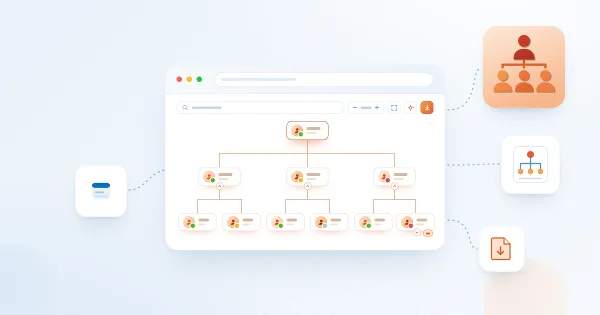
Organizational Chart. Solution Overview
Vitextra Organizational Chart is a web part for SharePoint Online and Microsoft Teams that builds an interactive company hierarchy from Microsoft Entra ID. Learn how it works: automatic structure from the manager attribute, two chart modes, horizontal and vertical layouts, employee cards with photos and presence, search, filtering, export to PDF and JPEG, and Teams integration.
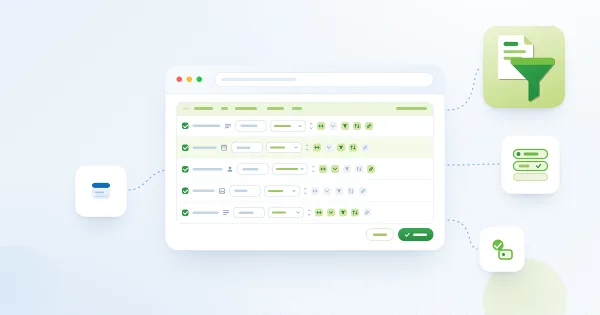
Configuring Columns in List Filter Online: Captions, Formats and Display Options
How to pick the columns of a List Filter Online view, rename and reorder them, set the Resizable, Collapsible, Filterable, Sortable and Linked to item options, and choose a display format for date, lookup, person, thumbnail and image columns.
How to
Step-by-step guides
Share
Smart Search
Smart Search is a powerful, configurable search web part for SharePoint Online designed to help you quickly and efficiently find the information and documents you need. Search operators, sorting, saved searches, shareable links, a details panel and content quality indicators, together with customizable display options and advanced filtering, bring the right results to the top.
Learn more