Announcements Carousel
 Introduction
Keeping employees informed and engaged is essential, and a corporate portal is one of the best places to do it. Displaying announcements prominently on your SharePoint home page ensures important news reaches everyone the moment they arrive.
Overview

The Announcements Carousel web part helps you create and display important announcements and updates on your SharePoint site. It's an easy way to draw visitors' attention and keep them up to date with the latest news and events.
📝 Note
The web part requires no API permissions — it uses the native SharePoint REST API to retrieve data.
Key Features
The Announcements Carousel integrates directly with SharePoint's native announcement lists for a smooth, familiar experience.
It also requires no configuration to stay tidy: the web part hides itself automatically when there are no active announcements, so it never leaves an empty block on your page.
📝 Note
The Vitextra Announcements Carousel lets you choose an existing list as the data source or create a new one with a single click, making announcements easy to manage.
Built on the SharePoint Framework (SPFx), it is fully compatible with modern SharePoint sites and uses the latest web technologies for optimal performance.
The Announcements Carousel also integrates with the SharePoint Brand Center, so your announcements follow your organization's branding guidelines and keep a consistent, professional look across your SharePoint environment.
Adding the Announcements Carousel Web Part
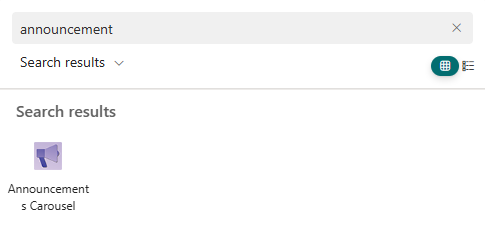
Go to the page where you want the web part and click Edit. Click the + icon to add a new web part, then search for "Announcements Carousel" and select it.
After you add it, the web part shows a notice that it isn't configured yet:
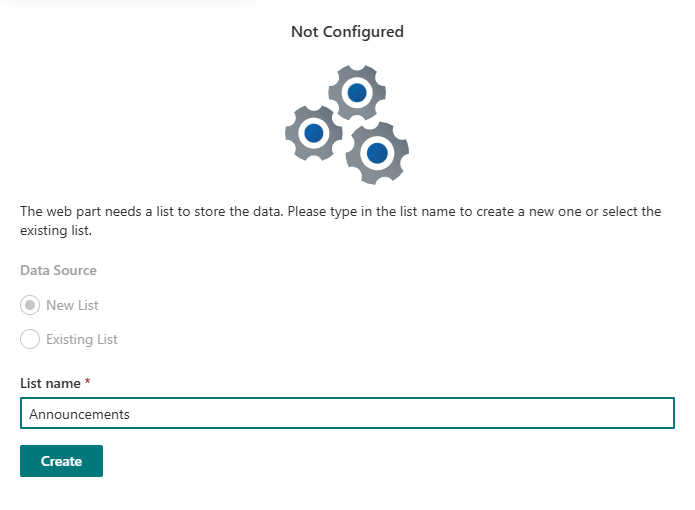
Configure the data source by choosing an existing announcement list or creating a new one.
❗ Important
If you choose to create a new announcements list, make sure you have the permissions required to create lists on the SharePoint site.
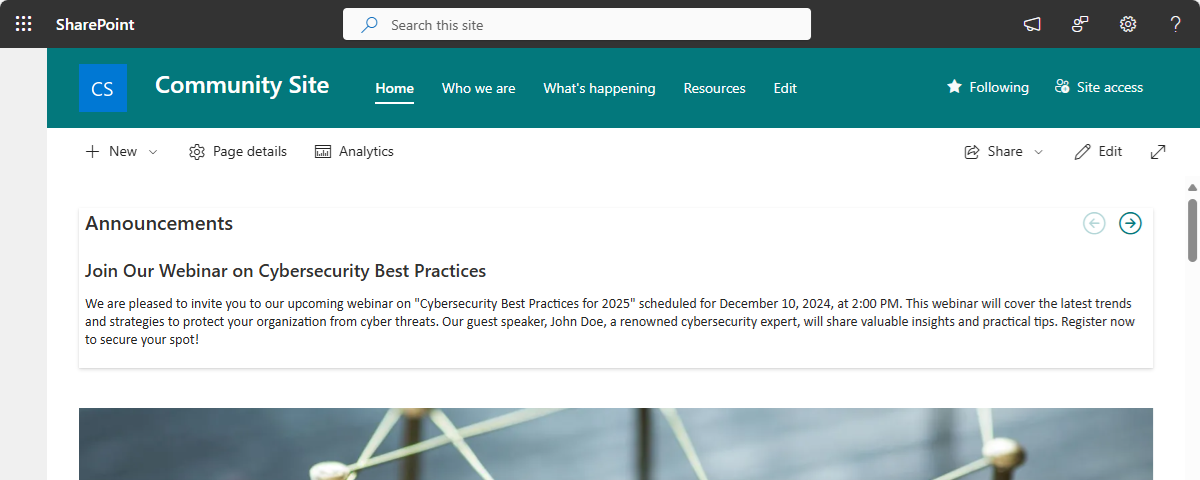
Once a list is selected, the web part pulls its data automatically.
How to Manage the Announcements
Managing announcements is straightforward, because the Vitextra Announcements Carousel uses the standard Microsoft Lists app.
💡 Tip
The Vitextra Announcements Carousel uses the standard Microsoft Lists app to store data.
There are three ways to open the list that holds your announcements:
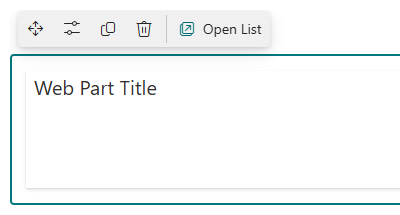
- Use the Open List button in the web part's top bar actions. This is available directly within the web part for quick access.
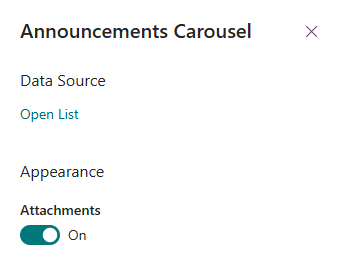
- Use Open List in the web part configuration pane. While configuring the web part, you can open the list straight from the pane.
- Open Site Contents and find the list there. Go to the Site Contents section of your SharePoint site and locate the announcements list among your site's content.
Adding a New Announcement
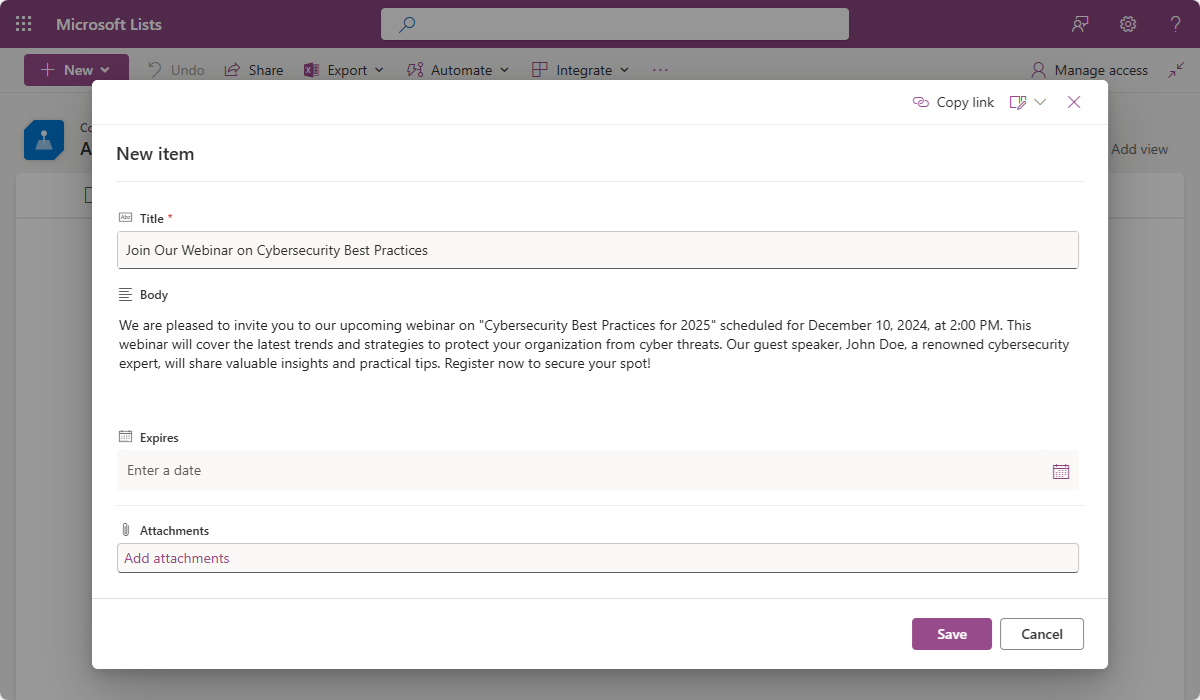
To add an announcement, click New in your selected list and fill in the details, such as the title and body.
Editing an Existing Announcement
To edit an announcement, click the item you want to update, make your changes, and save. This keeps your announcements current and accurate.
Conclusion
The Vitextra Announcements Carousel is an essential web part for any SharePoint Online site, designed to improve communication and engagement with minimal effort. Because it's built on the Microsoft Lists app, your announcements are both prominently displayed and easy to manage — whether you're sharing company news, event reminders, or product updates.
Storing data in Microsoft Lists also unlocks powerful collaboration features such as Power Automate. You can automate workflows — for example, sending notifications or updating other systems whenever an announcement is added or changed. And because permissions are managed the standard SharePoint way, you stay in control of who can view or edit announcements, maintaining security and compliance across your organization.