Discussions
Overview
The importer of Discussions reads a classic Discussion Board list (template 108 or the Discussion Board base type, which includes the discussion lists of community sites) and writes its content into the two site lists of the product, Discussions Topics and Discussions Posts. This article is the reference behind the wizard described in KB10417. How to Import a Classic SharePoint Discussion Board into Discussions: which classic field lands in which Discussions column, how the reply tree is reconstructed, what is derived, what is left behind, and how the importer recognizes its own work when it is run again. The columns themselves are described in KB10426. Discussions Lists and Columns Reference.
How the classic board stores a thread
A classic Discussion Board keeps every discussion as a folder of the list and every reply as an item inside that folder. The folder carries the subject, the body, the Question flag, the Featured flag, the like count and the id of the best reply; each reply carries its own body, like count and a Parent item reference (ParentItemID) that points either to the discussion itself (a top-level reply) or to another reply (a nested one). The importer reads the list in pages of 2,000 items, ordered by id, and tells folders from messages by the item type.
Discussions uses a different model — one item per topic, one item per reply, with lookups to the topic and to the parent post — so the import is a translation between the two structures, not a copy of the list.
Topics
Every classic discussion becomes one item of Discussions Topics:
| Classic discussion | Discussions Topics column | Value |
|---|---|---|
| Subject | Title | Copied; cut to 255 characters |
| Body | Body (VtxBody) | Copied through the HTML sanitizer of the product: allow-listed tags and attributes stay, scripts, styles and unsafe links are dropped |
| — | Board (VtxBoard) | The board selected in the web part |
| Question | Type (VtxTopicType) | Question when the flag is set, otherwise Discussion |
| — | Status (VtxStatus) | Open; changed to Answered when a best answer was found (see below) |
| Featured | Featured (VtxIsFeatured) | Copied |
| Number of likes | Likes (VtxLikeCount) | Copied |
| Replies in the folder | Replies (VtxReplyCount) | Counted by the importer |
| — | Views (VtxViewCount) | 0 |
| Created date of the latest reply, or of the discussion | Last activity (VtxLastActivity) | Calculated by the importer |
| Best reply | Accepted post (VtxAcceptedPostId) | The id of the imported reply |
| — | Approval status (VtxApprovalStatus) | Approved |
| — | Reports (VtxReportCount) | 0 |
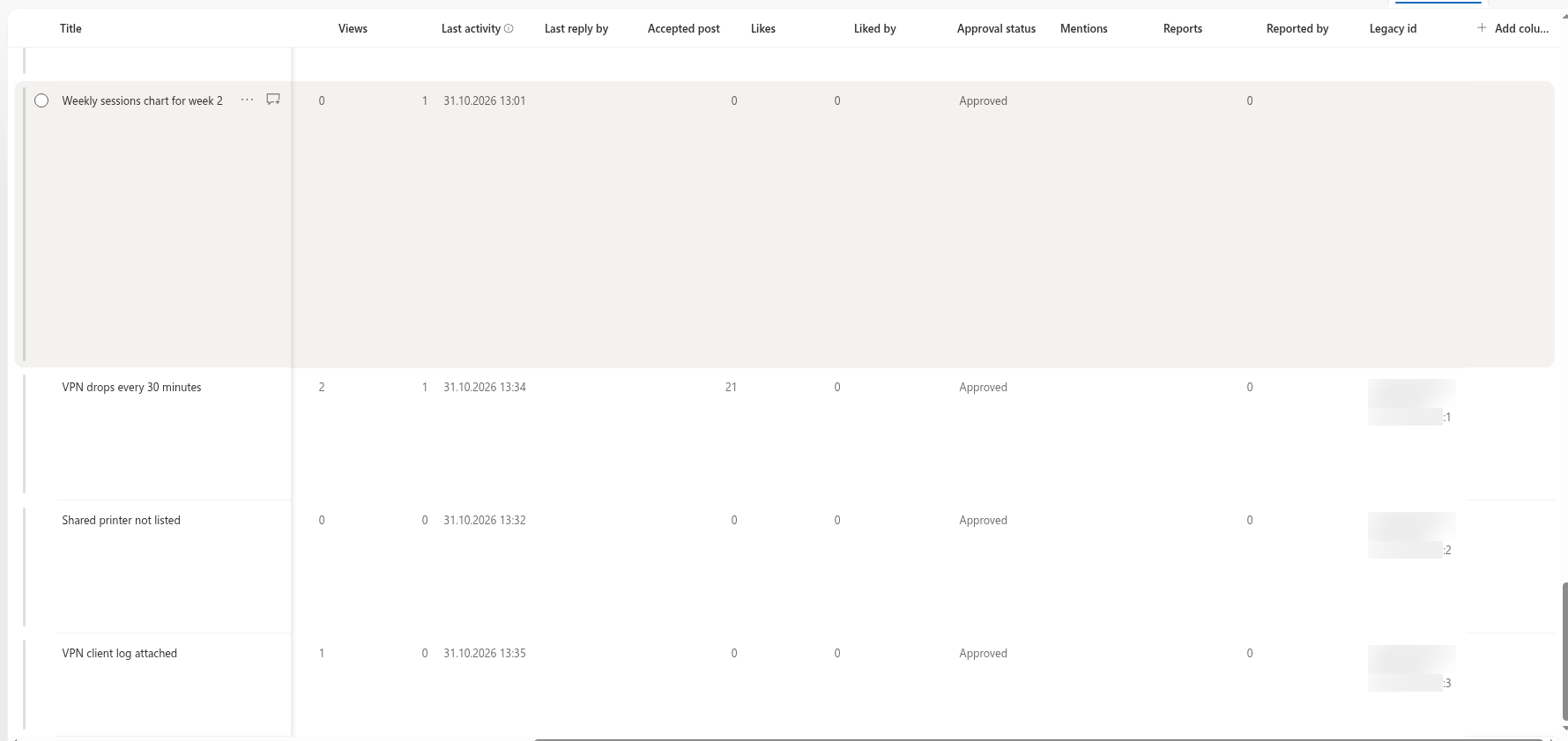
| List id and item id | Legacy id (VtxLegacyId) | {source list id}:{classic item id} |
| Created by, Modified by, Created, Modified | The same system columns | Restored with Keep original authors and dates |
| Attachments | Attachments of the item | Copied with Copy attachments |
Replies
Every classic reply becomes one item of Discussions Posts:
| Classic reply | Discussions Posts column | Value |
|---|---|---|
| Subject | Title | Copied; Re: when empty; cut to 255 characters |
| Body | Body (VtxBody) | Copied through the sanitizer |
| Folder of the reply | Topic (VtxTopic) | The imported topic of that folder |
| Parent item | Parent post (VtxParentPost) | The imported parent reply; empty for a top-level reply |
| — | Path (VtxPath) | / for a top-level reply; the path of the parent plus the parent's id and / for a nested one, for example /341/356/ |
| — | Depth (VtxDepth) | 0 for a top-level reply, the parent's depth + 1 otherwise |
| Best reply of the discussion | Is accepted answer (VtxIsAccepted) | Yes for the reply the discussion points to |
| Number of likes | Likes (VtxLikeCount) | Copied |
| — | Approval status, Reports | Approved, 0 |
| List id and item id | Legacy id (VtxLegacyId) | {source list id}:{classic item id} |
| Created by, Modified by, Created, Modified | The same system columns | Restored with Keep original authors and dates |
| Attachments | Attachments of the item | Copied with Copy attachments |
What is not copied
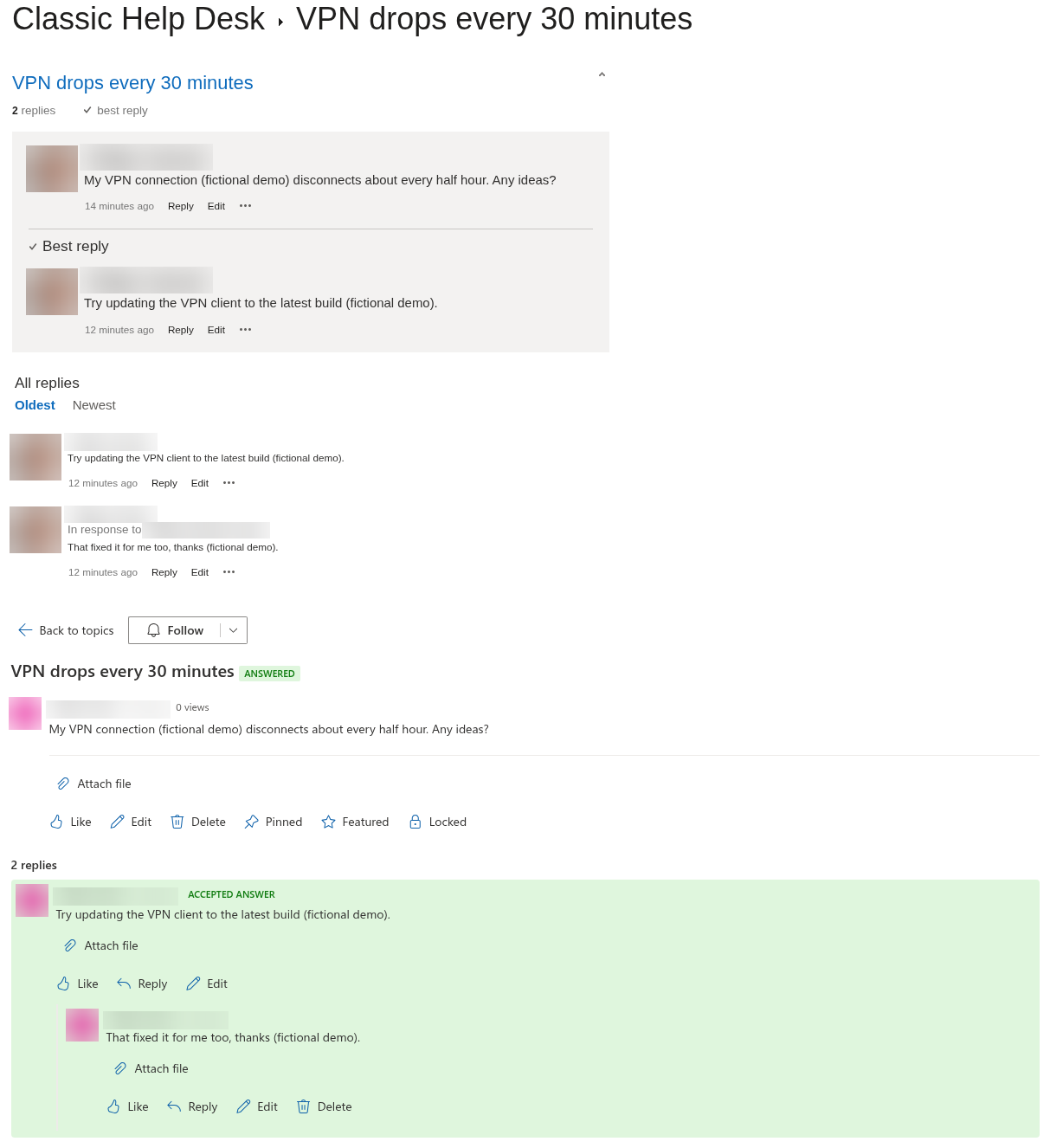
- Ratings (star ratings) and the list of people who liked an item. The like count is copied; the Liked by column stays empty, so every user can like an imported item once more.
- Categories: classic boards have none, and the importer leaves Category empty. Assign categories after the import if the board uses them.
- View counts: start at 0.
- Last reply by: stays empty; the web part shows the author of the last reply only for replies posted after the import.
- Alerts, classic views and list forms: they belong to the classic list and have no equivalent in Discussions. Subscriptions are created anew by the users — see KB10404. Following Boards and Topics: Subscriptions and Digest Frequency.
- Pinned topics: classic boards have no such flag; pin the topics you need after the import.
How the reply tree is rebuilt
- Replies are sorted by their classic Created date, oldest first, so that a parent is always created before its children.
- For every reply, the importer finds its topic by the folder the reply is in. A reply whose folder does not match any imported topic is skipped with the warning Reply skipped: its topic was not imported.
- The classic Parent item is looked up among the replies imported so far in this run or earlier. When it points to a reply, the new post gets that reply as Parent post, inherits its Path and gets Depth + 1. When it points to the discussion itself, is empty, or points to an item the importer does not know, the post becomes a top-level reply of the topic with path
/and depth 0. When the parent reply exists in the classic list but could not be created in this run, the post is placed at the top level too, and the report gets the warning Parent reply failed to import; the reply was placed at the top level: 419 (419 is the classic id of the placed reply). Replies nested under the placed reply are attached to it as usual.
Nesting is unlimited: a classic reply at the fifth level arrives at the fifth level.
Flattened boards and orphan replies
Some migration tools copy the items of a classic board but not the Parent item references between them; the board then looks like a list of discussions whose replies are all on one level, or the references point to item ids that no longer exist. The dry run counts the latter as Replies without a known parent (imported as top-level) and shows the warning Some replies lost their parent (a flattened board). Such replies are attached directly to their topic, in chronological order. Replies with an empty Parent item are not counted in that row but are treated the same way. The importer does not try to guess the original parent from timestamps or subjects.
❗ Important
The hierarchy can only be rebuilt from references that exist in the classic list at the time of the import. If you still have the original board — for example in SharePoint Server — check that the migration tool you use to move it to SharePoint Online carries the Parent item column; see KB10419. Migrating Discussion Boards from SharePoint Server to SharePoint Online with Discussions.
Best answers, counters and last activity
After all replies are created, the importer goes through the topics once more (the phase Updating counters and answers) and writes, for each topic of the plan:
- Replies — the number of classic replies in the topic's folder;
- Last activity — the Created date of the newest classic reply, or the Created date of the discussion when it has no replies;
- Likes — the like count of the discussion;
- Accepted post and Status = Answered — when the classic Best reply points to a reply that was imported; the reply itself gets Is accepted answer = Yes. A classic Answered flag without a best reply is ignored, and the topic stays Open.
These values are written for every topic in the plan, including topics imported in an earlier run, so a second run recalculates the counters.
Authors and dates
List items created through the REST API are always authored by the user who creates them. With Keep original authors and dates selected, the importer makes a second call per item that writes Created by (the classic author's login), Modified by (the classic editor, or the author when there is none), Created and Modified. SharePoint accepts these values only from accounts that may set system fields — in practice site owners with Full Control. When a field is refused, the report contains the line Topic title: Field — SharePoint's message; when the whole call is refused, Author and dates could not be restored. The item is still imported, authored by you and dated with the import time.
The author's login must resolve to an account of the tenant. Accounts that were deleted, or on-premises accounts that a migration tool did not map, cannot be restored and produce the same warning.
Attachments
With Copy attachments selected, the importer lists the attachment files of each classic topic and reply, downloads each file from the source site and attaches it to the new item under its original name. Characters that SharePoint does not allow in file names (\ / : * ? " < > | # % & { } ~) are replaced with an underscore, and names longer than 120 characters are shortened. A file that cannot be copied produces the warning file name: SharePoint's message and the rest of the files are still processed. Inline images embedded in the body are part of the HTML and travel with it.
The Legacy id and running the import again
Every imported topic and reply stores {source list id}:{classic item id} in the indexed Legacy id column — for example 3f2a9c1e-…:418. Before the dry run and before the import, the wizard reads all legacy ids of the site that start with the id of the selected classic list. The consequences:
- a topic that already has a legacy id is skipped and reported in the row Topics already imported (skipped); its existing copy is used as the parent of new replies;
- a reply that already has a legacy id is skipped too;
- new replies on an already imported topic are imported, so a board that is still in use can be imported incrementally;
- authors, dates and attachments are restored only for items created in the current run;
- existing content of the target board is never overwritten or deleted.
📝 Note
The legacy id includes the id of the classic list. If the classic board is copied to a new list — for example by a second migration pass or a site copy — the new list has a different id, and an import from it creates a second set of topics. Always import from the same list, or delete the first set before importing from the copy.