
Smart Tiles
Puissant composant WebPart de navigation qui permet aux utilisateurs de créer des menus de navigation attrayants et intuitifs dans leurs sites SharePoint.
- oct. 2026
- v26.10.4
- Langues prises en charge
- 9
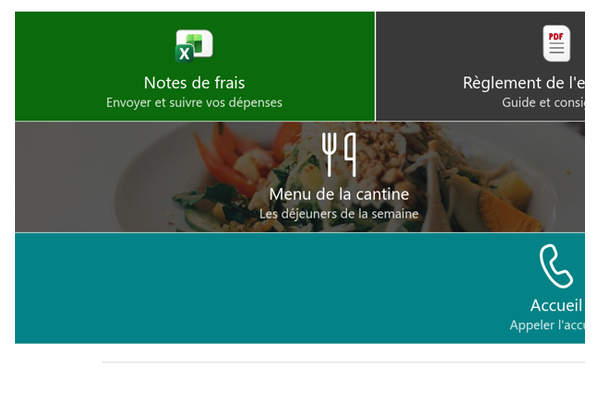
Le composant WebPart Smart Tiles est un outil puissant qui permet aux utilisateurs de créer des menus de navigation attrayants et intuitifs dans leurs sites SharePoint, en organisant des tuiles personnalisables dans une grille responsive, fidèle à l'image de votre entreprise.
- Design responsive
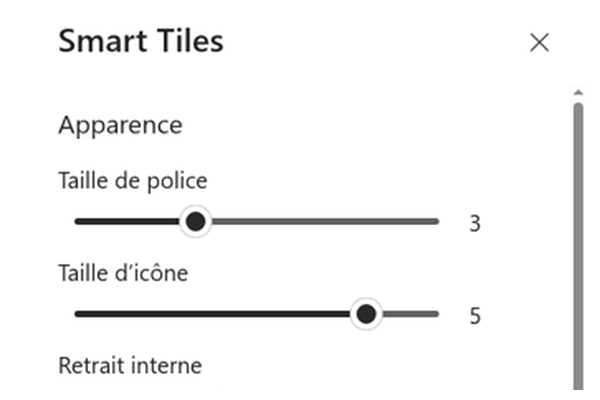
- Taille des tuiles, des icônes et de la police personnalisable
- Riche palette de couleurs
- Plus de 1 800 icônes officielles Microsoft 365
- Prise en charge des sections pleine largeur
Vue d'ensemble
Le composant WebPart Smart Tiles est un outil puissant qui permet aux utilisateurs de créer des menus de navigation attrayants et intuitifs dans leurs sites SharePoint Online.
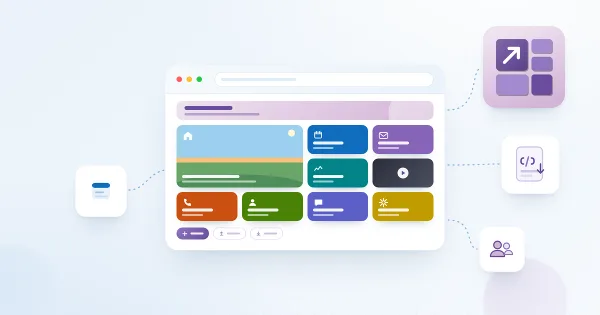
Avec ce composant WebPart, les utilisateurs ajoutent et personnalisent facilement des tuiles, chacune représentant une page ou une section différente du site, et les organisent dans une grille responsive.
Le composant WebPart offre un moyen fluide et efficace de naviguer dans le site : il améliore l'expérience utilisateur globale et facilite la découverte et l'accès aux informations importantes. Grâce à ses options de conception flexibles et à son interface conviviale, Smart Tiles est un outil essentiel pour améliorer la navigation du site et la productivité.
Tuiles personnalisables
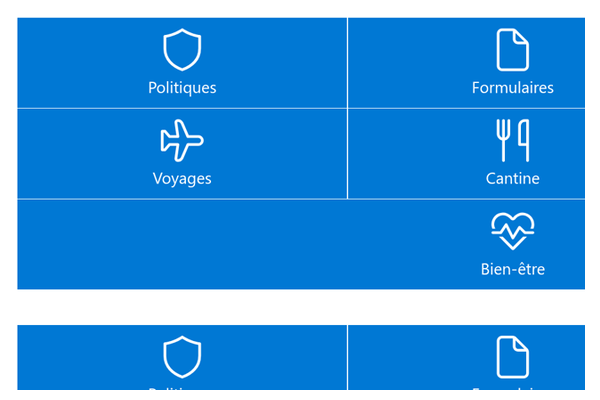
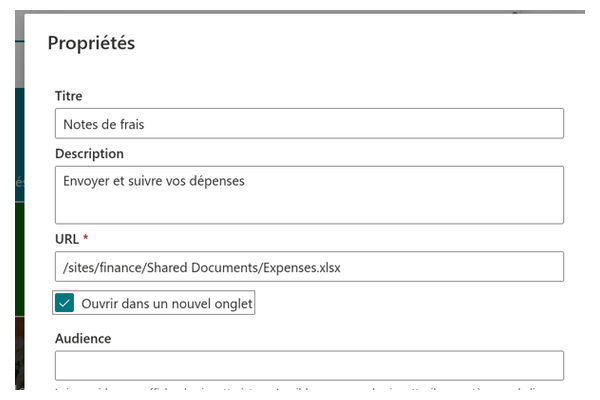
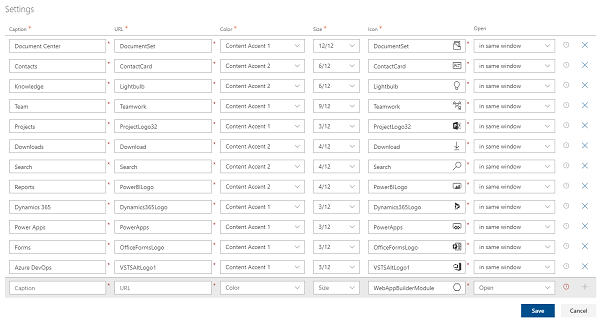
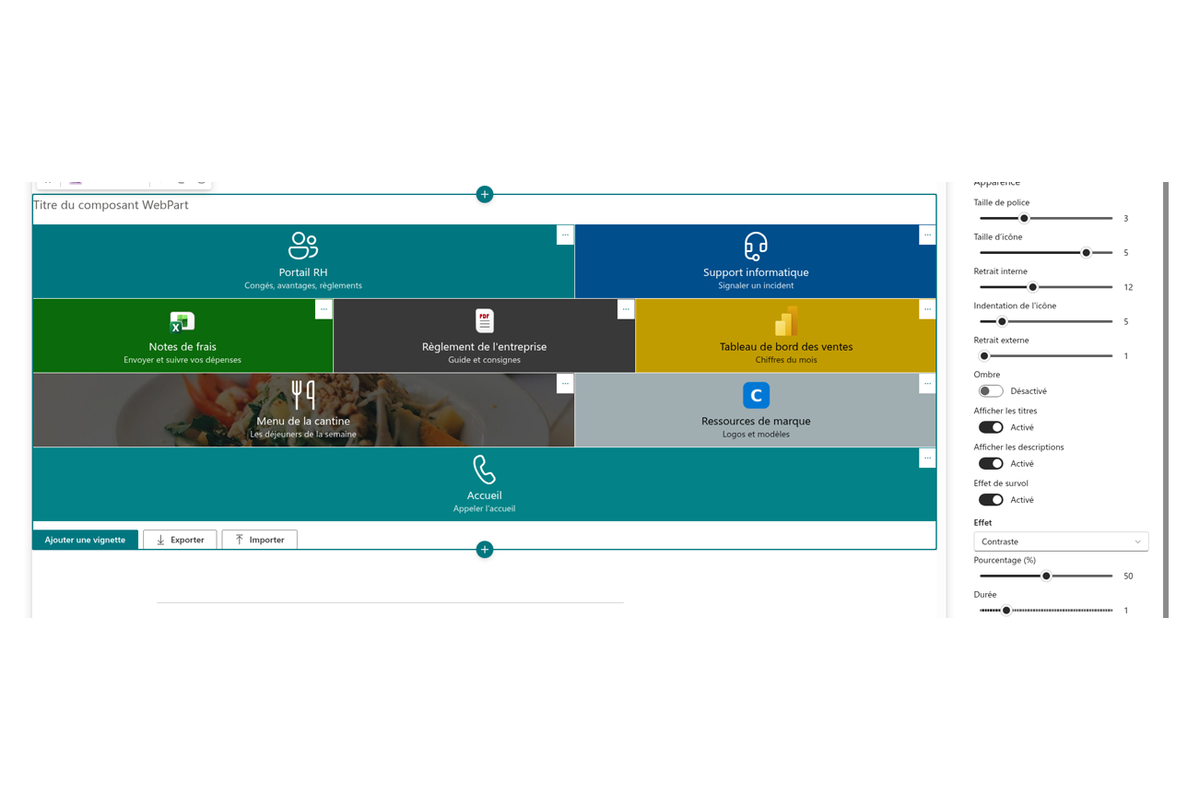
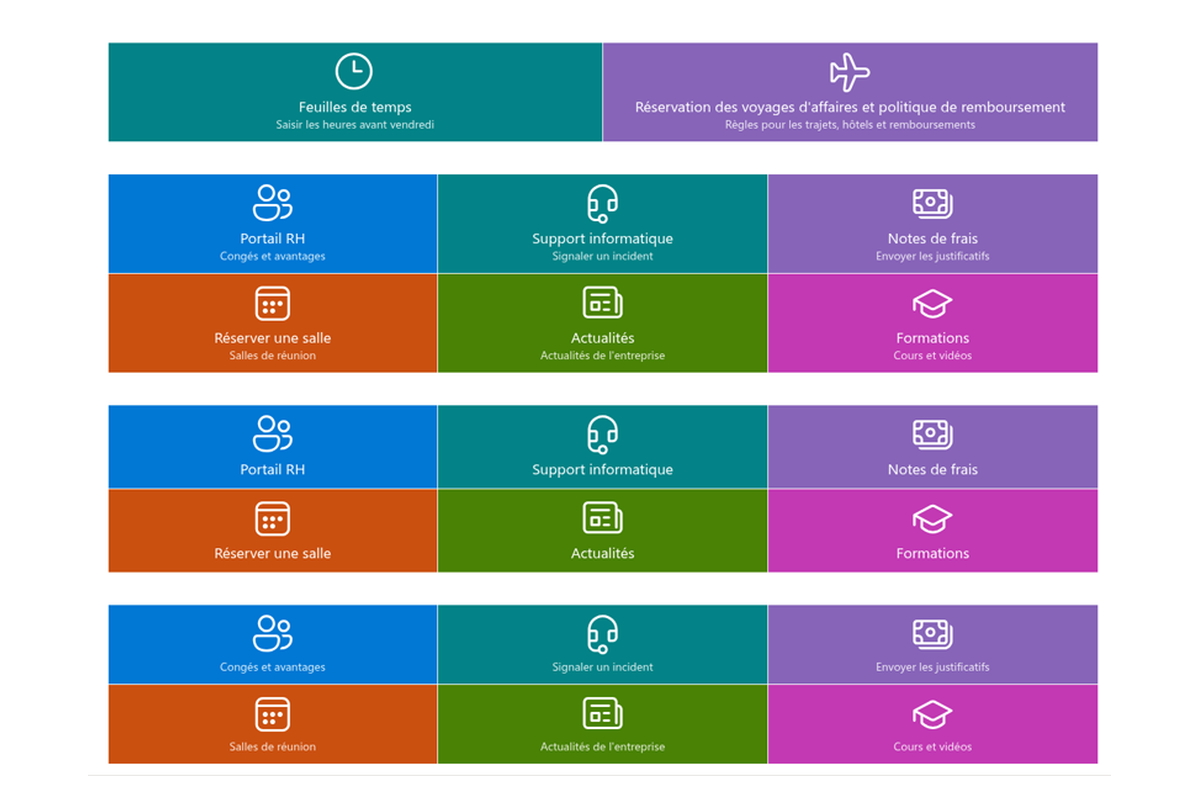
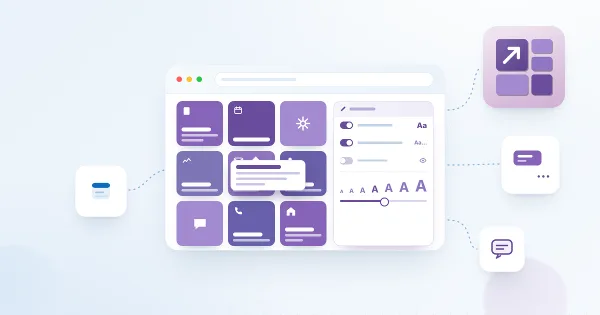
Créez et personnalisez vos tuiles avec le configurateur simple d'utilisation. Le composant WebPart Smart Tiles prend en charge les icônes officielles Microsoft 365 — plus de 1 800 icônes Fluent UI au choix — pour créer exactement les tuiles dont vous avez besoin. La taille des tuiles, des icônes et de la police est entièrement réglable.
Design responsive
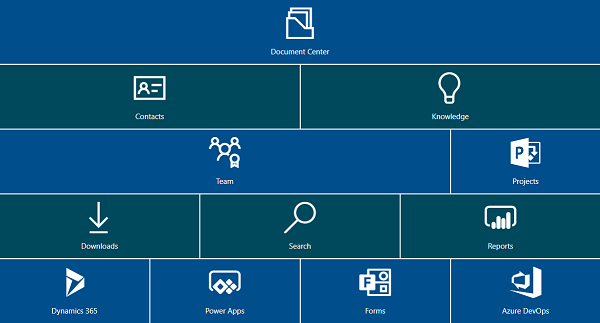
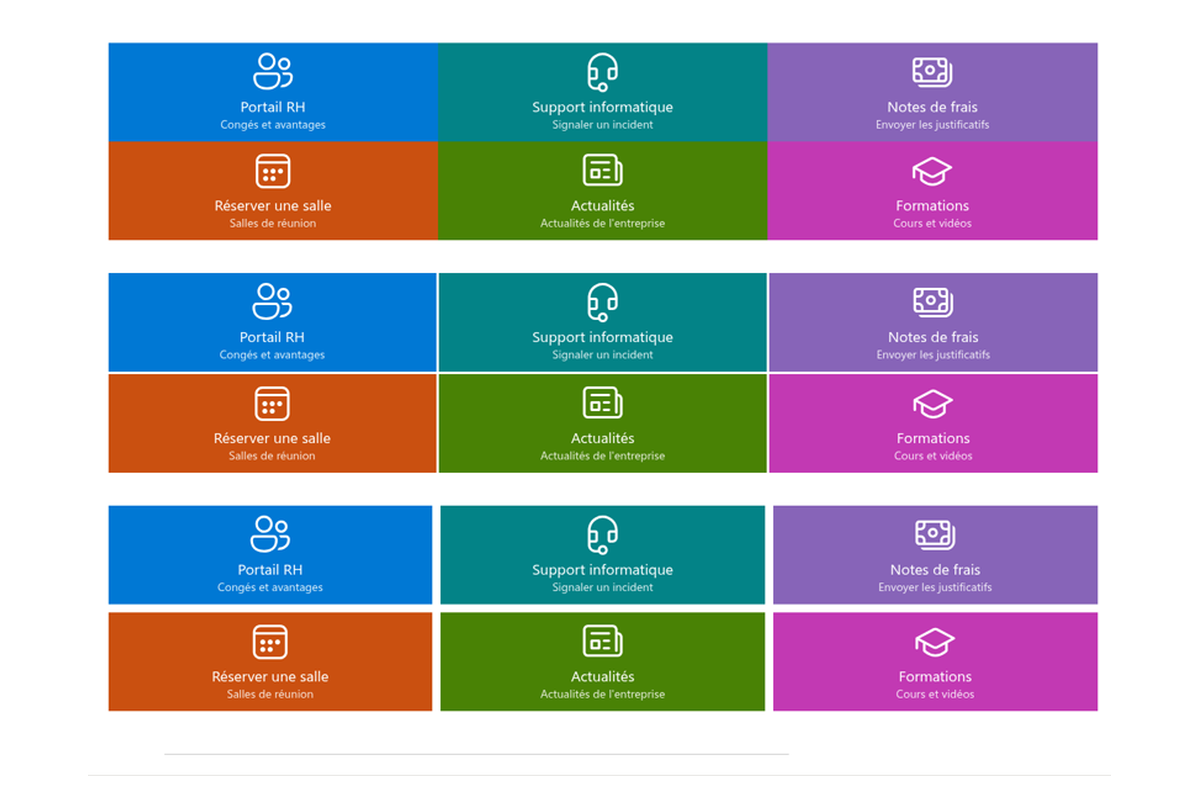
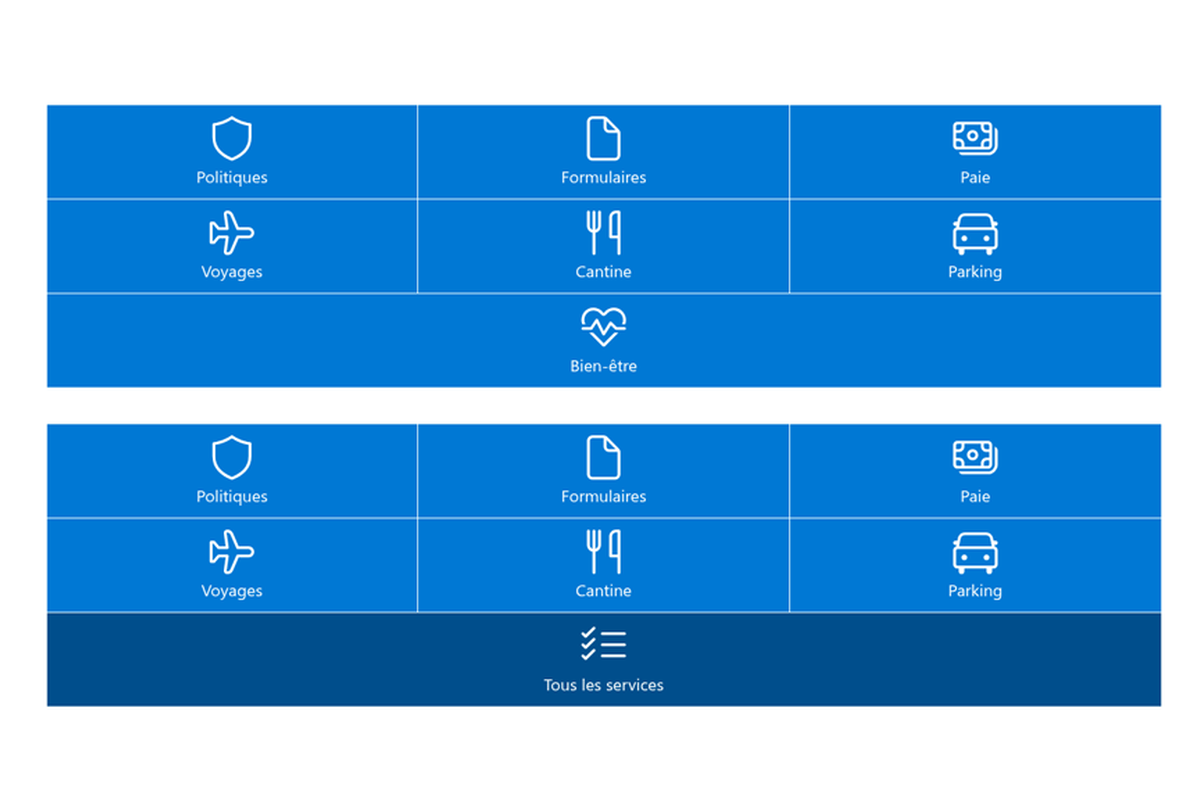
Smart Tiles s'appuie sur une puissante grille flexbox pour composer une mise en page de tuiles sur mesure. Le système à douze colonnes, les marges internes personnalisables et l'espacement entre les tuiles permettent de respecter l'identité visuelle de votre entreprise.
Le composant WebPart prend également en charge les sections pleine largeur des pages modernes SharePoint : votre navigation peut ainsi occuper toute la largeur de la page lorsque le design l'exige.
Riche palette de couleurs
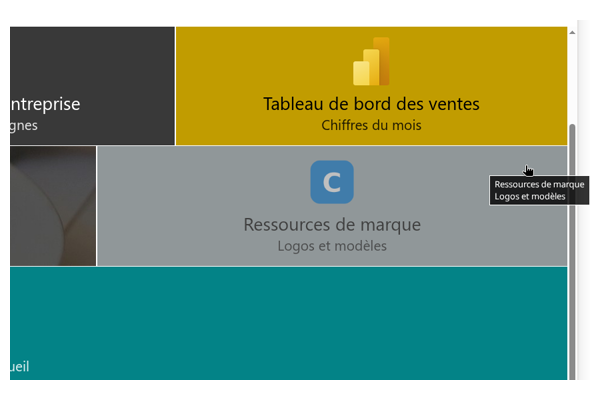
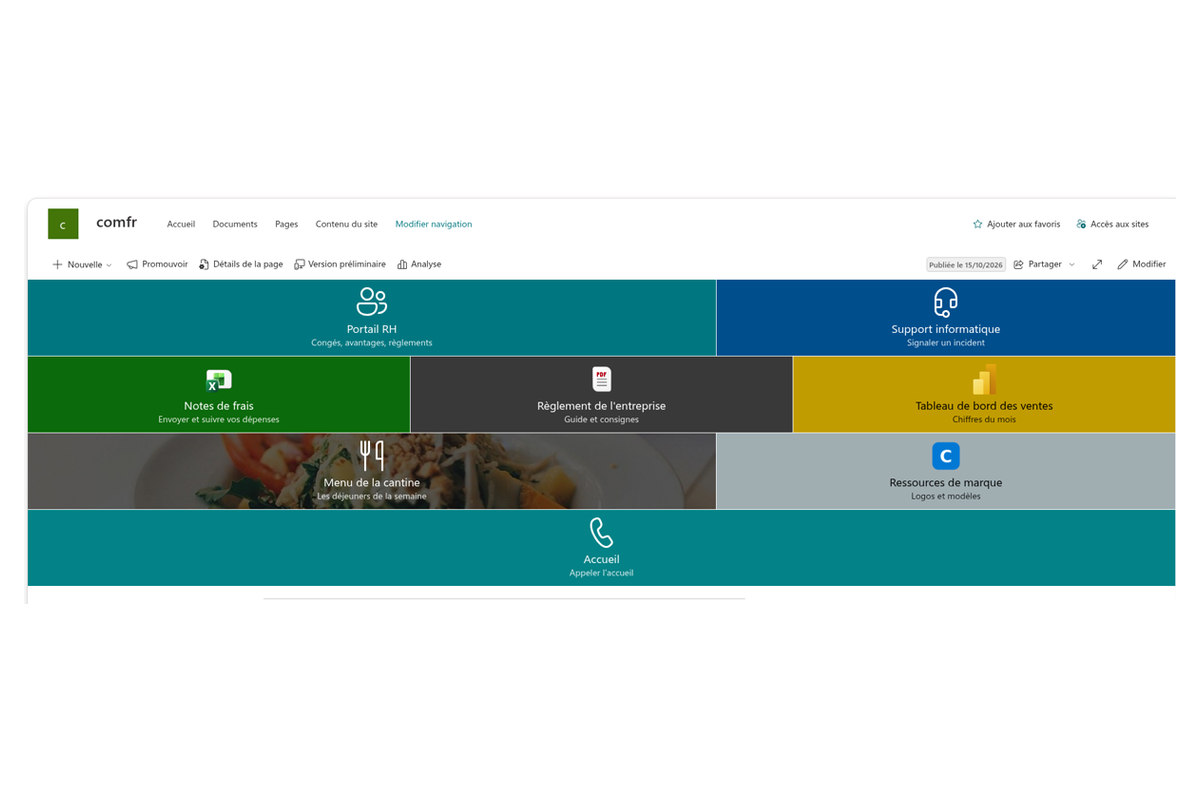
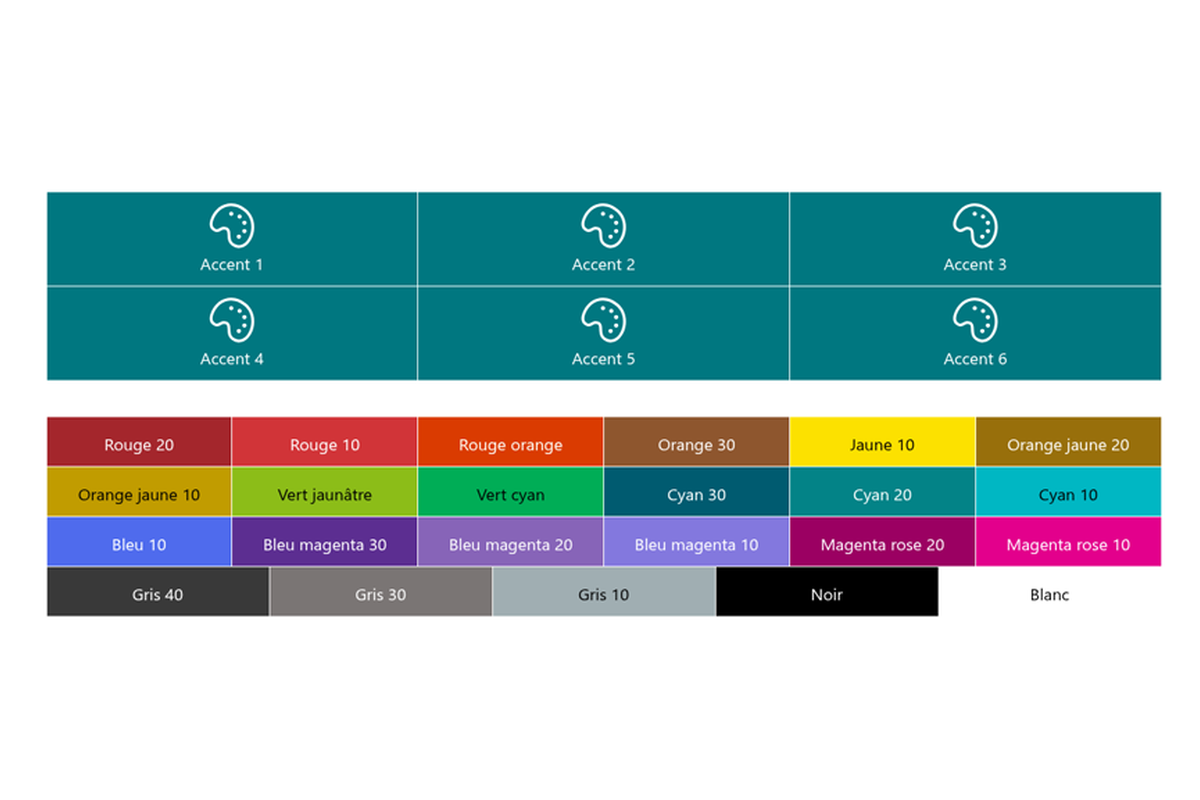
Accordez vos tuiles à l'apparence de votre intranet grâce à une riche palette : 33 couleurs prédéfinies et six couleurs d'accentuation sont disponibles d'emblée. Associée aux options de mise en page flexibles, la palette permet de composer facilement un panneau de navigation qui s'intègre naturellement à votre charte graphique.

Base de connaissances
Lisez les articles liés à Smart Tiles
Questions des clients
Quelques questions fréquentes sur Smart Tiles
Qu'est-ce que Smart Tiles ?
Smart Tiles est un composant WebPart de navigation par tuiles pour les pages modernes de SharePoint Online. Les propriétaires de site créent des menus de navigation attrayants et responsives directement sur la page — barres de liens rapides, panneaux par service, mises en page en mosaïque — avec des icônes, des couleurs, des images d'arrière-plan et un ciblage d'audience, le tout sans code. Commencez par la présentation de la solution et Comment ajouter et configurer le composant WebPart Smart Tiles.
Quelles tailles de tuiles et mises en page sont disponibles ?
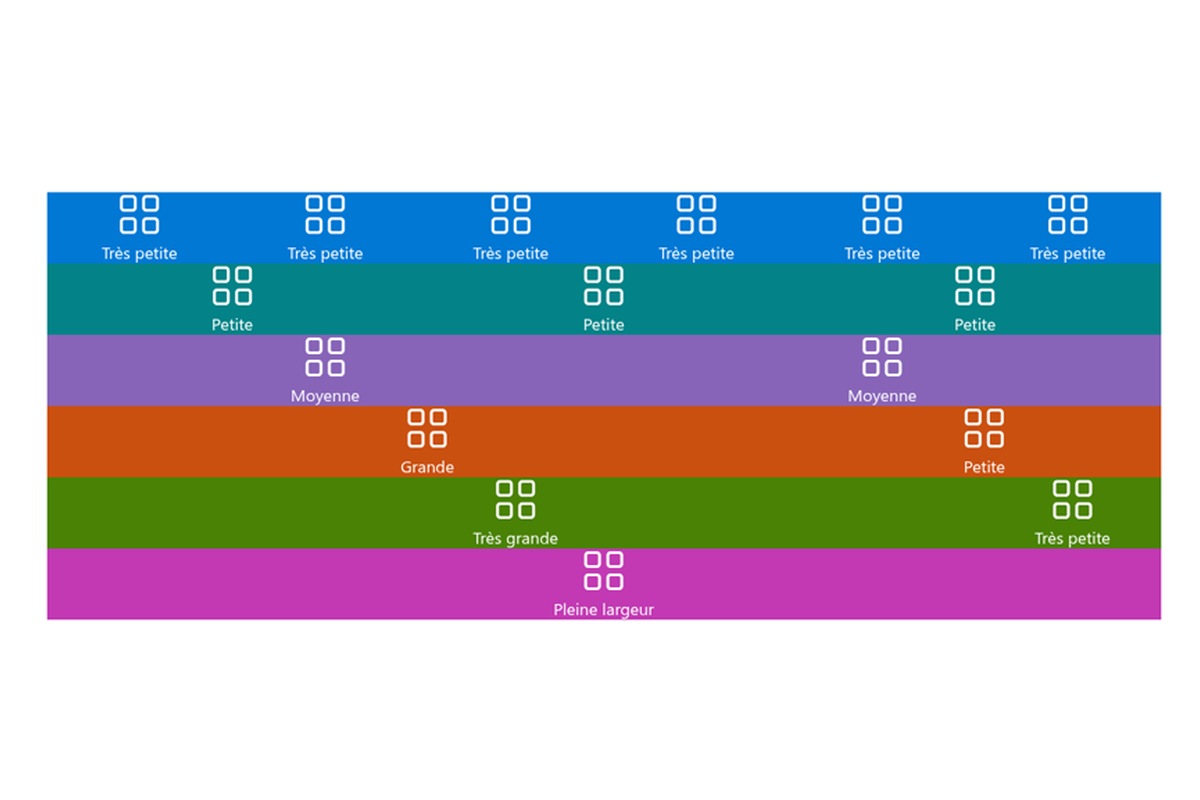
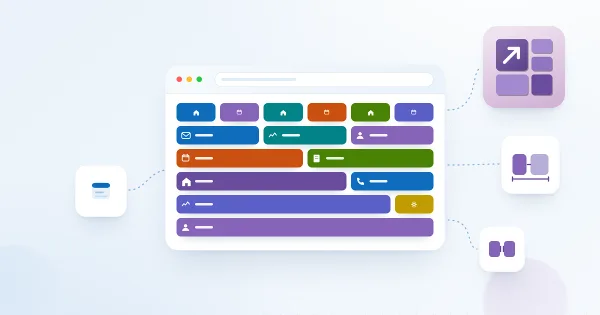
Il existe six tailles de tuiles — Très petite (15 % de la ligne), Petite (30 %), Moyenne (45 %), Grande (65 %), Très grande (80 %) et Pleine largeur (100 %). Les tuiles passent automatiquement à la ligne et s'étirent pour occuper toute la largeur disponible, et le composant WebPart peut être placé dans une section pleine largeur. La taille de police, la taille des icônes et les retraits sont réglables. Les détails figurent dans Tailles de tuiles et mise en page dans Smart Tiles.
Quelles icônes et images puis-je utiliser sur les tuiles ?
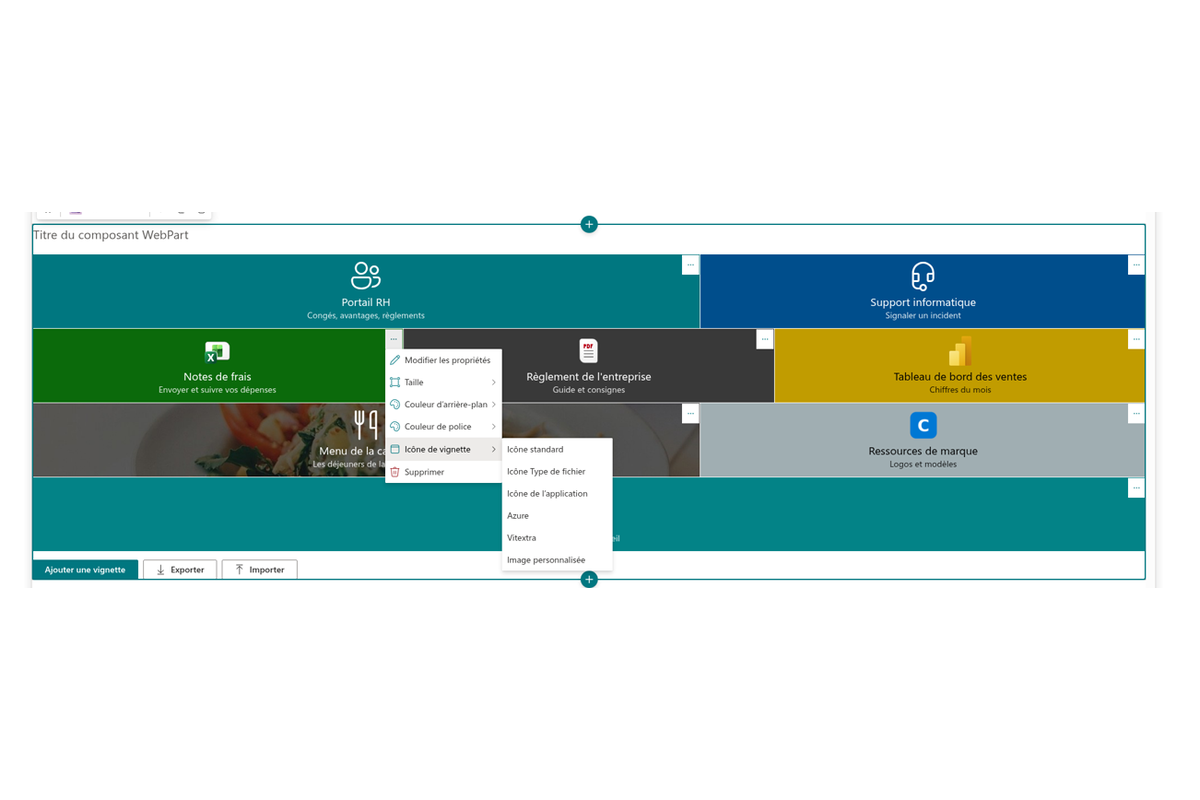
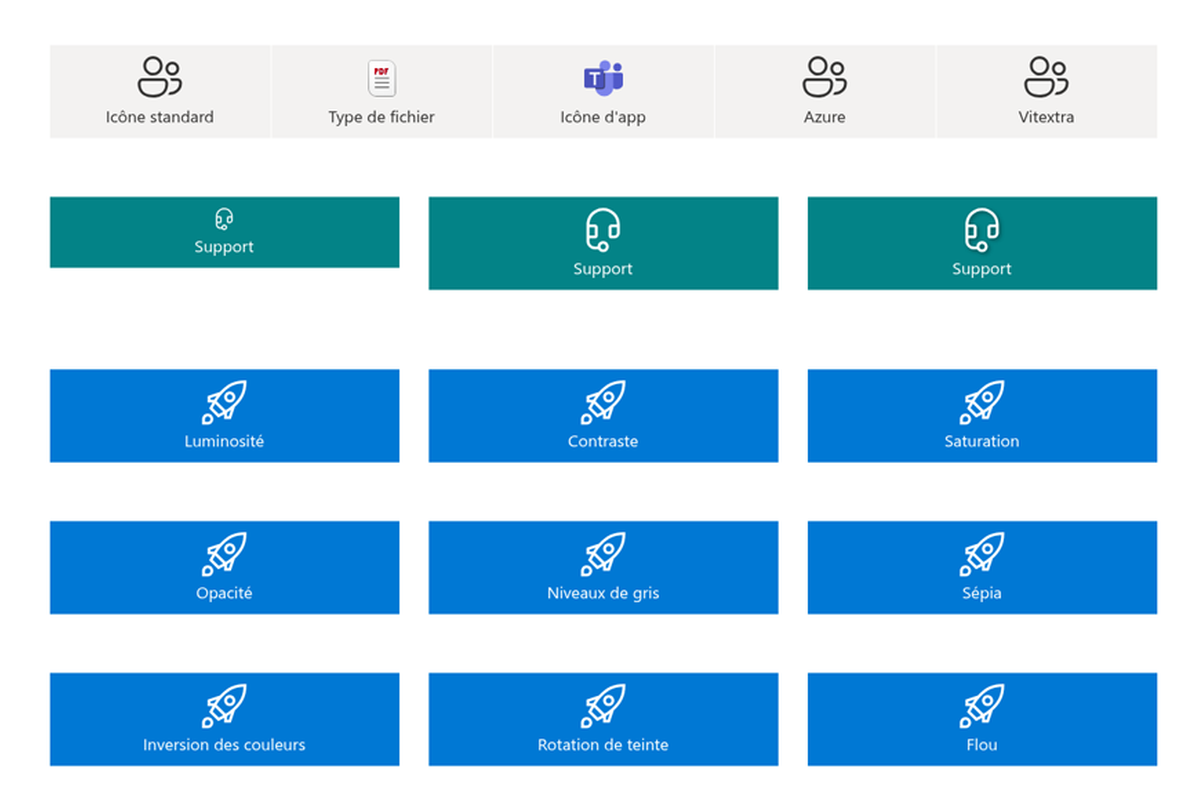
Vous pouvez choisir parmi cinq jeux d'icônes — Standard (plus de 1 800 icônes Fluent UI), Type de fichier, Applications (logos des applications Microsoft 365), Services Azure et Vitextra — ou charger une image SVG/PNG personnalisée. Chaque tuile peut également avoir une image d'arrière-plan provenant d'une URL ou d'une bibliothèque du site ; les liens YouTube reçoivent automatiquement une miniature et un bouton de lecture. Consultez Choisir les icônes des tuiles, Utiliser une image personnalisée comme icône de tuile et Définir une image d'arrière-plan pour une tuile.
Puis-je afficher des tuiles différentes selon les utilisateurs ?
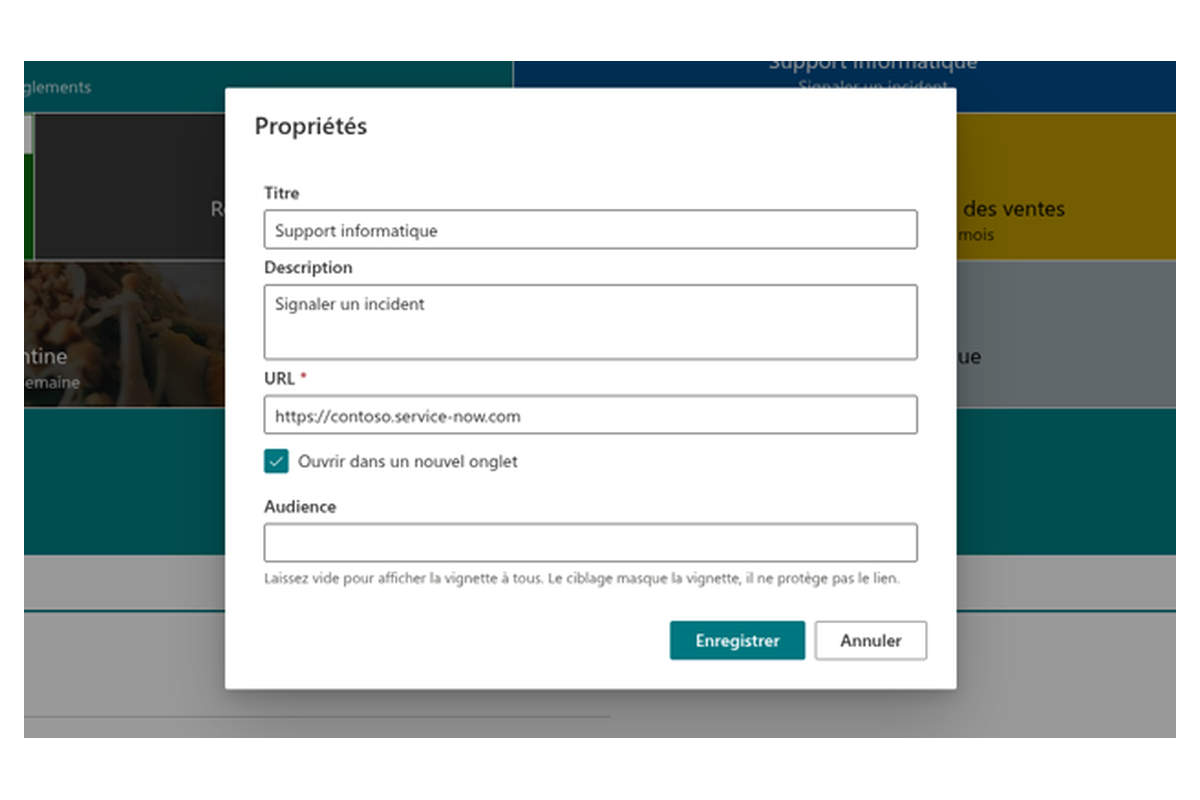
Oui. Chaque tuile prend en charge le ciblage d'audience par groupes de site SharePoint ou groupes Microsoft Entra ID, de sorte qu'une tuile n'est visible que par les membres des groupes sélectionnés. Les tuiles peuvent pointer vers des URL web, des chemins relatifs au tenant, des ancres de page, des liens mailto:, tel:, sms: et Microsoft Teams, avec ouverture facultative dans un nouvel onglet.
Comment fonctionnent les couleurs et les effets de survol ?
Les couleurs d'arrière-plan et de police sont choisies séparément parmi six couleurs d'accentuation du thème (qui suivent le thème du site), 31 couleurs Fluent UI prédéfinies, le noir et le blanc. Neuf effets de survol (luminosité, flou, rotation de teinte, etc.) avec une intensité et une durée réglables sont disponibles et respectent le focus clavier ainsi que les paramètres de réduction des animations. Consultez Couleurs des tuiles dans Smart Tiles et Configurer l'effet de survol des tuiles.
Quelles sont les exigences et les limitations ?
Smart Tiles fonctionne uniquement sur les pages modernes de SharePoint Online ; SharePoint Server 2016 et 2019 ne sont pas pris en charge. L'ajout du composant WebPart nécessite le niveau d'autorisation Modification, les visiteurs doivent disposer d'un accès en lecture aux images d'arrière-plan ou personnalisées, et les modifications deviennent visibles après la republication de la page. Une tuile a soit une image d'arrière-plan, soit une couleur, et la hauteur des tuiles ne peut pas être définie directement. L'abonnement couvre l'ensemble du tenant sans limite d'utilisateurs. Consultez le guide de l'administrateur et le guide de démarrage rapide.
Évaluations
Pas encore d’avis
Langues prises en charge
Langues prises en charge
Plateformes
Plateformes prises en charge
Rechercher d'autres applications
Applications suggérées
Partager
Envoyer des commentaires
Nous aimerions avoir de vos nouvelles ! Parlez-nous de votre expérience.