Base de connaissances
Articles à la une
Voici certains des articles les plus utiles. L’un d’eux est peut-être celui que vous cherchez.
List Filter Online et le composant WebPart Liste intégré : quelles différences ?
Comparaison pratique du composant WebPart Vitextra List Filter Online et des composants WebPart Liste et Bibliothèque de documents intégrés de SharePoint Online : filtrage, requêtes prédéfinies, pagination, colonnes, regroupement et totaux, export Excel, données inter-sites, listes volumineuses et connexions entre composants WebPart — et quand le composant intégré suffit.

Query Builder de List Filter Online : conditions, groupes et requête CAML sous-jacente
Référence du Query Builder du composant WebPart Vitextra List Filter Online : où le trouver, comment fonctionnent les conditions et les groupes ET/OU, quels opérateurs sont disponibles pour chaque type de colonne, comment sont résolues les conditions dynamiques telles que Utilisateur actuel et X dernières années, comment le filtre prédéfini se combine aux filtres des utilisateurs et comment afficher la requête CAML générée.
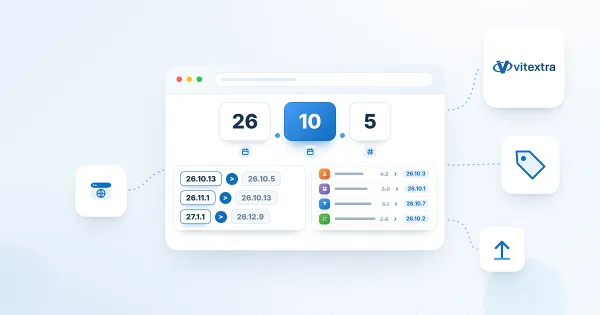
Versions des produits Vitextra : comment lire les numéros de version
Référence sur le schéma de versions unifié année.mois.build utilisé par les produits Vitextra pour Microsoft 365 depuis octobre 2026, avec un tableau des anciens et nouveaux numéros de version pour chaque produit.
Télécharger et copier un code QR : PNG, JPEG, SVG et WebP
Comment récupérer un code QR depuis le composant WebPart Vitextra QR Code Generator : le télécharger en PNG, JPEG, SVG ou WebP, définir la taille de l'image de 300 à 4000 pixels, copier le code dans le Presse-papiers et choisir le bon format pour l'impression, les documents et le web.
Comment trouver l'ID de locataire (Tenant ID) Microsoft 365 pour la licence Vitextra
Découvrez comment trouver l'identifiant unique (Tenant ID) de votre locataire Microsoft 365 dans la section About du volet des propriétés de n'importe quel composant WebPart Vitextra. Le Tenant ID est nécessaire pour attribuer une licence aux produits Vitextra.

Employee Directory: Local Time, Working Hours and Availability
Learn how the Vitextra Employee Directory details pane shows a colleague's local time, time difference, working hours and today's free/busy schedule next to your own, where the data comes from, which Microsoft Graph permissions it needs and how administrators turn it on or off.

Actions sur les employés dans Employee Directory : conversation, appel, e-mail, copie de l'adresse, réunion et vCard
Référence des actions par personne dans les composants WebPart Vitextra Employee Directory : « Converser dans Teams », « Appeler dans Teams », « Envoyer un message électronique », « Copier l’adresse e-mail », « Planifier une réunion » et « Télécharger la vCard ». Où apparaît chaque action, ce qu'elle ouvre, quand elle est masquée, son comportement dans Microsoft Teams et comment les administrateurs l'activent pour les actions rapides et le menu contextuel.
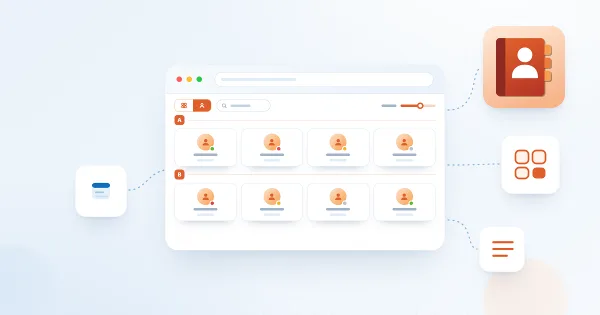
Affichages d’Employee Directory : liste et fiches, taille des fiches, champs des fiches et regroupement
Comment choisir entre l’affichage « Détails » (liste) et « Fiche contact » (fiches) dans les composants WebPart Vitextra Employee Directory, définir la taille et les champs des fiches, configurer les colonnes et la liste compacte, regrouper les employés par colonne, attribut personnalisé ou première lettre du nom, et afficher la zone de recherche et les totaux.

Comment configurer le volet d’affinement dans Employee Directory
Guide pas à pas pour activer et configurer le volet d’affinement dans les composants WebPart Vitextra Employee Directory : sources de données prises en charge, position du volet, paramètres des affinements, propriétés gérées affinables pour les propriétés de profil personnalisées et utilisation des affinements avec la recherche et les filtres rapides.
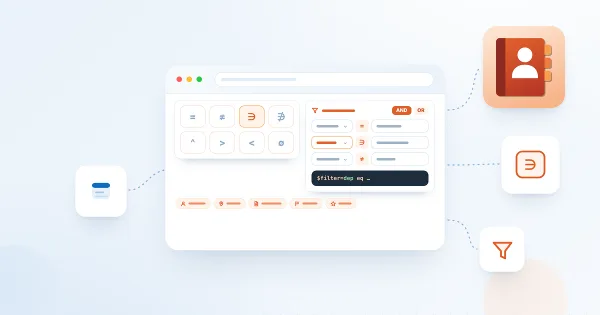
Employee Directory (Entra ID) : référence de l’éditeur de filtres
Référence de l’éditeur de filtres des composants WebPart Vitextra Employee Directory (Entra ID) et New Employees : champs disponibles, opérateurs, types de valeurs, groupes et logique ET/OU, rôles des utilisateurs, lien avec Microsoft Graph, limitations et exemples prêts à l’emploi.

Employee Directory ou Employee Directory (Entra ID) : quel composant WebPart choisir
Comparez les deux composants WebPart d'annuaire Vitextra — Employee Directory (recherche SharePoint ou Microsoft Graph) et Employee Directory (Entra ID) — selon la source de données, la recherche, le panneau d'affinement, l'éditeur de filtres, les exclusions, la navigation alphabétique, la recherche par compétences et l'export, et découvrez lequel convient à votre scénario.

Comment configurer le composant WebPart Employee Directory (Entra ID) : filtres, exclusions et navigation A–Z
Guide pas à pas pour configurer le composant WebPart Vitextra Employee Directory (Entra ID) dans SharePoint Online : colonnes et colonnes personnalisées, filtre prédéfini, recherche par compétences, tri et pagination, exclusion des utilisateurs sans licence, des comptes bloqués et des employés sans service ni titre de poste, et navigation alphabétique (A–Z).

Display Entra ID Custom Attributes in Employee Directory
How to retrieve Entra ID extension attributes with PowerShell and display them as custom columns in the Vitextra Employee Directory web part for SharePoint and Teams.
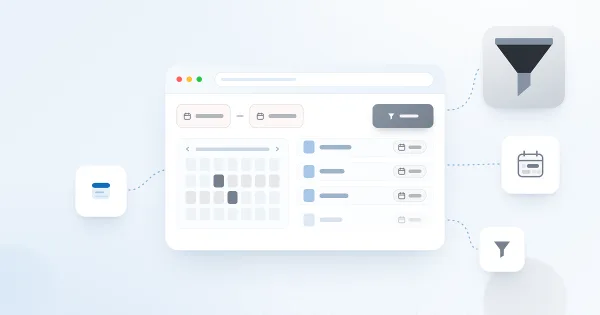
Filter a SharePoint List by Date Range with List Filter
How to filter a SharePoint list or document library by date range using the Vitextra List Filter web part — add a DateTime column with the Date range control and filter.
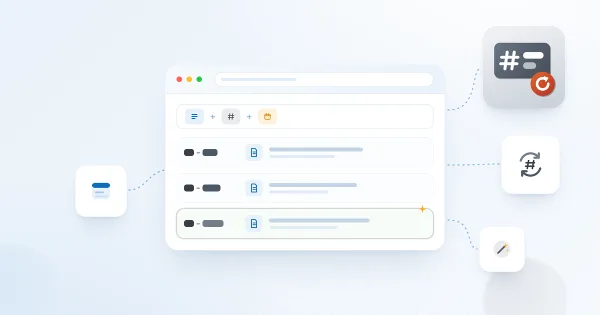
Auto-Generate Column Values with Number Generator
How to set up numbering schemes and formulas in the Vitextra Number Generator for SharePoint — reference columns and sequences, format numbers and dates, and use system fields.

Export the Employee List to an Excel Spreadsheet
How to enable and configure Excel export in the Vitextra Employee Directory — choose columns and export employee search results from User Profiles or Entra ID.

Deploy and Set Up Vitextra Short URL Online
Step-by-step guide to deploying Vitextra Short URL Online in a Microsoft 365 tenant — installing the .sppkg packages, the web part, and the command bar extension in SharePoint.

Employee Directory. Solution Overview
The Vitextra Employee Directory solution includes three web parts: Employee Directory, Employee Directory (Azure AD), and New Employees. Built on the SharePoint Framework (SPFx), it can be hosted on SharePoint Modern Pages, Classic Pages, and Microsoft Teams. This article will describe the main features of these web parts.
List Filter Controls and Supported Column Types
Reference for the Vitextra List Filter web part's 14 filtering controls — Text, Autocomplete, List, Date, Slider, People Picker, and more — and the SharePoint column types each supports.
Auto-Populate the Title Column with the File Name
How to automatically fill the Title column with a document's file name in a SharePoint library using Vitextra Document Auto Title — enable the site feature and configure options.

Let Read-Only Users Vote in Quick Poll
How to configure SharePoint list permissions so read-only users can participate in Quick Poll surveys — grant Contribute on the Responses list.

Export Filtered Data to Excel
Learn how to export SharePoint list or document library to Microsoft Excel
How to Add and Configure the Smart Tiles Web Part
Step-by-step guide to adding the Vitextra Smart Tiles web part to a SharePoint Online page: deploying the package, finding the web part in the toolbox, the sample tiles, the web part title, every setting of the Appearance group, the About group and placing the panel in a full-width section.

Create a Single App Page with Employee Directory
How to create a single app page in SharePoint Online using the Vitextra Employee Directory web part — a full-page employee search available only in the modern UI.
Employee Directory. Solution Overview
The Vitextra Employee Directory solution includes three web parts: Employee Directory, Employee Directory (Azure AD), and New Employees. Built on the SharePoint Framework (SPFx), it can be hosted on SharePoint Modern Pages, Classic Pages, and Microsoft Teams. This article will describe the main features of these web parts.
Employee Directory: Local Time, Working Hours and Availability
Learn how the Vitextra Employee Directory details pane shows a colleague's local time, time difference, working hours and today's free/busy schedule next to your own, where the data comes from, which Microsoft Graph permissions it needs and how administrators turn it on or off.

Comment personnaliser l'apparence des résultats de recherche dans Smart Search
Découvrez comment configurer ce qu'affiche chaque résultat de recherche dans le composant WebPart Vitextra Smart Search pour SharePoint Online : icône, chemin, date de dernière modification, nombre de vues, taille du fichier, résumé, balises, miniature et statistiques de consultation, de la liste compacte à la carte de résultat enrichie.
Query Builder de List Filter Online : conditions, groupes et requête CAML sous-jacente
Référence du Query Builder du composant WebPart Vitextra List Filter Online : où le trouver, comment fonctionnent les conditions et les groupes ET/OU, quels opérateurs sont disponibles pour chaque type de colonne, comment sont résolues les conditions dynamiques telles que Utilisateur actuel et X dernières années, comment le filtre prédéfini se combine aux filtres des utilisateurs et comment afficher la requête CAML générée.

Pourquoi une personne est-elle absente de l'organigramme ?
Liste de contrôle de dépannage pour les employés qui n'apparaissent pas dans Vitextra Organizational Chart : exclusions par défaut des comptes sans licence et des intitulés de poste vides, comptes désactivés, utilisateurs invités, responsable manquant dans Microsoft Entra ID, responsables filtrés, niveaux réduits et cache de données de 12 heures.
Comment trouver l'ID de locataire (Tenant ID) Microsoft 365 pour la licence Vitextra
Découvrez comment trouver l'identifiant unique (Tenant ID) de votre locataire Microsoft 365 dans la section About du volet des propriétés de n'importe quel composant WebPart Vitextra. Le Tenant ID est nécessaire pour attribuer une licence aux produits Vitextra.
Display Entra ID Custom Attributes in Employee Directory
How to retrieve Entra ID extension attributes with PowerShell and display them as custom columns in the Vitextra Employee Directory web part for SharePoint and Teams.
Versions des produits Vitextra : comment lire les numéros de version
Référence sur le schéma de versions unifié année.mois.build utilisé par les produits Vitextra pour Microsoft 365 depuis octobre 2026, avec un tableau des anciens et nouveaux numéros de version pour chaque produit.

Comment ajouter et modifier une vignette dans Smart Tiles
Comment travailler avec les vignettes individuelles dans le composant WebPart Vitextra Smart Tiles : ajout d'une vignette, boîte de dialogue Properties avec titre, description, lien, ouverture dans un nouvel onglet et audience, menu contextuel, formats de lien acceptés, réorganisation des vignettes par glisser-déposer et suppression d'une vignette.

Utiliser le JSON de mise en forme des colonnes SharePoint dans List Filter Online
Comment List Filter Online applique le JSON de mise en forme défini sur les colonnes des listes SharePoint : activation de l'option, éléments, styles, attributs, jetons de champ et expressions pris en charge, ce qui n'est pas pris en charge et le comportement de repli du composant WebPart, avec des exemples prêts à l'emploi.

Employee Details : présentation de la solution
Vitextra Employee Details est un composant WebPart SharePoint Online qui crée, à partir des données Microsoft 365, une page personnelle complète pour chaque employé : carte de contact, présence, heure locale et disponibilité, responsable et rapports directs, compétences, langues, documents, aperçus et modification du profil en libre-service. Découvrez ce qu'il affiche, comment il fonctionne et ce dont il a besoin.
Comment créer une page d'application de recherche avec Smart Search
Guide pas à pas pour créer une page d'application unique avec le composant WebPart Vitextra Smart Search dans SharePoint Online, en faire la page de résultats de recherche du site et y accéder au moyen de requêtes et d'onglets prédéfinis.
Partager
Smart Tiles
Le composant WebPart Smart Tiles est un outil puissant qui permet aux utilisateurs de créer des menus de navigation attrayants et intuitifs dans leurs sites SharePoint, en organisant des tuiles personnalisables dans une grille responsive, fidèle à l'image de votre entreprise.
En savoir plus