製品エクスプローラー
製品
Short URL
Quick Filter
My Tasks
Questions & Answers
Document Auto Title
Number Generator
RSS Reader
Employee Details
Password Vault
Quick Poll
Smart Tiles
Stock Quotes
Discussions
Announcements Carousel
一致する項目はありません
検索条件を緩めてください
サポート情報から学ぶ
製品チームが書いたガイド、手順、回答。サポートも同じナレッジ ベースを使っています。

How to Display Custom Entra ID Attributes in the Employee Directory Web Part
Show custom Microsoft Entra ID user attributes - directory extensions, extensionAttribute1–15 synchronized from on-premises Active Directory and other user properties - in the Vitextra Employee Directory and Employee Directory (Entra ID) web parts on SharePoint and in Microsoft Teams.
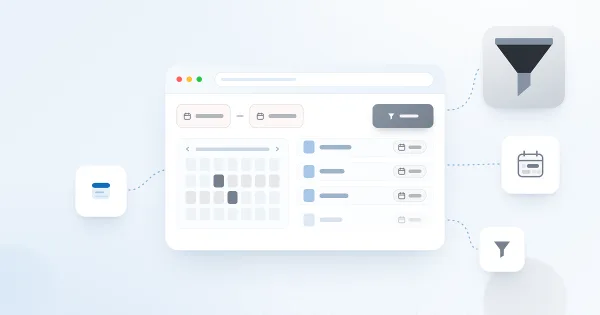
How to Filter a SharePoint List or Library by Date Range with List Filter
Learn how to filter a SharePoint list or document library by date range with the Vitextra List Filter web part: add DateTime columns to the filter panel, choose the Date range control and set begin and end dates without creating extra views.
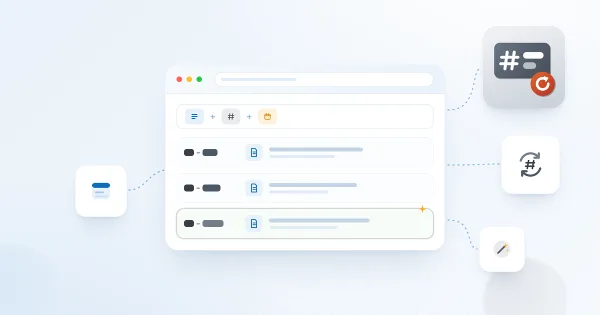
Number Generator: Numbering Schemes, Formulas and Samples
Reference for Vitextra Number Generator, which automatically generates numbers and names in SharePoint lists and libraries: activating the site collection feature, creating numbering schemes, formula syntax with columns and sequences, and five ready-to-use samples.

How to Export Employee Directory Results to Microsoft Excel
Learn how to enable and configure export of Employee Directory search results to Microsoft Excel (version 4.0.0 and higher): turn on the Export option, choose the columns, run the export from the search box area and know the limitations.

How to Deploy and Set Up Short URL Online
Learn how to deploy Vitextra Short URL Online in a Microsoft 365 tenant: the two .sppkg packages, deploying them to the SharePoint App Catalog and enabling the command bar extension on each site to shorten links to documents and folders.

Employee Directory Overview: Web Parts, SPFx and Microsoft Graph
Overview of the Vitextra Employee Directory solution for SharePoint and Microsoft Teams: the Employee Directory, Employee Directory (Entra ID) and New Employees web parts, SharePoint Framework hosting, Microsoft Graph permissions, data sources, layouts, quick filters, favorites, skills search, local time and availability, and the Entra ID filter editor.