サポート情報
注目の記事
役立つ記事の一部です。探している情報があるかもしれません。

Employee Directory: Local Time, Working Hours and Availability
Learn how the Vitextra Employee Directory details pane shows a colleague's local time, time difference, working hours and today's free/busy schedule next to your own, where the data comes from, which Microsoft Graph permissions it needs and how administrators turn it on or off.

Employee Directory の従業員アクション: チャット、通話、メール、メール アドレスのコピー、会議の設定、vCard
Vitextra Employee Directory Web パーツの人物ごとのアクション (「Teams でのチャット」「Teams で通話」「電子メールの送信」「メール アドレスをコピー」「会議を設定」「ダウンロードvCard」) のリファレンスです。各アクションの表示場所、開く内容、表示されない条件、Microsoft Teams 内での動作、管理者がクイック アクションとショートカット メニューで有効にする方法を説明します。
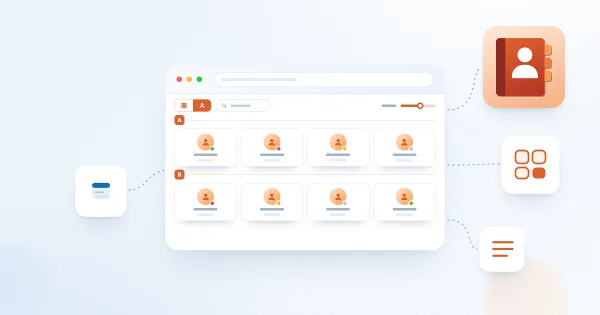
Employee Directory の表示形式: 一覧とカード、カード サイズ、カード フィールド、グループ化
Vitextra Employee Directory Web パーツで「詳細」(一覧) と「連絡先」(カード) の表示を切り替え、カードのサイズとフィールドを設定し、列とコンパクト一覧を構成し、列・カスタム属性・姓の頭文字で従業員をグループ化し、検索ボックスと合計を表示する方法を説明します。
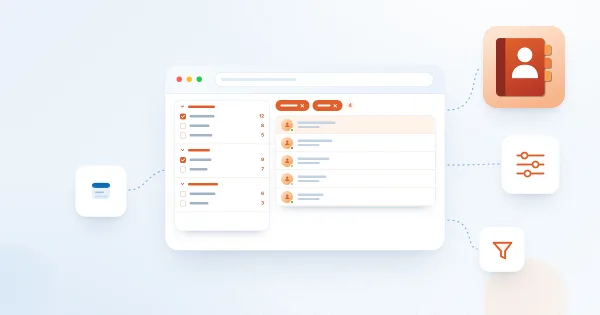
Employee Directory で絞り込みパネルを設定する方法
Vitextra Employee Directory Web パーツで絞り込みパネルを有効にして構成する手順を説明します。対応するデータ ソース、パネルの位置、絞り込み条件の設定、カスタム プロファイル プロパティ用の絞り込み可能な管理プロパティ、検索やクイック フィルターと組み合わせた使い方を取り上げます。
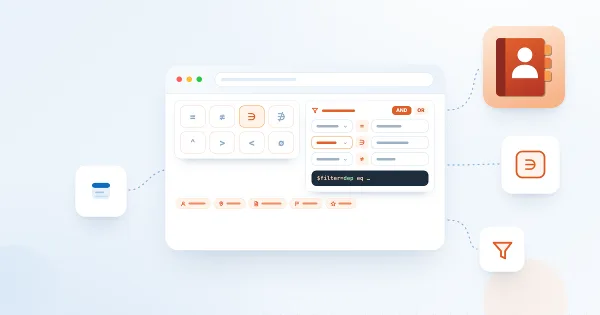
Employee Directory (Entra ID): フィルター エディターのリファレンス
Vitextra Employee Directory (Entra ID) および New Employees Web パーツのフィルター エディターのリファレンスです。使用できるフィールド、演算子、値の種類、グループと AND/OR の論理、ユーザー役割、Microsoft Graph との関係、制限事項、すぐに使える例を説明します。

Employee Directory と Employee Directory (Entra ID) の比較: どちらの Web パーツを選ぶべきか
Vitextra の 2 つのディレクトリ Web パーツ、Employee Directory (SharePoint 検索または Microsoft Graph) と Employee Directory (Entra ID) を、データ ソース、検索、絞り込みパネル、フィルター エディター、除外、アルファベット順ナビゲーション、スキル検索、エクスポートの観点で比較し、シナリオに合った Web パーツの選び方を説明します。
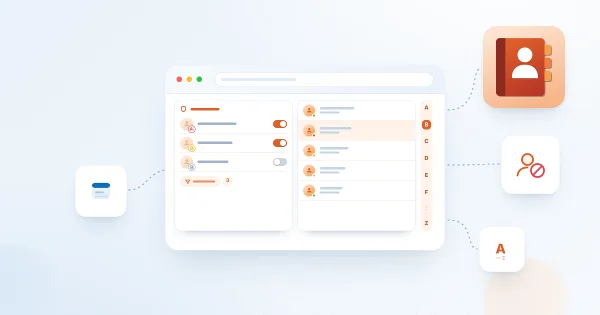
Employee Directory (Entra ID) Web パーツの構成方法: フィルター、除外、A–Z ナビゲーション
SharePoint Online で Vitextra Employee Directory (Entra ID) Web パーツを構成する手順を説明します。列とユーザー設定の列、定義済みフィルター、スキル検索、並べ替えとページング、ライセンスのないユーザー・ブロックされたアカウント・部署や役職が空の従業員の除外、アルファベット順 (A–Z) ナビゲーションを取り上げます。

Employee Directory Web パーツの追加と構成方法
Vitextra Employee Directory Web パーツを SharePoint Online のページに追加し、主要な設定を構成する手順を説明します。データ ソース (ユーザー プロファイルまたは Microsoft Entra ID)、列、並べ替え、ページ サイズ、検索ボックスと合計に加え、プロパティ ウィンドウのその他のグループの概要も紹介します。

How to Showcase New Hires with the New Employees Web Part
Learn how to spotlight recently hired employees on a SharePoint site with the New Employees web part from Employee Directory: add it to a page, set the look-back period (last 1–6 months) and the number of employees, filter users with the filter editor, and configure card size, card fields and actions.

Employee Details: 役職、部署、連絡先情報の変更を依頼する方法
Vitextra Employee Details で、役職、部署、会社、オフィス、電話番号、住所の変更を依頼する方法を説明します。「変更を要求」ボタンの場所、変更できるプロパティ、入力する内容、送信後の流れ、ボタンが表示されない理由がわかります。

Employee Details:プレゼンス、不在、記念日
Vitextra Employee Details ページのヘッダーから同僚について分かること:Microsoft Teams のプレゼンス状態、メッセージ付きの不在バナー、会社での年数、勤務記念日と誕生日のバッジ、データの取得元、バッジが表示されない理由を説明します。
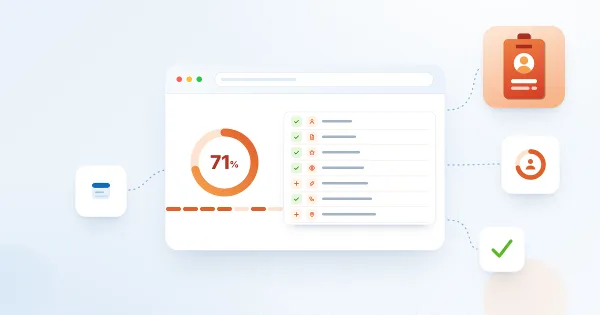
Employee Details: プロフィールの完成度と 100% にする方法
Vitextra Employee Details の「プロファイルの完成度」カードが何をカウントするのか、同じ重みの 7 つの基準 (写真、説明、3 つ以上のスキル、言語、ソーシャル アカウント、電話番号、オフィスの所在地)、割合の計算方法、カードを表示できるユーザー、不足している項目の入力方法を説明します。

Display Entra ID Custom Attributes in Employee Directory
How to retrieve Entra ID extension attributes with PowerShell and display them as custom columns in the Vitextra Employee Directory web part for SharePoint and Teams.
Filter a SharePoint List by Date Range with List Filter
How to filter a SharePoint list or document library by date range using the Vitextra List Filter web part — add a DateTime column with the Date range control and filter.
Auto-Generate Column Values with Number Generator
How to set up numbering schemes and formulas in the Vitextra Number Generator for SharePoint — reference columns and sequences, format numbers and dates, and use system fields.

Export the Employee List to an Excel Spreadsheet
How to enable and configure Excel export in the Vitextra Employee Directory — choose columns and export employee search results from User Profiles or Entra ID.

Deploy and Set Up Vitextra Short URL Online
Step-by-step guide to deploying Vitextra Short URL Online in a Microsoft 365 tenant — installing the .sppkg packages, the web part, and the command bar extension in SharePoint.

Employee Directory. Solution Overview
The Vitextra Employee Directory solution includes three web parts: Employee Directory, Employee Directory (Azure AD), and New Employees. Built on the SharePoint Framework (SPFx), it can be hosted on SharePoint Modern Pages, Classic Pages, and Microsoft Teams. This article will describe the main features of these web parts.
List Filter Controls and Supported Column Types
Reference for the Vitextra List Filter web part's 14 filtering controls — Text, Autocomplete, List, Date, Slider, People Picker, and more — and the SharePoint column types each supports.
Auto-Populate the Title Column with the File Name
How to automatically fill the Title column with a document's file name in a SharePoint library using Vitextra Document Auto Title — enable the site feature and configure options.

Let Read-Only Users Vote in Quick Poll
How to configure SharePoint list permissions so read-only users can participate in Quick Poll surveys — grant Contribute on the Responses list.

Export Filtered Data to Excel
Learn how to export SharePoint list or document library to Microsoft Excel
How to Add and Configure the Smart Tiles Web Part
Step-by-step guide to adding the Vitextra Smart Tiles web part to a SharePoint Online page: deploying the package, finding the web part in the toolbox, the sample tiles, the web part title, every setting of the Appearance group, the About group and placing the panel in a full-width section.

Create a Single App Page with Employee Directory
How to create a single app page in SharePoint Online using the Vitextra Employee Directory web part — a full-page employee search available only in the modern UI.
Employee Directory. Solution Overview
The Vitextra Employee Directory solution includes three web parts: Employee Directory, Employee Directory (Azure AD), and New Employees. Built on the SharePoint Framework (SPFx), it can be hosted on SharePoint Modern Pages, Classic Pages, and Microsoft Teams. This article will describe the main features of these web parts.
Display Entra ID Custom Attributes in Employee Directory
How to retrieve Entra ID extension attributes with PowerShell and display them as custom columns in the Vitextra Employee Directory web part for SharePoint and Teams.

List Filter Online for SharePoint: Features and Configuration
Overview and configuration guide for the Vitextra List Filter Online web part: filter SharePoint lists and libraries with a Query Builder, columns, grouping, totals, and Excel export.
How to Add and Configure the Smart Tiles Web Part
Step-by-step guide to adding the Vitextra Smart Tiles web part to a SharePoint Online page: deploying the package, finding the web part in the toolbox, the sample tiles, the web part title, every setting of the Appearance group, the About group and placing the panel in a full-width section.
Configure the List Filter Web Part in SharePoint
How to activate, add, connect, and configure the Vitextra List Filter web part in SharePoint — enable the feature, connect to a List View, and choose fields to filter.
Auto-Generate Column Values with Number Generator
How to set up numbering schemes and formulas in the Vitextra Number Generator for SharePoint — reference columns and sequences, format numbers and dates, and use system fields.
Install a Vitextra Product on SharePoint Server (On-Premises)
Step-by-step guide to installing a Vitextra farm solution on SharePoint Server with the installation wizard — prerequisites, permissions, package, and deployment targets.
Create Cross-Site Sequences with Number Generator
How to create and use cross-site sequences in Vitextra Number Generator to auto-generate unique numbers for SharePoint documents and list items across a site collection.

Quick Start: Navigating the Employee Directory
Learn the basics of the Vitextra Employee Directory web part for SharePoint and Teams — the list view, search box, quick-filter bar, and persona card for finding and contacting colleagues.
Filter a SharePoint List by Date Range with List Filter
How to filter a SharePoint list or document library by date range using the Vitextra List Filter web part — add a DateTime column with the Date range control and filter.

Build a Custom Search Results Page with Smart Search
How to create a custom SharePoint Online search results page and configure the Vitextra Smart Search web part — data sources, appearance, filtering, sorting, and item layout.
Install a Vitextra Product in SharePoint Online
Step-by-step guide to installing a Vitextra SPFx product in SharePoint Online — prerequisites and permissions, uploading the .sppkg to the App Catalog, and approving API access.
共有
Smart Tiles
Smart Tiles Web パーツは、SharePoint サイト内に視覚的に魅力的で直感的なナビゲーション メニューを作成できる強力なツールです。カスタマイズ可能なタイルをレスポンシブ グリッドに配置し、企業ブランドに合わせることができます。
詳細を表示