Employee Directory - Knowledge Base
Employee Directory (Entra ID): Filter Editor Reference
Reference for the filter editor of the Vitextra Employee Directory (Entra ID) and New Employees web parts: available fields, operators, value types, groups and AND/OR logic, user roles, how the filter relates to Microsoft Graph, limitations and ready-to-use examples.
Employee Directory Layouts: Details and Cards, Card Size, Card Fields and Group By
How to choose between the Details (list) and Contact (cards) views in the Vitextra Employee Directory web parts, set the card size and card fields, configure columns and compact list, group people by a column, custom attribute or last-name letter, and show the search box and totals.
Employee Directory vs. Employee Directory (Entra ID): Which Web Part to Choose
Compare the two Vitextra directory web parts — Employee Directory (SharePoint search or Microsoft Graph) and Employee Directory (Entra ID) — by data source, search, refinement panel, filter editor, exclusions, A–Z navigation, skills search and export, and find out which one fits your scenario.

Employee Directory: Local Time, Working Hours and Availability
Learn how the Vitextra Employee Directory details pane shows a colleague's local time, time difference, working hours and today's free/busy schedule next to your own, where the data comes from, which Microsoft Graph permissions it needs and how administrators turn it on or off.

How to Add and Configure the Employee Directory Web Part
Step-by-step guide to adding the Vitextra Employee Directory web part to a SharePoint Online page and configuring its main settings: the data source (User Profiles or Microsoft Entra ID), columns, sorting, page size, search box and totals, plus an overview of every other property pane group.
How to Configure the Employee Directory (Entra ID) Web Part: Filters, Exclusions and A–Z Navigation
Step-by-step guide to configuring the Vitextra Employee Directory (Entra ID) web part in SharePoint Online: columns and custom columns, the predefined filter, skills search, sorting and paging, excluding unlicensed users, blocked accounts and employees with a blank department or job title, and alphabetical (A–Z) navigation.
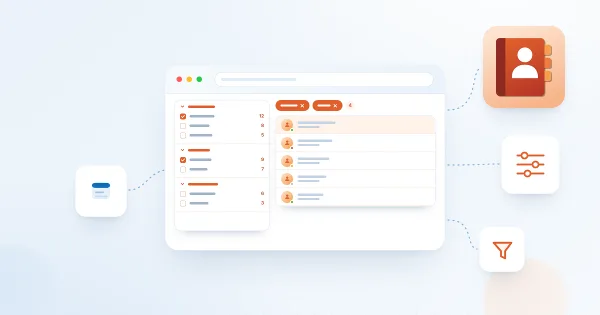
How to Set Up the Refinement Panel in Employee Directory
Step-by-step guide to enabling and configuring the refinement panel in the Vitextra Employee Directory web parts: supported data sources, panel position, refiner settings, refinable managed properties for custom profile properties, and how employees use refiners together with search and quick filters.
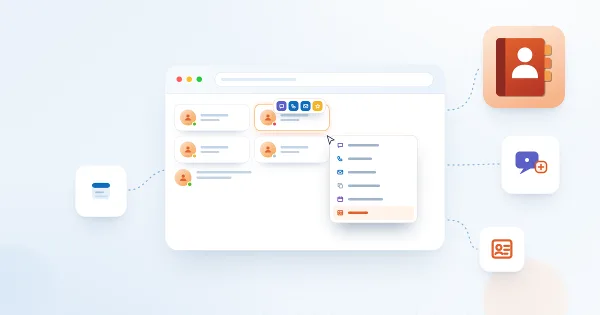
Employee Actions in Employee Directory: Chat, Call, Email, Copy Email, Schedule a Meeting and vCard
Reference for the per-person actions in the Vitextra Employee Directory web parts: Chat in Teams, Call in Teams, Send E-mail, Copy e-mail address, Schedule a meeting and Download vCard. Learn where each action appears, what it opens, when it is hidden, how it behaves in Microsoft Teams, and how administrators enable it for Quick Actions and the Context Menu.
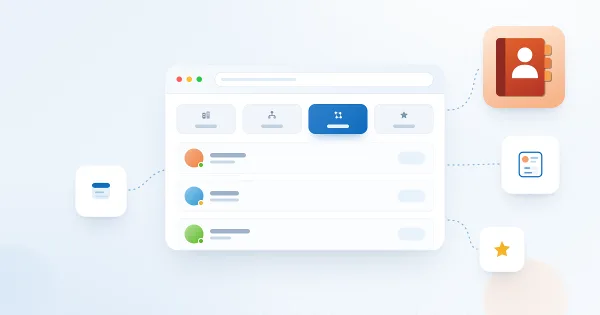
Using Quick Filters in Employee Directory
How the My department, My team, People I work with, and Favorites quick filters work in the Vitextra Employee Directory web part — what each relies on and when to use it.
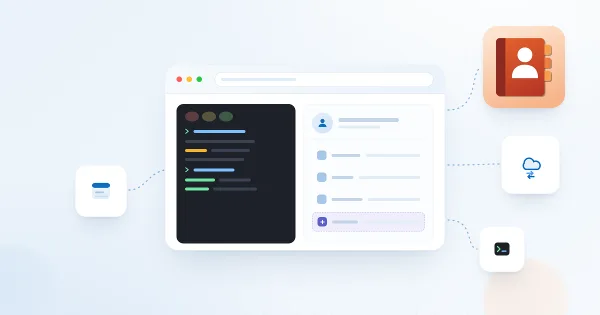
Display Entra ID Custom Attributes in Employee Directory
How to retrieve Entra ID extension attributes with PowerShell and display them as custom columns in the Vitextra Employee Directory web part for SharePoint and Teams.

Quick Start: Navigating the Employee Directory
Learn the basics of the Vitextra Employee Directory web part for SharePoint and Teams — the list view, search box, quick-filter bar, and persona card for finding and contacting colleagues.

Customizing the Employee Details Pane in Employee Directory
Learn how to customize the employee details pane in the Vitextra Employee Directory: built-in and custom attributes, sections, Free/Busy status, recent documents, and settings.