Employee Directory - Knowledge Base
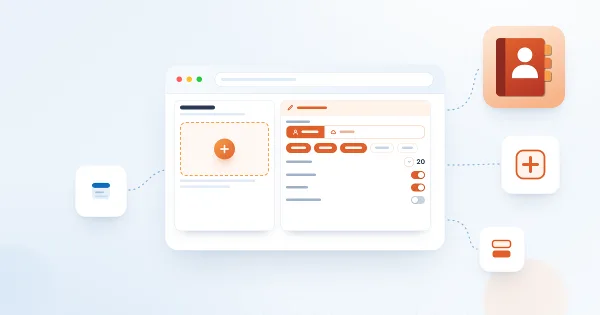
How to Add and Configure the Employee Directory Web Part
Step-by-step guide to adding the Vitextra Employee Directory web part to a SharePoint Online page and configuring its main settings: the data source (User Profiles or Microsoft Entra ID), columns, sorting, page size, search box and totals, plus an overview of every other property pane group.
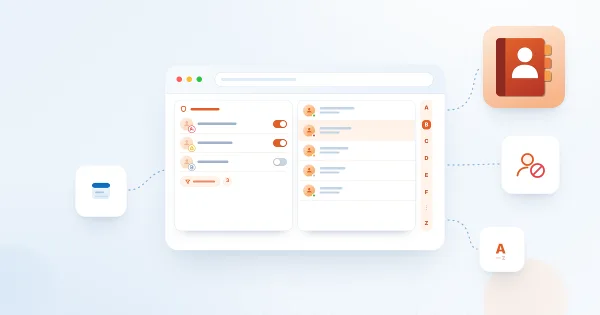
How to Configure the Employee Directory (Entra ID) Web Part: Filters, Exclusions and A–Z Navigation
Step-by-step guide to configuring the Vitextra Employee Directory (Entra ID) web part in SharePoint Online: columns and custom columns, the predefined filter, skills search, sorting and paging, excluding unlicensed users, blocked accounts and employees with a blank department or job title, and alphabetical (A–Z) navigation.
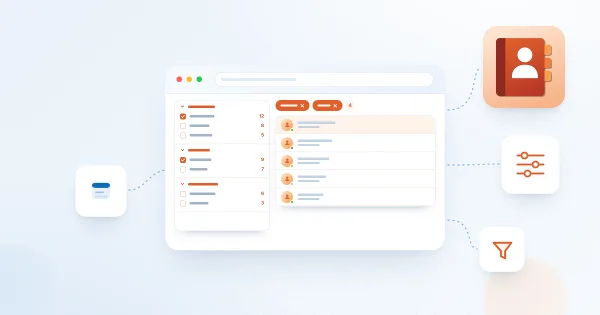
How to Set Up the Refinement Panel in Employee Directory
Step-by-step guide to enabling and configuring the refinement panel in the Vitextra Employee Directory web parts: supported data sources, panel position, refiner settings, refinable managed properties for custom profile properties, and how employees use refiners together with search and quick filters.
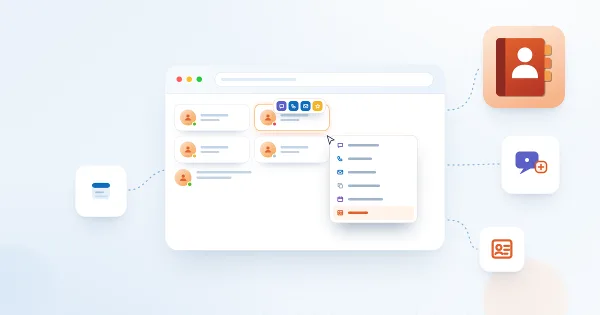
Employee Actions in Employee Directory: Chat, Call, Email, Copy Email, Schedule a Meeting and vCard
Reference for the per-person actions in the Vitextra Employee Directory web parts: Chat in Teams, Call in Teams, Send E-mail, Copy e-mail address, Schedule a meeting and Download vCard. Learn where each action appears, what it opens, when it is hidden, how it behaves in Microsoft Teams, and how administrators enable it for Quick Actions and the Context Menu.
Employee Directory Quick Filters: My Department, My Team, People I Work With, Favorites
Explains what each quick filter in the Vitextra Employee Directory web part shows and what data it relies on: My department, My team, People I work with and Favorites (saved in your browser), why a filter tab may be missing, and how administrators turn quick filters on or off.
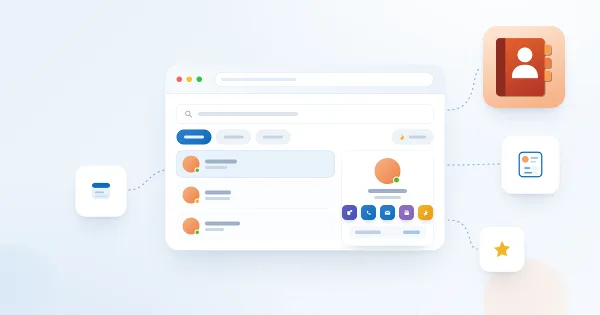
Employee Directory Quick Start Guide for End Users
Quick-start guide to the Vitextra Employee Directory web part: search for colleagues, use quick filters, read grouped and sorted results, and open the persona card to see contact details, local time and availability and reach out in Microsoft Teams.
How to Display Custom Entra ID Attributes in the Employee Directory Web Part
Show custom Microsoft Entra ID user attributes - directory extensions, extensionAttribute1–15 synchronized from on-premises Active Directory and other user properties - in the Vitextra Employee Directory and Employee Directory (Entra ID) web parts on SharePoint and in Microsoft Teams.

Employee Directory: Customizing the Details Pane
Complete overview of the employee details pane in Vitextra Employee Directory: pane layout and sections, the action bar, Manager, Direct Reports, Availability, Local time and working hours, Recent Documents, About Me, Interests and Skills toggles, built-in attributes mapped to Microsoft Entra ID and SharePoint User Profile, and attribute display options.
How to Showcase New Hires with the New Employees Web Part
Learn how to spotlight recently hired employees on a SharePoint site with the New Employees web part from Employee Directory: add it to a page, set the look-back period (last 1–6 months) and the number of employees, filter users with the filter editor, and configure card size, card fields and actions.
How To Export a User Profile as a Business Card (vCard)
The downloaded vCard opened as a contact card showing the name, e-mail, job title, company, address and phone numbers of the employee.
How To Create a Custom Searchable User Profile Property
The property pane of the Employee Directory web part, Employee Details section, where the new managed property is selected as a custom attribute.