Todos los artículos

Examine todos los artículos de la base de conocimiento y fíltrelos por producto o categoría.

Cómo agregar y configurar el elemento web Smart Tiles

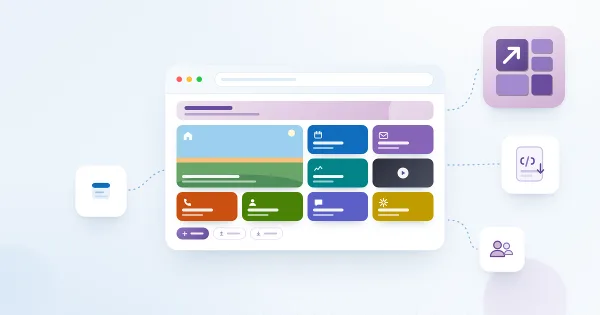
Guía paso a paso para agregar Vitextra Smart Tiles a una página de SharePoint Online: implementar el paquete, encontrar el elemento web, los mosaicos de ejemplo, el título, todos los ajustes de Apariencia, el grupo Acerca de y las secciones de ancho completo.

Jānis Bērziņš

Configuring the Hover Effect for Tiles

How to enable and tune the hover effect in the Vitextra Smart Tiles web part: the nine effects - blur, brightness, contrast, grayscale, hue rotate, color inverting, opacity, saturation and sepia - their strength units, the Duration setting, how the effect behaves on keyboard focus and with reduced motion, and recommended settings.

9/10/2026 Lidija Reising 84
No traducido

Setting a Background Image for a Tile

How to use a picture as the background of a tile in the Vitextra Smart Tiles web part: the Background image option, entering a URL or picking an image from a site library, how the image is cropped and scaled, keeping the title readable, the color fallback, the YouTube thumbnail and removing the image.

9/10/2026 Vitālijs Kalniņš 110
No traducido

Showing Titles and Descriptions on Tiles

How the texts of a tile work in the Vitextra Smart Tiles web part: the title and the description, the Show Titles and Show Descriptions settings, the Font Size steps, single-line display and truncation, the tooltip, icon-only tiles, the web part title, and writing texts that fit.

9/10/2026 Roger Gagne 100
No traducido

Smart Tiles: Solution Overview

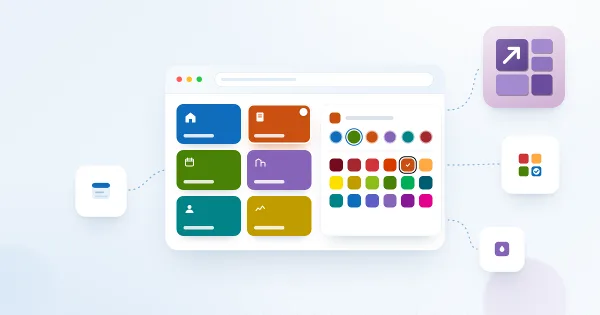
What the Vitextra Smart Tiles web part is and what it offers: tile-based navigation for SharePoint Online pages with six icon sources, theme and predefined colors, background images, descriptions, hover effects, audience targeting, import and export of tiles, and support for 44 languages.

9/10/2026 Vitālijs Kalniņš 97
No traducido

Tile Sizes and Layout in Smart Tiles

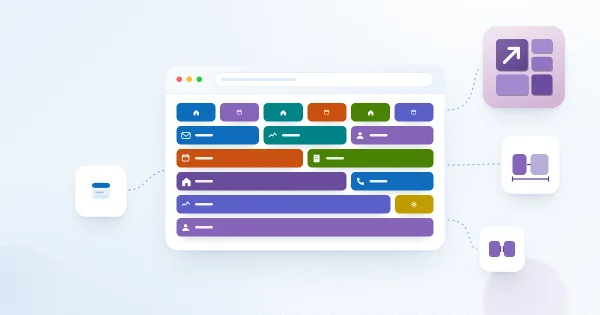
How tiles are arranged in the Vitextra Smart Tiles web part: the six tile sizes from Extra Small to Full Width and the share of the row each takes, how tiles wrap and stretch to fill rows, the Internal, Icon and External Indent settings, tile height, and layout recipes for sections, columns and full-width panels.

9/10/2026 Lidija Reising 94
No traducido