Alle artikelen

Blader door alle artikelen in de kennisbank en filter ze op product of categorie.

My Tasks: Viewing Task Details Without Leaving the Page

How to open the Task Details panel in the Vitextra My Tasks web part, which fields it shows for Planner, To Do, Outlook, SharePoint, Project Online and Azure DevOps tasks, how to copy a value to the clipboard, how the description is displayed and how to open the original task.
17-10-2026 Roger Gagne 102
Niet vertaald

My Tasks. Solution Overview

Overview of Vitextra My Tasks for SharePoint Online and Microsoft Teams: one task list from Planner, To Do, Outlook, SharePoint, Project Online and Azure DevOps, key capabilities, the two web parts, security and free trial.

17-10-2026 Roger Gagne 100
Niet vertaald

Employee Details. Solution Overview

Vitextra Employee Details is a SharePoint Online web part that builds a rich personal page for every employee from Microsoft 365 data: contact card, presence, local time and availability, manager and direct reports, skills, languages, documents, insights and self-service profile editing. Learn what it shows, how it works and what it needs.

16-10-2026 Vitālijs Kalniņš 95
Niet vertaald

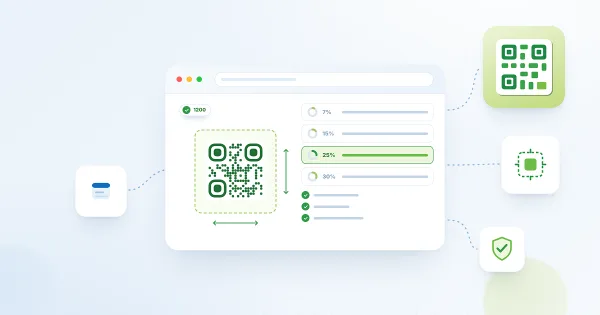
Error Correction and Size: Making QR Codes Reliable to Scan and Print

Reference for the Error Correction and Size settings of the Vitextra QR Code Generator web part: what the Low, Medium, Quartile and High levels mean, how the amount of data and a logo affect the code, how many pixels are needed for print, how large a printed code must be for a given scanning distance and why a margin around the code matters.

15-10-2026 Lidija Reising 94
Niet vertaald

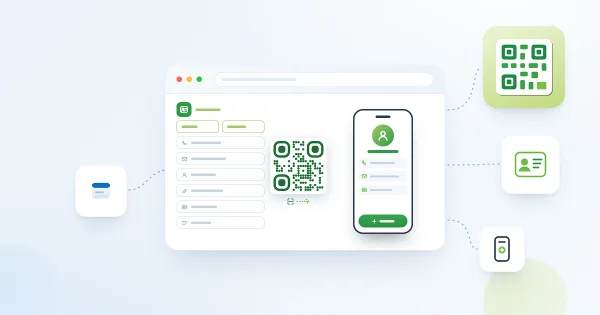
How to Create a Business Card (vCard) QR Code

Step-by-step: create a QR code with the contact details of an employee in the Vitextra QR Code Generator web part - fill in the vCard tab, keep the code compact, add a logo, test it and use it on a business card, a badge, an email signature or a SharePoint page.

15-10-2026 Lidija Reising 100
Niet vertaald

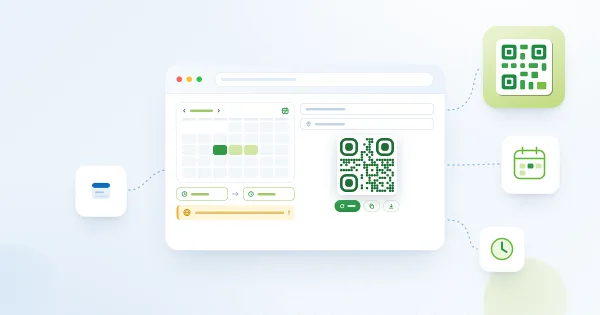
How to Create a Calendar Event QR Code

Step-by-step: create a QR code that adds an event to the calendar of a smartphone with the Vitextra QR Code Generator web part - enter the title, location, start and end, mind the time zone, test the code and place it on a poster, an invitation or a SharePoint page.

15-10-2026 Lidija Reising 90
Niet vertaald

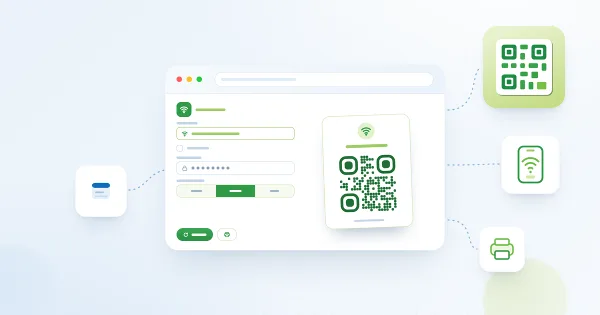
How to Create a Guest Wi-Fi QR Code

Step-by-step: create a QR code that connects a smartphone to the guest Wi-Fi with the Vitextra QR Code Generator web part - enter the network name, password and encryption, make the code readable, test it, print it or publish it on a SharePoint page, and update it when the password changes.

15-10-2026 Lidija Reising 95
Niet vertaald

Privacy and Security in QR Code Generator: Where Your Data Is Processed and Stored

Reference on data handling in the Vitextra QR Code Generator web part: the QR code is generated in the browser, which permissions the solution needs, where a saved configuration is stored and who can read it, which requests the web part sends to Vitextra services and how to publish codes with sensitive data safely.

15-10-2026 Lidija Reising 87
Niet vertaald

Publishing a Preconfigured QR Code on a SharePoint Page

How to keep a ready-made QR code on a SharePoint Online page with the Vitextra QR Code Generator web part: what is saved with the page, how to prepare and publish the code, what visitors see and can change, how to reuse the setup on other pages and what to consider before publishing sensitive data.

15-10-2026 Lidija Reising 100
Niet vertaald

QR Code Generator: Frequently Asked Questions

Short answers to common questions about the Vitextra QR Code Generator web part for SharePoint Online and Microsoft Teams: whether codes expire, static and dynamic codes, scan statistics, data privacy, supported data types and file formats, logo, saved configuration, Teams, languages and licensing.

15-10-2026 Lidija Reising 93
Niet vertaald

Why Doesn't My QR Code Scan?

A troubleshooting checklist for QR codes made with the Vitextra QR Code Generator web part: low contrast and transparent background, a black JPEG background, an oversized logo, a code that is too dense or printed too small, a missing margin, a wrong action after scanning, disabled buttons, the Copy button and changes that are lost after a reload.

15-10-2026 Lidija Reising 98
Niet vertaald

Customizing the QR Code Design: Shape, Colors, Gradient and Corners

Reference for the design sections of the Vitextra QR Code Generator web part: six dot shapes, dot and background colors with transparency, linear and radial gradient, the shape and color of corner squares and corner dots, error correction levels and practical rules that keep a styled QR code readable.

14-10-2026 Lidija Reising 104
Niet vertaald