All Articles

Browse all knowledge base articles and filter them by product or category.

Employee Details: A Quick Guide for End Users

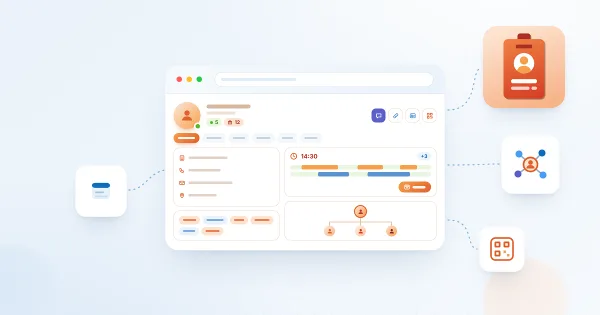
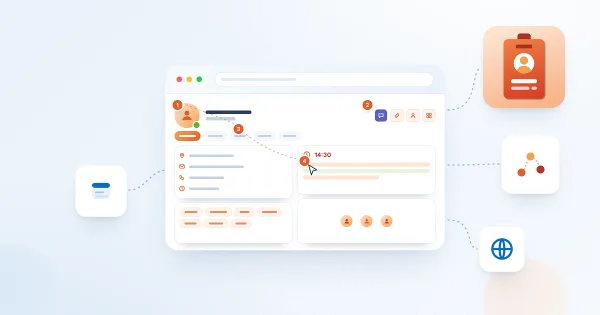
How to use the Vitextra Employee Details page in SharePoint Online: read a colleague's profile, check presence, local time and availability, schedule a meeting, move between managers and reports, save a contact or QR business card, and keep your own skills, languages and profile up to date.
10/18/2026 Lidija Reising 1

Employee Details: Choosing Who Can See Your Skills, Languages and Accounts

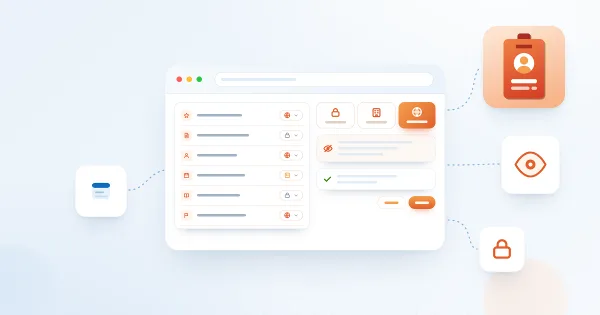
How the Audience setting works in Vitextra Employee Details: the choices Me, Organization and Everyone, which profile items have an audience, what it does not control, and how to change it for your skills, languages, social accounts, projects, education, awards and certificates.

10/18/2026 Vitālijs Kalniņš 2

Employee Details: Local Time, Working Hours and Availability

How the Availability card of Vitextra Employee Details works: the local time of a colleague, the difference with your time zone, working hours and the "outside working hours" mark, the free/busy strips for today, Schedule a meeting, where the data comes from and when the card is not shown.

10/18/2026 Vitālijs Kalniņš 1

Employee Details: Presence, Out of Office and Anniversaries

What the header of the Vitextra Employee Details page tells you about a colleague: the Microsoft Teams presence status, the Out of office banner with the message, years with the company, the work anniversary and the birthday badges, where the data comes from and why a badge may be missing.

10/18/2026 Vitālijs Kalniņš 2

Employee Details: Profile Completeness and How to Reach 100%

What the Profile completeness card in Vitextra Employee Details counts, the seven equal criteria (photo, About Me, three skills, a language, a social account, a phone number, the office), how the percentage is calculated, who sees the card and how to fill each gap.

10/18/2026 Vitālijs Kalniņš 2

Employee Details. Solution Overview

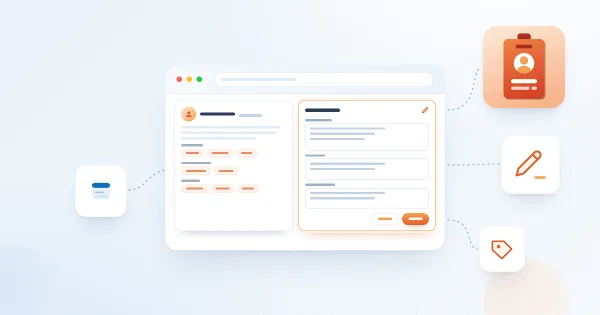
Vitextra Employee Details is a SharePoint Online web part that builds a rich personal page for every employee from Microsoft 365 data: contact card, presence, local time and availability, manager and direct reports, skills, languages, documents, insights and self-service profile editing. Learn what it shows, how it works and what it needs.

10/16/2026 Vitālijs Kalniņš 8