All Articles

Browse all knowledge base articles and filter them by product or category.

Azure DevOps Query Viewer: Setup and Connecting a Query

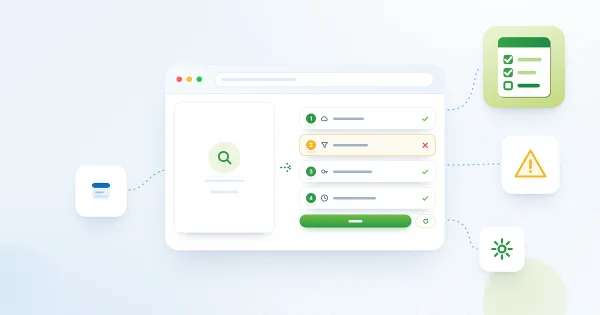
How to add the Azure DevOps Query web part from Vitextra My Tasks to a SharePoint page and connect it to a saved Azure DevOps query: requirements, the Not Configured checklist, choosing the organization, project and query, supported query types, item limit, appearance and miscellaneous settings.

10/18/2026 Roger Gagne 5

My Tasks: Frequently Asked Questions

Short answers to common questions about the Vitextra My Tasks web part for SharePoint Online and Microsoft Teams: which sources it reads, whether it changes tasks, who sees which tasks, data privacy, task limits, export, languages, Teams, on-premises tasks, trial and licensing.

10/18/2026 Roger Gagne 1

My Tasks: Required Permissions, Privacy and Security

Which Microsoft Graph and Azure DevOps permissions Vitextra My Tasks requests, how a tenant administrator approves them in SharePoint admin center, whose rights the data is read with, what is stored in the browser and why the web part does not change Planner or To Do tasks.

10/18/2026 Roger Gagne 1

Why Are My Tasks Missing or Not Loading?

Troubleshooting guide for Vitextra My Tasks: what to do when the task list is empty, one source is missing, Planner, To Do, Outlook, SharePoint or Azure DevOps tasks do not appear, data is outdated, filters hide tasks, the trial has expired or the export fails, and how to collect information for support.

10/18/2026 Roger Gagne 2

How to Add and Configure the My Tasks Web Part

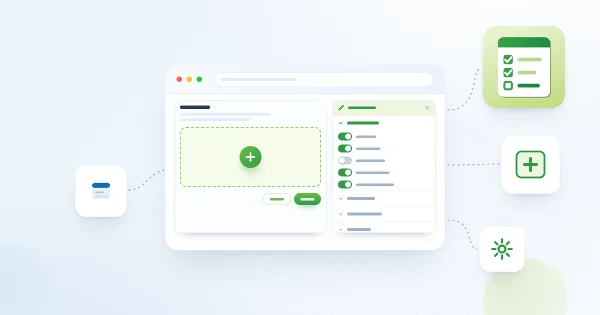
Step-by-step guide to adding the Vitextra My Tasks web part to a SharePoint Online page and configuring it: data sources, sorting, row limit, appearance, excluded statuses, auto refresh, columns and license information.

10/17/2026 Roger Gagne 1

How to Add My Tasks to Microsoft Teams

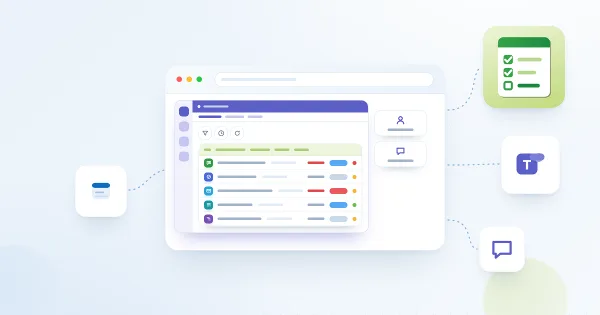
Step-by-step guide to bringing Vitextra My Tasks into Microsoft Teams: syncing the package from the SharePoint App Catalog, adding My Tasks as a personal app, adding it as a tab in a team channel, and what to check if the tasks do not load.

10/17/2026 Roger Gagne 1

How to Export My Tasks to Excel

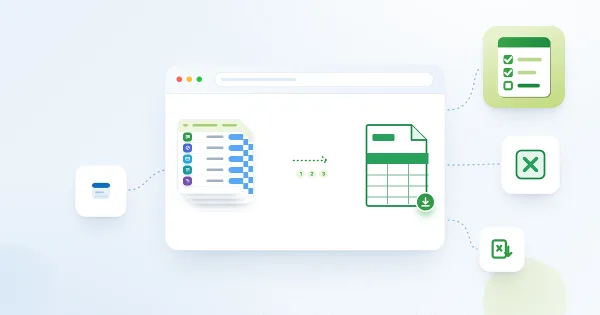
How to export your task list from the Vitextra My Tasks web part with the Export To Excel button: what exactly is exported, the columns and the file name, why the file is a UTF-8 CSV, how to open it in Excel without broken characters or merged columns, and how filters affect the result.

10/17/2026 Roger Gagne 2

My Tasks: A Quick Guide for End Users

A short guide to Vitextra My Tasks for everyday users: how to read your combined task list, open a task, use the command bar, see task details, filter, refresh and export, where your tasks come from and what you can and cannot do in the web part.

10/17/2026 Roger Gagne 1

My Tasks: Choosing and Arranging Columns

How to choose which columns the Vitextra My Tasks web part shows and in which order: the Columns group of the property pane, drag-and-drop ordering, linked and plain Task Name and Project Name columns, the default set, new columns added automatically, and which columns stay empty for which data source.

10/17/2026 Roger Gagne 2