Deploy and Set Up Vitextra Short URL Online
Step-by-step guide to deploying Vitextra Short URL Online in a Microsoft 365 tenant — installing the .sppkg packages, the web part, and the command bar extension in SharePoint.
Step-by-step guide to deploying Vitextra Short URL Online in a Microsoft 365 tenant — installing the .sppkg packages, the web part, and the command bar extension in SharePoint.
How to configure the Vitextra Smart Search web part to find recorded Teams meetings stored in OneDrive or SharePoint, with filtering by author and date.

The Vitextra Employee Directory solution includes three web parts: Employee Directory, Employee Directory (Azure AD), and New Employees. Built on the SharePoint Framework (SPFx), it can be hosted on SharePoint Modern Pages, Classic Pages, and Microsoft Teams. This article will describe the main features of these web parts.

How to enable and configure Excel export in the Vitextra Employee Directory — choose columns and export employee search results from User Profiles or Entra ID.
How to automatically fill the Title column with a document's file name in a SharePoint library using Vitextra Document Auto Title — enable the site feature and configure options.
Learn how to add custom attributes to the Vitextra Employee Directory web part for SharePoint, using Azure AD user properties or User Profiles managed properties.
How to create a single app page in SharePoint Online using the Vitextra Employee Directory web part — a full-page employee search available only in the modern UI.
How to filter a SharePoint list or document library by date range using the Vitextra List Filter web part — add a DateTime column with the Date range control and filter.
Learn how to restyle the Vitextra List Filter web part with custom CSS — change button colors, label styles, list controls, and alignment to match your SharePoint theme.
How to create and use cross-site sequences in Vitextra Number Generator to auto-generate unique numbers for SharePoint documents and list items across a site collection.
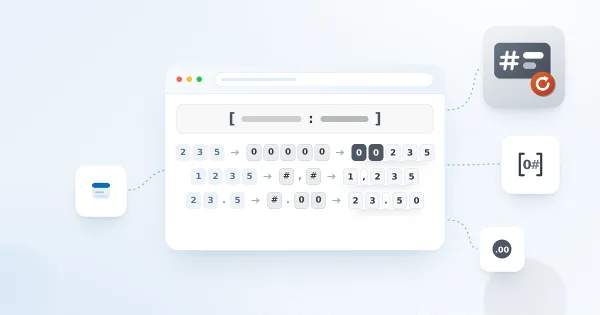
How to format date and number values in a Vitextra Number Generator numbering scheme — supported column types, date/time specifiers, and numeric format specifiers.
How to uninstall a Vitextra farm solution from a SharePoint on-premises environment using the product installer — prerequisites, permissions, and the Uninstall step.