Alle artikelen

Blader door alle artikelen in de kennisbank en filter ze op product of categorie.

Tile Sizes and Layout in Smart Tiles

How tiles are arranged in the Vitextra Smart Tiles web part: the six tile sizes from Extra Small to Full Width and the share of the row each takes, how tiles wrap and stretch to fill rows, the Internal, Icon and External Indent settings, tile height, and layout recipes for sections, columns and full-width panels.


09-10-2026 Lidija Reising 94
Niet vertaald

Using a Custom Image as a Tile Icon

How to replace the icon of a tile in the Vitextra Smart Tiles web part with your own image: the Custom image option, entering an image URL or picking a picture from a document library of the site, image requirements, sizing, and removing the image to return to an icon.

09-10-2026 Lidija Reising 101
Niet vertaald

Vitextra List Filter: Filtering Controls and Supported Column Types

Reference for all 14 filtering controls of the Vitextra Filter web part for SharePoint, including Text, Autocomplete, Date, People Picker, Taxonomy Term, Slider and Number Range, with the SharePoint column types each control supports and a compatibility matrix.

30-08-2021 Līga Ozola 12k
Niet vertaald

Number Generator: Numbering Schemes, Formulas and Samples

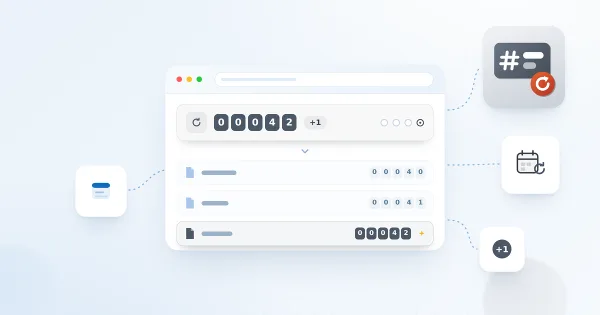
Reference for Vitextra Number Generator, which automatically generates numbers and names in SharePoint lists and libraries: activating the site collection feature, creating numbering schemes, formula syntax with columns and sequences, and five ready-to-use samples.

28-08-2021 Lidija Reising 13k
Niet vertaald

How to Automatically Fill the Title Column with the File Name

Learn how to use Vitextra Document Auto Title to populate the Title column of a SharePoint document library with the file name when a document is uploaded or edited: activate the site feature and turn on auto-population in the library settings.

26-01-2021 Lidija Reising 12k
Niet vertaald

How to Create and Use Sequences in Number Generator

Step-by-step guide to creating cross-site sequences and numbering schemes in Vitextra Number Generator to generate unique numbers for SharePoint documents and list items: activating the feature, sequence attributes, reset options and automatic numbering on upload.

12-02-2020 Jānis Bērziņš 10k
Niet vertaald

Number Generator: Formatting Reference for Numbering Schemes

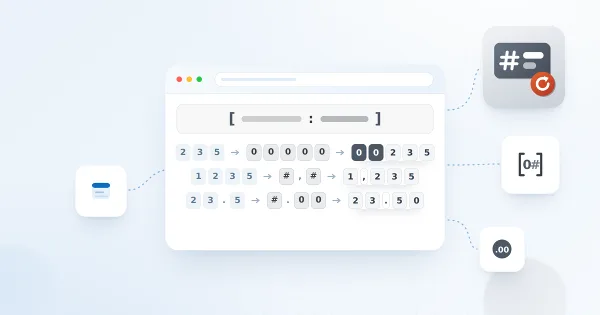
Reference for applying formatting in a Vitextra Number Generator numbering scheme: supported SharePoint column types, the [Column:format] syntax, date and time format specifiers, and numeric format specifiers with examples.

11-02-2020 Jānis Bērziņš 9,5k
Niet vertaald

How to Export SharePoint List Data to Excel with List Filter

Learn how to export a SharePoint list to a Microsoft Excel file with the Vitextra List Filter web part: enable the Export button, export the complete list and understand which columns, filters and permissions apply.

28-11-2019 Jānis Bērziņš 11k
Niet vertaald