
All Articles

Browse all knowledge base articles and filter them by product or category.

How to Install List Filter Online and Add It to a Page

Step-by-step: upload the Vitextra List Filter Online package to the SharePoint app catalog, add the List Filter web part to a modern page, complete the minimal configuration (site, list or library, columns), publish the page and update the web part to a new version.
10/12/2026 Lidija Reising 2

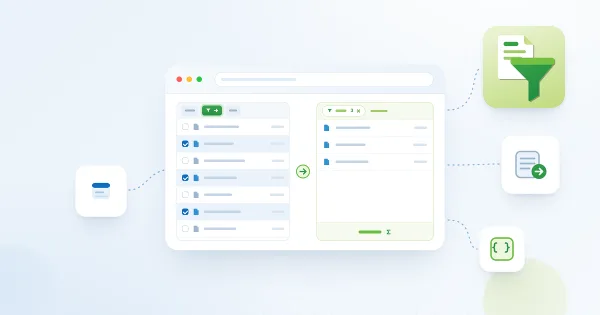
Opening Selected Items in List Filter Online from a Native SharePoint List

How to enable and use the Open in List Filter command that the Vitextra List Filter Online package adds to native SharePoint lists and libraries: configure the Tenant Wide Extensions entry, set the target page, scope the command, and open selected items in a page with the List Filter Online web part.

10/12/2026 Lidija Reising 2