All Articles

Browse all knowledge base articles and filter them by product or category.

How to Add and Configure the Employee Directory Web Part

Step-by-step guide to adding the Vitextra Employee Directory web part to a SharePoint Online page and configuring its main settings: the data source (User Profiles or Microsoft Entra ID), columns, sorting, page size, search box and totals, plus an overview of every other property pane group.
10/18/2026 Vitālijs Kalniņš 1

My Tasks: Frequently Asked Questions

Short answers to common questions about the Vitextra My Tasks web part for SharePoint Online and Microsoft Teams: which sources it reads, whether it changes tasks, who sees which tasks, data privacy, task limits, export, languages, Teams, on-premises tasks, trial and licensing.

10/18/2026 Roger Gagne 1

How to Add and Configure the My Tasks Web Part

Step-by-step guide to adding the Vitextra My Tasks web part to a SharePoint Online page and configuring it: data sources, sorting, row limit, appearance, excluded statuses, auto refresh, columns and license information.

10/17/2026 Roger Gagne 1

My Tasks. Solution Overview

Overview of Vitextra My Tasks for SharePoint Online and Microsoft Teams: one task list from Planner, To Do, Outlook, SharePoint, Project Online, Azure DevOps and external systems, key capabilities, the two web parts, security and free trial.

10/17/2026 Roger Gagne 2

Employee Details. Solution Overview

Vitextra Employee Details is a SharePoint Online web part that builds a rich personal page for every employee from Microsoft 365 data: contact card, presence, local time and availability, manager and direct reports, skills, languages, documents, insights and self-service profile editing. Learn what it shows, how it works and what it needs.

10/16/2026 Vitālijs Kalniņš 8

QR Code Generator: Frequently Asked Questions

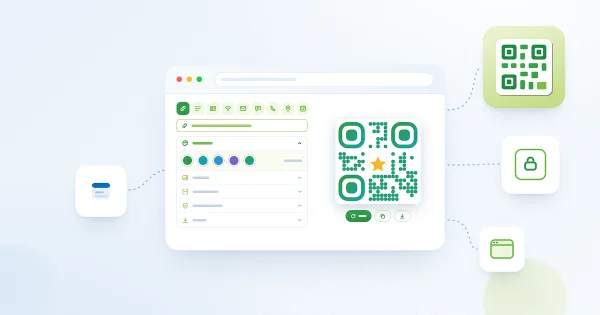
Short answers to common questions about the Vitextra QR Code Generator web part for SharePoint Online and Microsoft Teams: whether codes expire, static and dynamic codes, scan statistics, data privacy, supported data types and file formats, logo, saved configuration, Teams, languages and licensing.

10/15/2026 Lidija Reising 2

How to Add QR Code Generator to a Page and Create Your First QR Code

Step-by-step: upload the Vitextra QR Code Generator package to the SharePoint app catalog, add the QR Code Generator web part to a modern page, create a QR code for a link, download or copy it, publish the page and update the web part to a new version.

10/14/2026 Lidija Reising 2

QR Code Generator: Solution Overview

What the Vitextra QR Code Generator web part is and what it offers: nine QR code data types (URL, text, vCard, Wi-Fi, email, SMS, phone, location, event), design options with shapes, colors, gradient and a logo, download as PNG, JPEG, SVG or WebP, copy to clipboard and a configuration saved with the SharePoint page.

10/14/2026 Lidija Reising 2

List Filter Online: Solution Overview

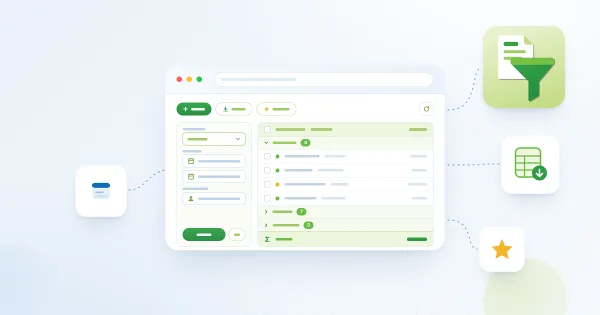
What the Vitextra List Filter Online web part is and what it offers: a filterable view of any SharePoint Online list or library with a configurable filter pane, administrator's Query Builder, column formats, grouping and totals, folders, saved filters and filter links, cascading filters, export to Excel and the Open in List Filter command.

10/12/2026 Lidija Reising 1

How to Add and Configure the Organizational Chart Web Part

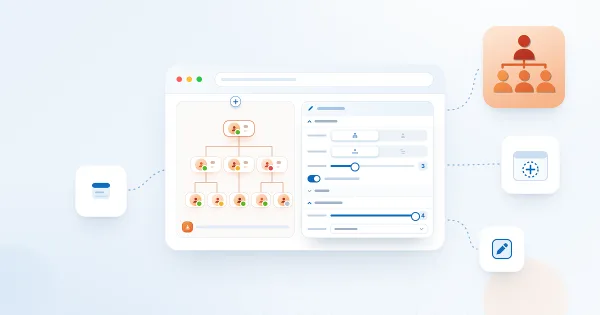
Step-by-step guide to adding the Vitextra Organizational Chart web part to a SharePoint Online page and configuring it: approving Microsoft Graph permissions, choosing the chart mode and layout, selecting the attributes shown on employee cards, filtering and excluding employees, enabling export, and saving default settings for Microsoft Teams.

10/9/2026 Vitālijs Kalniņš 2

Organizational Chart. Solution Overview

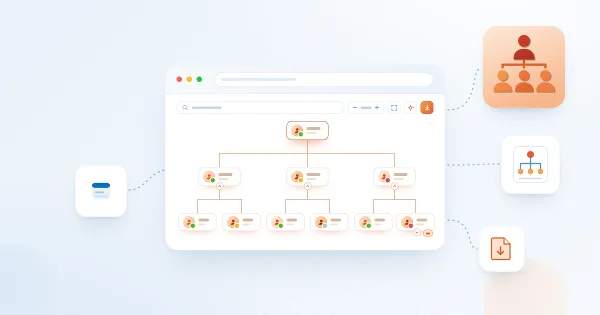
Vitextra Organizational Chart is a web part for SharePoint Online and Microsoft Teams that builds an interactive company hierarchy from Microsoft Entra ID. Learn how it works: automatic structure from the manager attribute, two chart modes, horizontal and vertical layouts, employee cards with photos and presence, search, filtering, export to PDF and JPEG, and Teams integration.

10/9/2026 Vitālijs Kalniņš 8