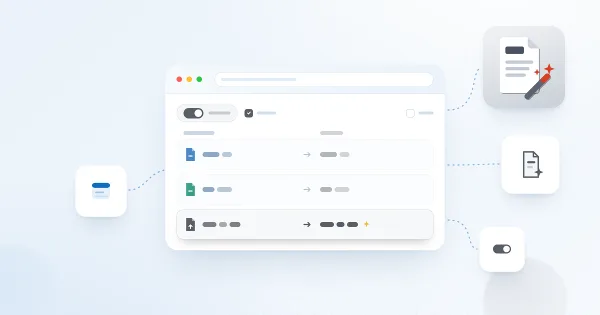
Auto-Populate the Title Column with the File Name
How to automatically fill the Title column with a document's file name in a SharePoint library using Vitextra Document Auto Title — enable the site feature and configure options.
How to automatically fill the Title column with a document's file name in a SharePoint library using Vitextra Document Auto Title — enable the site feature and configure options.
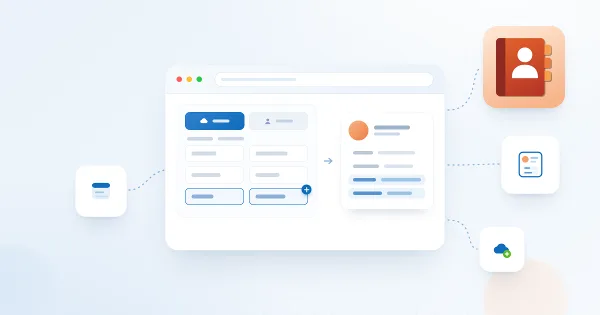
Learn how to add custom attributes to the Vitextra Employee Directory web part for SharePoint, using Azure AD user properties or User Profiles managed properties.
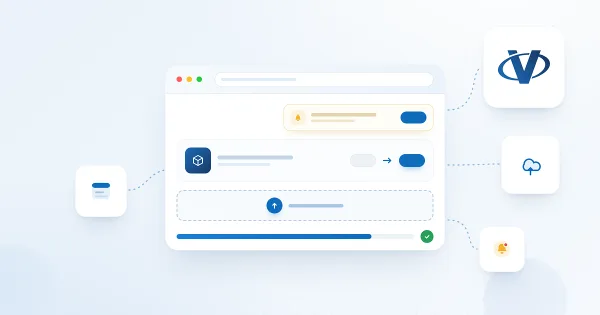
Step-by-step guide to updating an existing Vitextra SharePoint Framework (SPFx) solution: download the latest version from the download center, replace the .sppkg package in the App Catalog, deploy it, approve API access if needed and sync to Microsoft Teams.
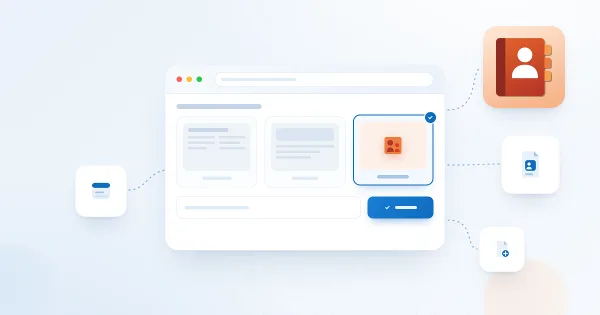
How to create a single app page in SharePoint Online using the Vitextra Employee Directory web part — a full-page employee search available only in the modern UI.
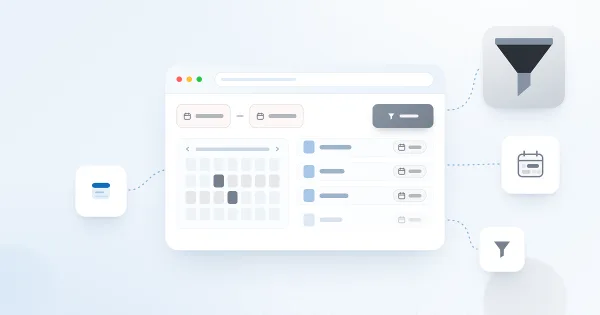
How to filter a SharePoint list or document library by date range using the Vitextra List Filter web part — add a DateTime column with the Date range control and filter.
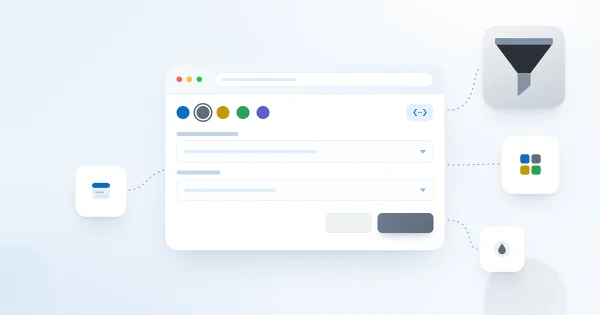
Learn how to restyle the Vitextra List Filter web part with custom CSS — change button colors, label styles, list controls, and alignment to match your SharePoint theme.
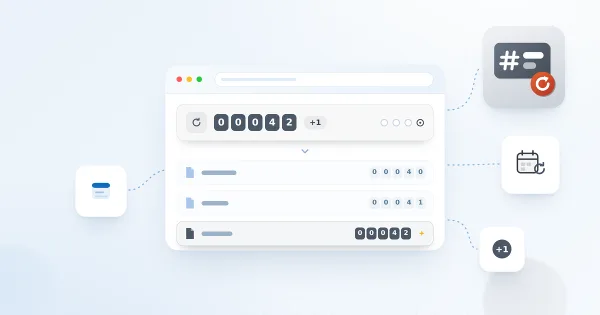
How to create and use cross-site sequences in Vitextra Number Generator to auto-generate unique numbers for SharePoint documents and list items across a site collection.
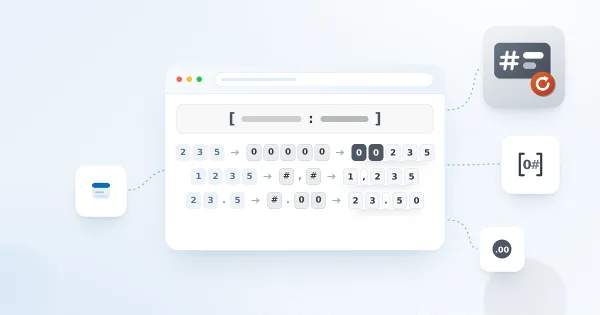
How to format date and number values in a Vitextra Number Generator numbering scheme — supported column types, date/time specifiers, and numeric format specifiers.
How to activate a Vitextra on-premises product offline — get the Farm ID with Get-SPFarm, generate an activation code, and enter it in Central Administration.
How to uninstall a Vitextra farm solution from a SharePoint on-premises environment using the product installer — prerequisites, permissions, and the Uninstall step.
Learn how to change the billing currency in your Vitextra account profile, which currencies are supported (USD, EUR, GBP, JPY, CNY), what happens to items already in your cart and why the currency cannot be changed after a purchase.
Learn how to activate on-premises Vitextra products with a purchased serial number: find your activation key on the My Products page, then enter it in SharePoint Central Administration and activate the product.