All Articles

Browse all knowledge base articles and filter them by product or category.

How to Export My Tasks to Excel

How to export your task list from the Vitextra My Tasks web part with the Export To Excel button: what exactly is exported, the columns and the file name, why the file is a UTF-8 CSV, how to open it in Excel without broken characters or merged columns, and how filters affect the result.
10/17/2026 Roger Gagne 2

My Tasks: A Quick Guide for End Users

A short guide to Vitextra My Tasks for everyday users: how to read your combined task list, open a task, use the command bar, see task details, filter, refresh and export, where your tasks come from and what you can and cannot do in the web part.

10/17/2026 Roger Gagne 1

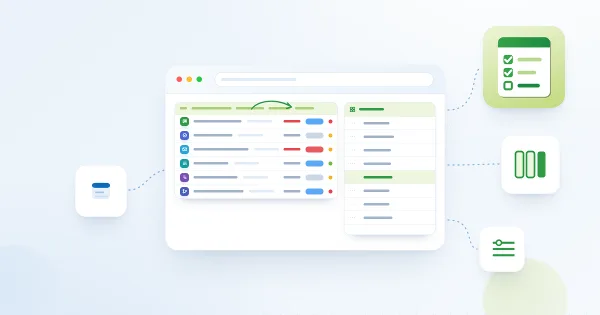
My Tasks: Choosing and Arranging Columns

How to choose which columns the Vitextra My Tasks web part shows and in which order: the Columns group of the property pane, drag-and-drop ordering, linked and plain Task Name and Project Name columns, the default set, new columns added automatically, and which columns stay empty for which data source.

10/17/2026 Roger Gagne 2

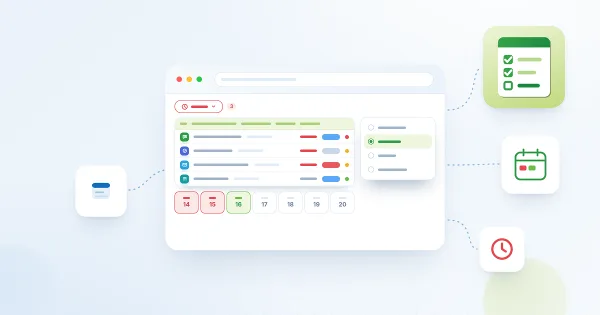
My Tasks: Due Date Column, Overdue Highlighting and Quick Filters

How the Due Date column works in Vitextra My Tasks: red highlighting of overdue tasks, the Due Date menu with All dates, Overdue, Today and This week, exact definitions of each filter, sorting by due date, tasks without a due date and where due dates come from in each source.

10/17/2026 Roger Gagne 1

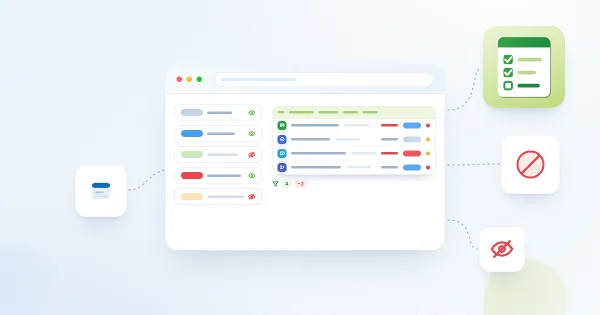
My Tasks: Excluding Statuses and Limiting the Task List

How to keep the Vitextra My Tasks list short and relevant: the Excluded Statuses setting with exact matching rules and examples, switching off data sources, and the personal Due Date quick filter and filter panel for end users.

10/17/2026 Roger Gagne 2

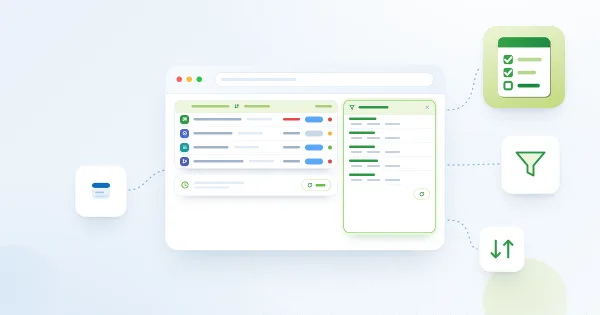
My Tasks: Filtering, Sorting and Personal View Settings

How to filter and sort the task list in Vitextra My Tasks: the filter panel groups and their AND/OR logic, sorting from the column header menu, the default sorting set by the administrator, and which personal view settings are remembered in your browser and how to reset them.

10/17/2026 Roger Gagne 2

My Tasks: Paging, Row Limit, Auto Refresh and Instant Loading

How the Vitextra My Tasks web part handles long task lists: the page size slider (5–50), the pager, the Enable Paging toggle, Compact List, Auto refresh every 60 seconds, the 15-minute session cache for instant loading and the 100-task limit of SharePoint and Project sources.

10/17/2026 Roger Gagne 2

My Tasks: Viewing Task Details Without Leaving the Page

How to open the Task Details panel in the Vitextra My Tasks web part, which fields it shows for Planner, To Do, Outlook, SharePoint, Project Online and Azure DevOps tasks, how to copy a value to the clipboard, how the description is displayed and how to open the original task.

10/17/2026 Roger Gagne 2

My Tasks. Solution Overview

Overview of Vitextra My Tasks for SharePoint Online and Microsoft Teams: one task list from Planner, To Do, Outlook, SharePoint, Project Online, Azure DevOps and external systems, key capabilities, the two web parts, security and free trial.

10/17/2026 Roger Gagne 2

Employee Details. Solution Overview

Vitextra Employee Details is a SharePoint Online web part that builds a rich personal page for every employee from Microsoft 365 data: contact card, presence, local time and availability, manager and direct reports, skills, languages, documents, insights and self-service profile editing. Learn what it shows, how it works and what it needs.

10/16/2026 Vitālijs Kalniņš 8

Error Correction and Size: Making QR Codes Reliable to Scan and Print

Reference for the Error Correction and Size settings of the Vitextra QR Code Generator web part: what the Low, Medium, Quartile and High levels mean, how the amount of data and a logo affect the code, how many pixels are needed for print, how large a printed code must be for a given scanning distance and why a margin around the code matters.

10/15/2026 Lidija Reising 1