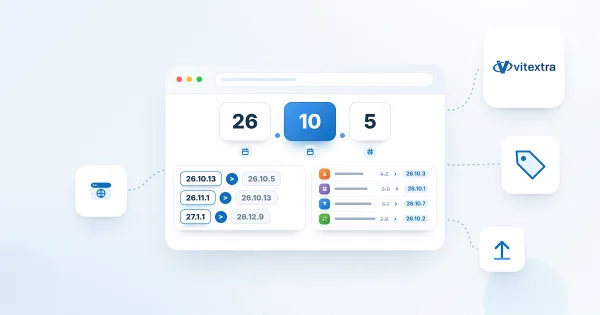
Vitextra Product Versioning: How to Read Version Numbers
Reference for the unified year.month.build versioning scheme used by Vitextra products for Microsoft 365 since October 2026, with a table of old and new version numbers for every product.
Reference for the unified year.month.build versioning scheme used by Vitextra products for Microsoft 365 since October 2026, with a table of old and new version numbers for every product.
Reference for the Azure DevOps Query web part: query tabs (additional queries 1 to 3), the command bar with Refresh, Columns and Group by, the field search box and Reset to query columns, tree query behavior, sorting, the 1000-item limit, personal per-query preferences and the Updated time.
How to update Azure DevOps work items without leaving SharePoint: turn on Quick actions in Vitextra My Tasks (Azure DevOps Query Viewer), then change state, assign, set a due date or add a comment from the row menu. Includes permissions, dialogs and error handling.
How to add the Azure DevOps Query web part from Vitextra My Tasks to a SharePoint page and connect it to a saved Azure DevOps query: requirements, the Not Configured checklist, choosing the organization, project and query, supported query types, item limit, appearance and miscellaneous settings.
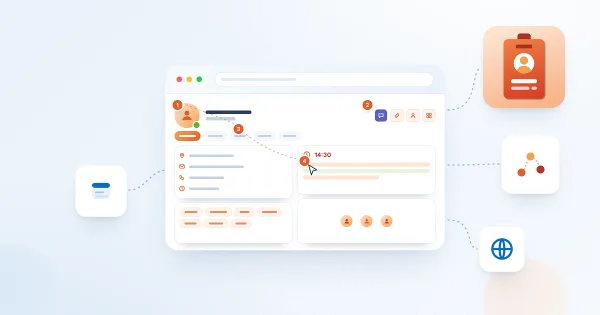
How to use the Vitextra Employee Details page in SharePoint Online: read a colleague's profile, check presence, local time and availability, schedule a meeting, move between managers and reports, save a contact or QR business card, and keep your own skills, languages and profile up to date.
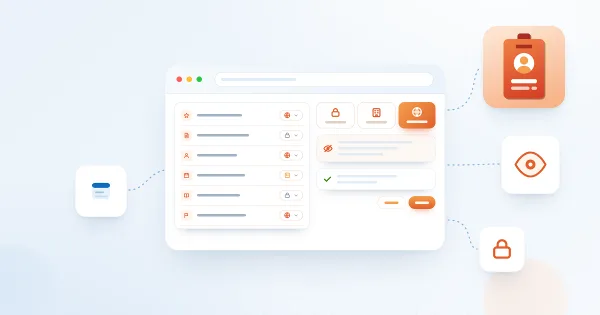
How the Audience setting works in Vitextra Employee Details: the choices Me, Organization and Everyone, which profile items have an audience, what it does not control, and how to change it for your skills, languages, social accounts, projects, education, awards and certificates.
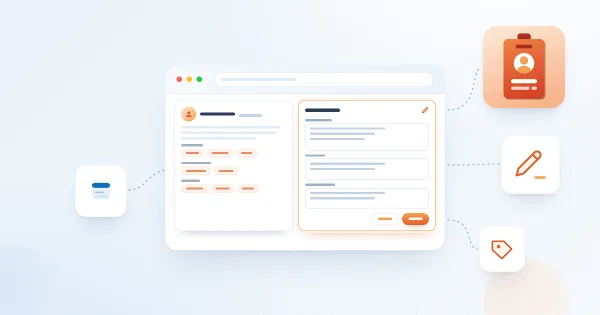
How to fill in the About Me card of your Vitextra Employee Details page: write a short text about yourself and maintain the lists of interests, responsibilities, past projects and schools, one item per line. Learn how the text is displayed, who sees it and what to write.
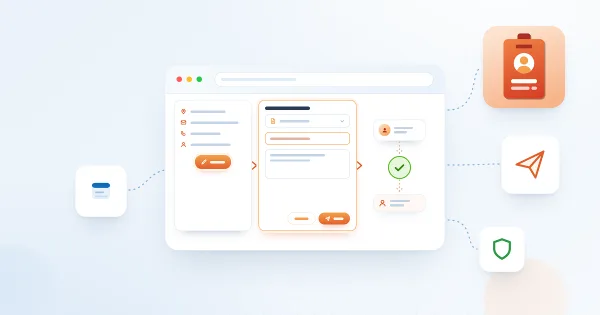
How to ask for a change of your job title, department, company, office, phone numbers or address in Vitextra Employee Details: where the Request a change button is, which properties can be changed, what to enter, what happens after Send and why the button may be missing.
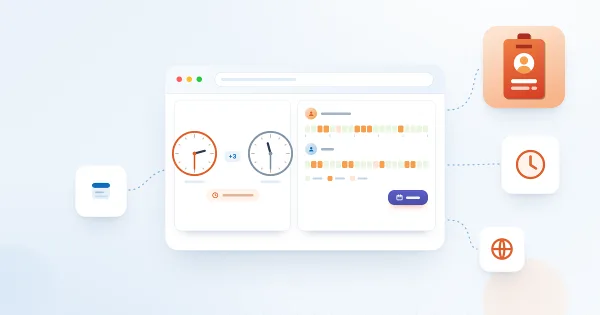
How the Availability card of Vitextra Employee Details works: the local time of a colleague, the difference with your time zone, working hours and the "outside working hours" mark, the free/busy strips for today, Schedule a meeting, where the data comes from and when the card is not shown.
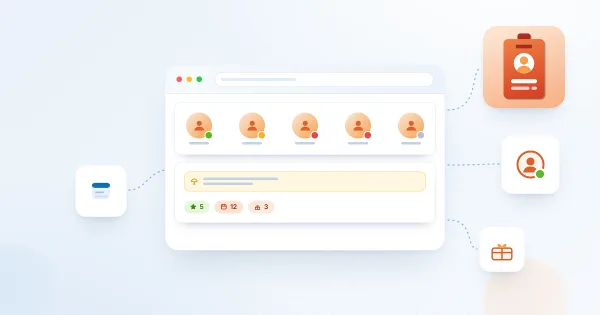
What the header of the Vitextra Employee Details page tells you about a colleague: the Microsoft Teams presence status, the Out of office banner with the message, years with the company, the work anniversary and the birthday badges, where the data comes from and why a badge may be missing.
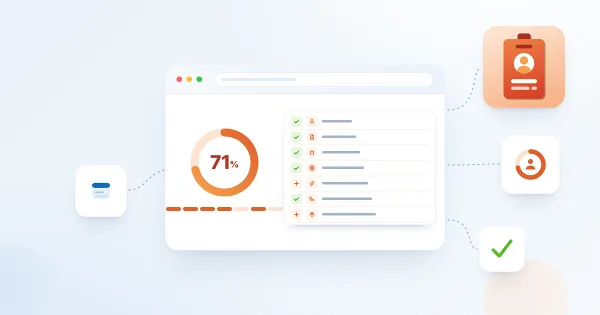
What the Profile completeness card in Vitextra Employee Details counts, the seven equal criteria (photo, About Me, three skills, a language, a social account, a phone number, the office), how the percentage is calculated, who sees the card and how to fill each gap.
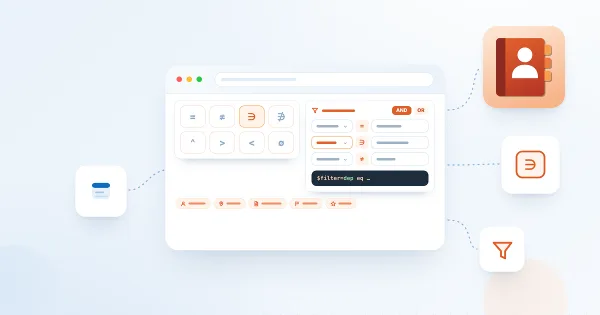
Reference for the filter editor of the Vitextra Employee Directory (Entra ID) and New Employees web parts: available fields, operators, value types, groups and AND/OR logic, user roles, how the filter relates to Microsoft Graph, limitations and ready-to-use examples.